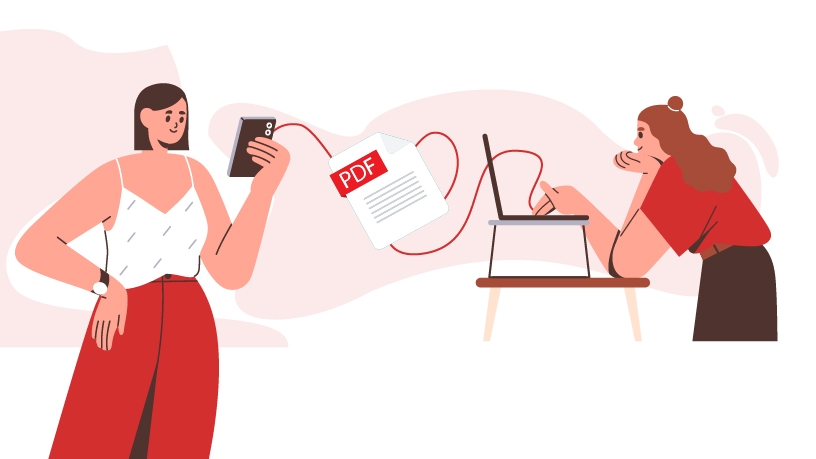
Don’t you just hate it when you’re forced to use different operating systems and constantly have to email yourself documents back and forth? Here’s some good news – you can now use MobiPDF for iOS to effortlessly transfer any PDF to another device and back, be it deeds, invoices, contracts, or whatever else you have in your intricate maze of folders.
Unlimited transfer potential
As long as you’re using an iOS device (either iPhone or iPad), you can share your data with any other iOS, Android, MacOS, or Windows device without any restrictions. Yes, you heard it right – you can transfer as many files between devices as you need at zero cost!
MobiPDF file transfer – how it works
For starters, you will need to install MobiPDF on your iPhone, if you haven’t already.
The next and most important step is to ensure that both devices are connected to the same Wi-Fi network. Next, open the MobiPDF app and:
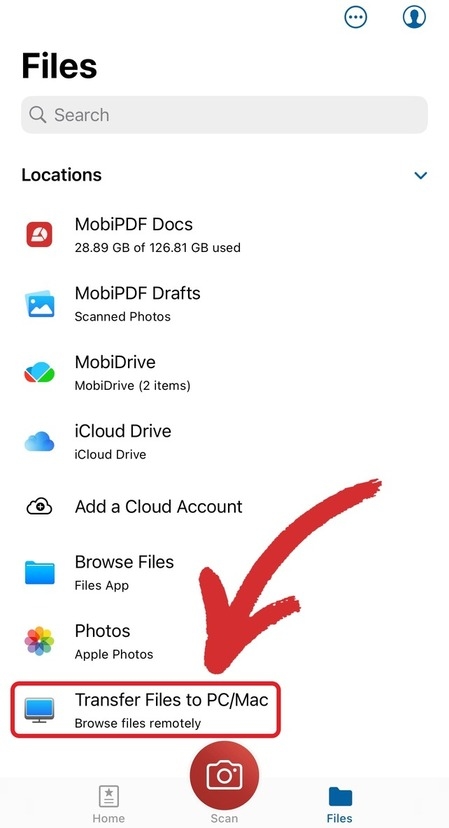
1. Go to Files → Transfer Files to PC/Mac.
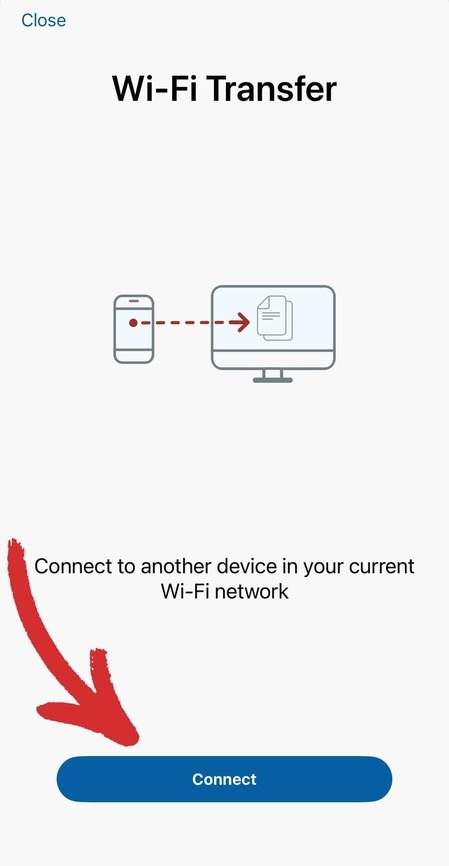
2. On the next screen, tap Connect.
3. Visit https://pdfsync.net/ and enter the generated 4-digit code or simply scan the QR code.
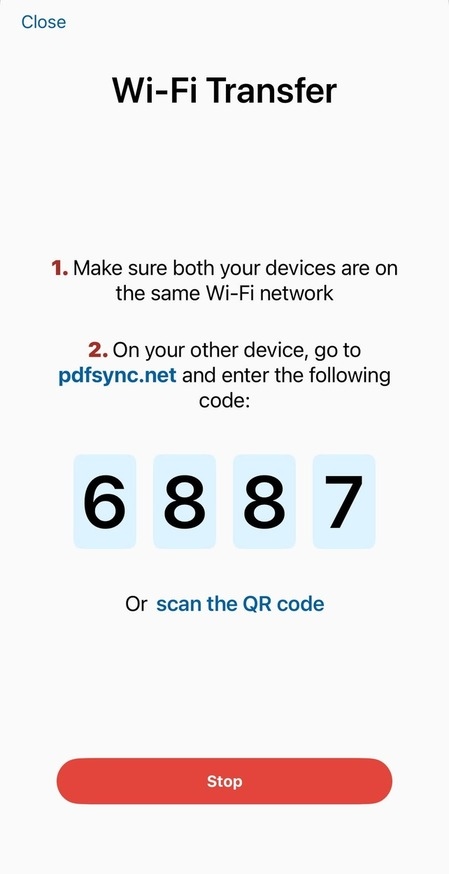
4. You can now freely move your files between devices!
The file transfer service is available to everyone – from freemium users to Premium and Ultimate subscribers, so you really have no excuse not to keep your PDF folders up to date!