
MobiDocs
Document Editing Made Easy
Work seamlessly with all major formats for Microsoft Word, iWork Pages, & more
Enjoy a familiar and user-friendly interface
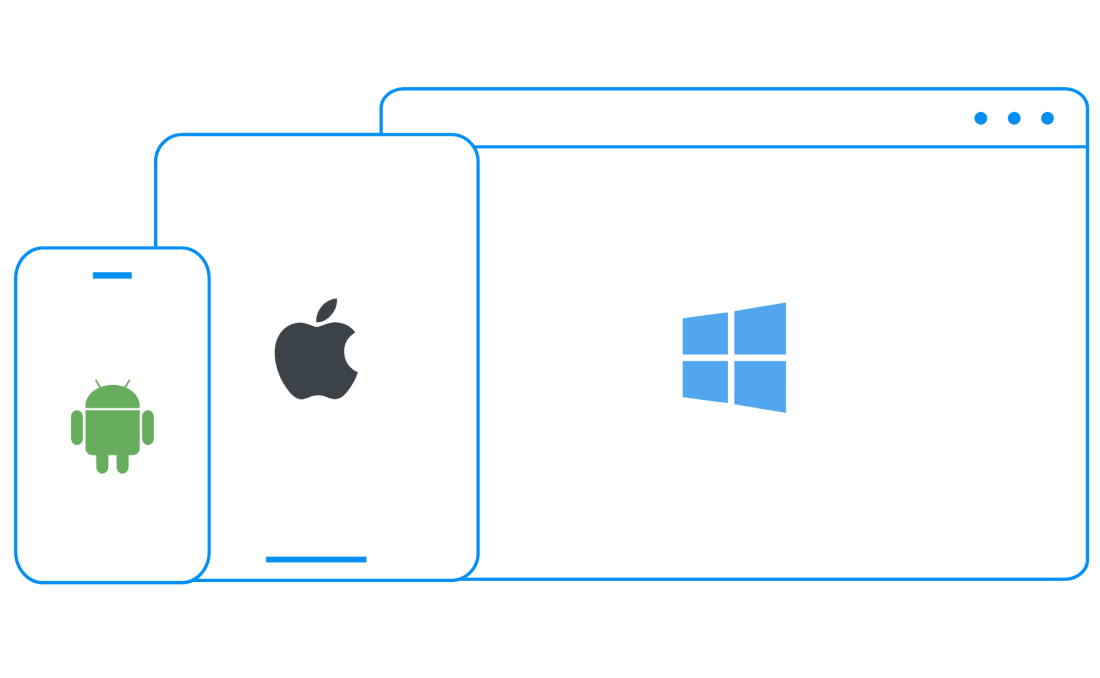
Cross-platform work on Windows, Android, iOS & macOS, with secure cloud storage
Collaborate anywhere, any time, on any device


550 милиона
25+
Simplify your writing with advanced features

User-friendly and powerful

Empower your content with an intuitive look, and rich set of useful features. From document creation and quick edits to fine-tuning and formatting, finding your way around your word document will feel effortless.

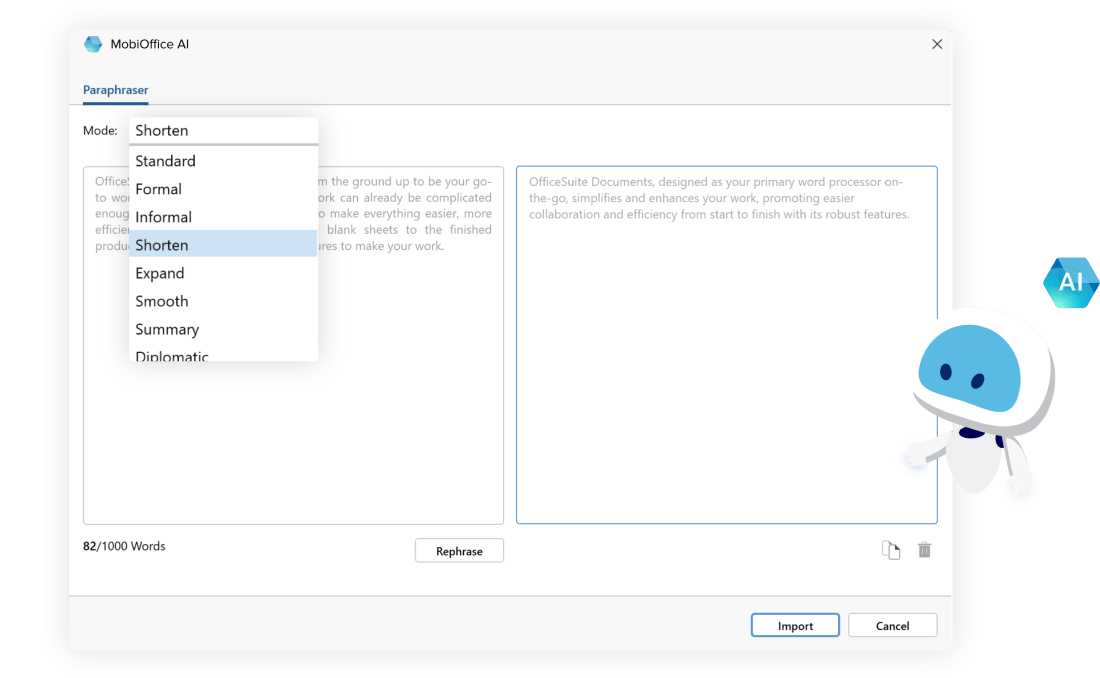
Transform your writing with MobiOffice AI
Практичният AI инструмент за преформулиране в MobiDocs ви помага лесно да сменяте стила си на писане само с едно кликване. С AI парафразиране създавате текст, който отразява аудиторията ви, а с новите функции, които предстоят, начинът, по който пишете, ще се промени напълно.
Easily open and edit all major file formats
Advanced word processing software that lets you work without barriers, including support for Microsoft Word, iWork Pages, Google Docs, and more.

Keep productivity flowing
Stay on the same page with collaborators at all times by leaving comments, sharing files with handy download links, and tracking changes with support for multiple authors.

Work across desktop & mobile
Handle tasks whenever you need to and switch seamlessly between Windows, Android, iOS, and macOS versions - with up to 50 GB secure cloud storage to access files any time.
Award-winning and trusted by millions


Work smart with easy-to-use features

Documents’ integrated spell checker helps you keep your documents tidy and error-free by flagging misspelled words and suggesting improvements in hundreds of supported languages.
Make your documents stand out by customizing with the Theme Editor. Select from a range of built-in themes or create your own by setting specific colors and fonts.
Converting a document to PDF is an easy and reliable way to preserve your document’s formatting, making it easier to print, and safer from compatibility issues. Just select ‘Export to PDF’ from the ‘File’ drop-down menu and click ‘Export’.
Documents supports a wide range of settings to finetune your printing process. Insert labels and envelopes, adjust margins, paper size, orientation, collation, number of copies, and select specific pages from a larger document.
Adding a Table of Contents is a great way to make your document easier to navigate, more organized, and efficient for readers. You can add, update, or delete one at any point by selecting ‘Table of Contents’ from the ‘Insert’ drop-down menu.
Here’s why millions of people use MobiDocs

Силно съм впечатлен!Много съм впечатлен от бързата и интуитивна работа на софтуера. Всичко е разбираемо и разполагам с всички функции, от които се нуждая.
LMLabass Mallé


Лесен за ползванеЗа мен е истинско удоволствие да работя с тази Microsoft Officе алтернатива. С помощта на софтуера работата по проекти и с електронни таблици винаги е много лека, поради което силно го препоръчвам и на други.
RHRyan Hoffman

Супер удобна програмаС MobiOffice много лесно се създават и редактират документи.
JJJeff Jacobs
Приятно изненаданЕлегантността на интерфейса и безпроблемния достъп до различни инструменти превръщат MobiOffice софтуера в подходящо допълнение за Mac. Силно препоръчвам на всеки професионалист, който си търси безпроблемен и гладък работен процес на iOS.
PGPaul Gettmore

Ефективност с главно “Е”Софтуерът ми върши доста добра работа и го считам за по-добър от Word и други подобни приложения. Харесва ми, че има много функционалности и е удобен и лесен за ползване.
MCMilena Charles
Чудесно офис решениеМного съм впечатлен от лекотата с която се работи и ползва MobiOffice. Интерфейсът е интуитивен и функциите са точно това от което се нуждая.
JCJulio Andres Camay
