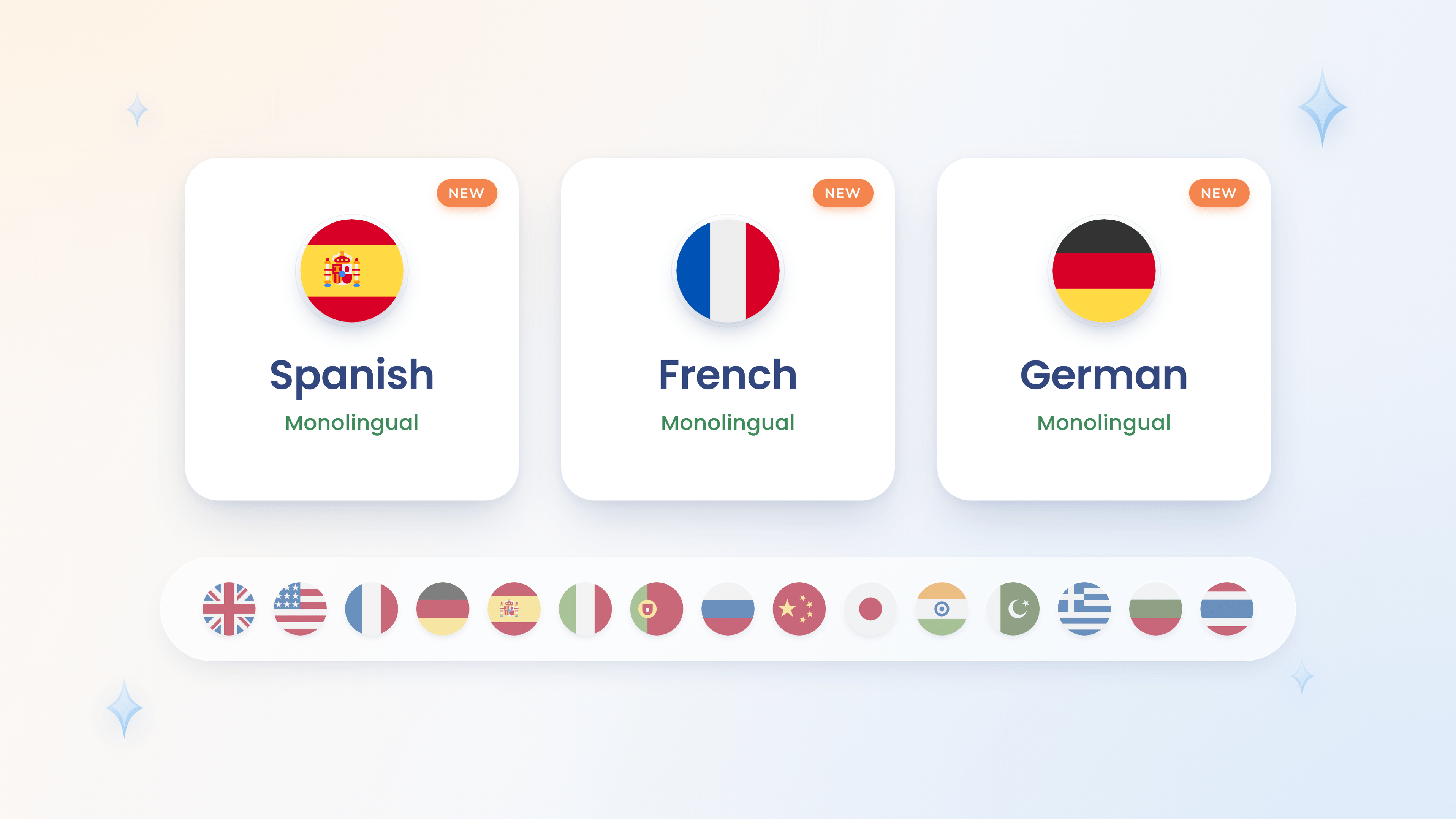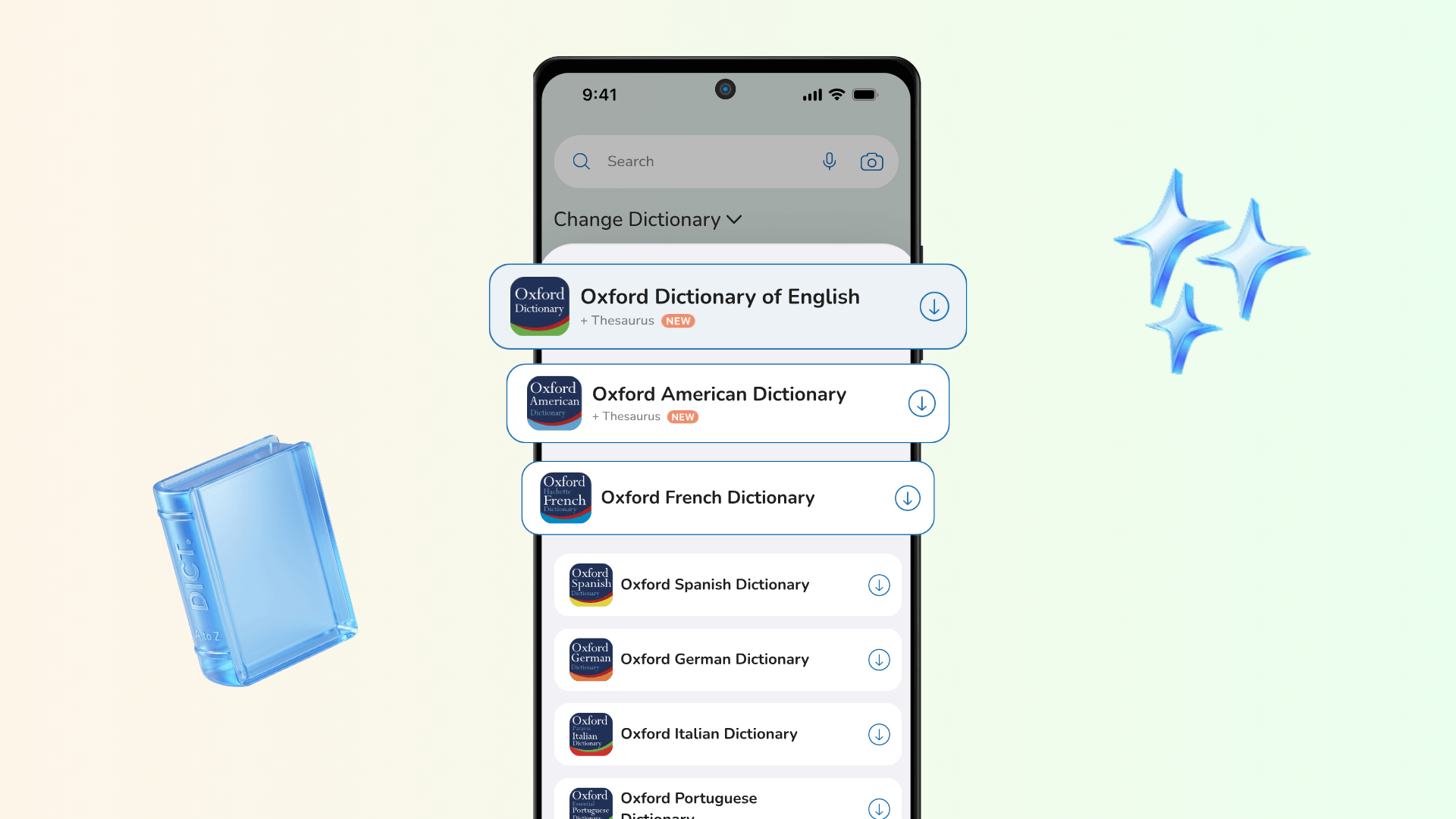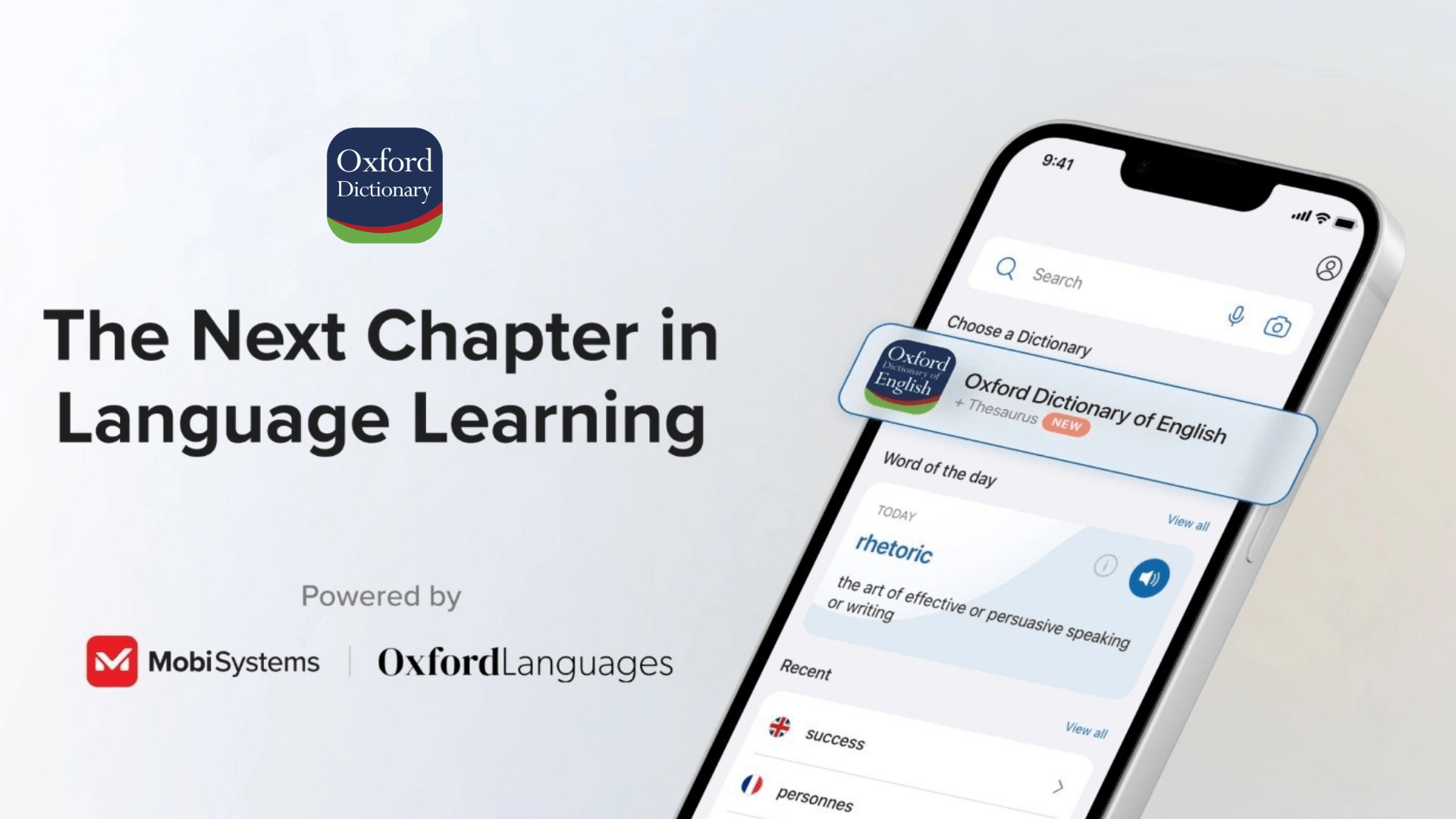
For more than two decades, MobiSystems has partnered with Oxford Languages to bring the depth and authority of Oxford's dictionaries to mobile devices. That partnership is what carried Oxford's reference works from the printed page into the Oxford Dictionary app – a single resource where users can look up definitions, check pronunciations, compare British and American spellings, and translate across 15 languages.
This article was updated on August 13, 2026
From print to digital
As readers moved from printed dictionaries to digital ones, they expected the same accuracy – now delivered instantly, wherever they were. The challenge was to bring Oxford's trusted content into a mobile format without compromising the precision on which that trust depends.
As readers moved from printed dictionaries to digital ones, they expected the same accuracy – now delivered instantly, wherever they were. The challenge was to bring Oxford's trusted content into a mobile format without compromising the precision on which that trust depends. Learn more about the MobiSystems and Oxford Languages partnership in the Oxford Languages case study.
What the partnership built
By integrating Oxford Languages' linguistic data into a purpose-built app, MobiSystems brought over a million words, phrases, and definitions to iOS, Android, and Windows. What began as a single English dictionary has grown into 15, while custom engineering and cloud infrastructure keep that data fast and reliable, supporting both online and offline use.
The app now brings together:
15 authoritative Oxford dictionaries, including bilingual French, Spanish, German, Italian, Japanese, Hindi, and more
Over 1 million words, phrases, and definitions
An English Thesaurus with synonyms and antonyms
Advanced search – voice search, camera search, fuzzy search, and autocomplete
Native-speaker audio pronunciations in British and American English
Offline access
A resource users rely on
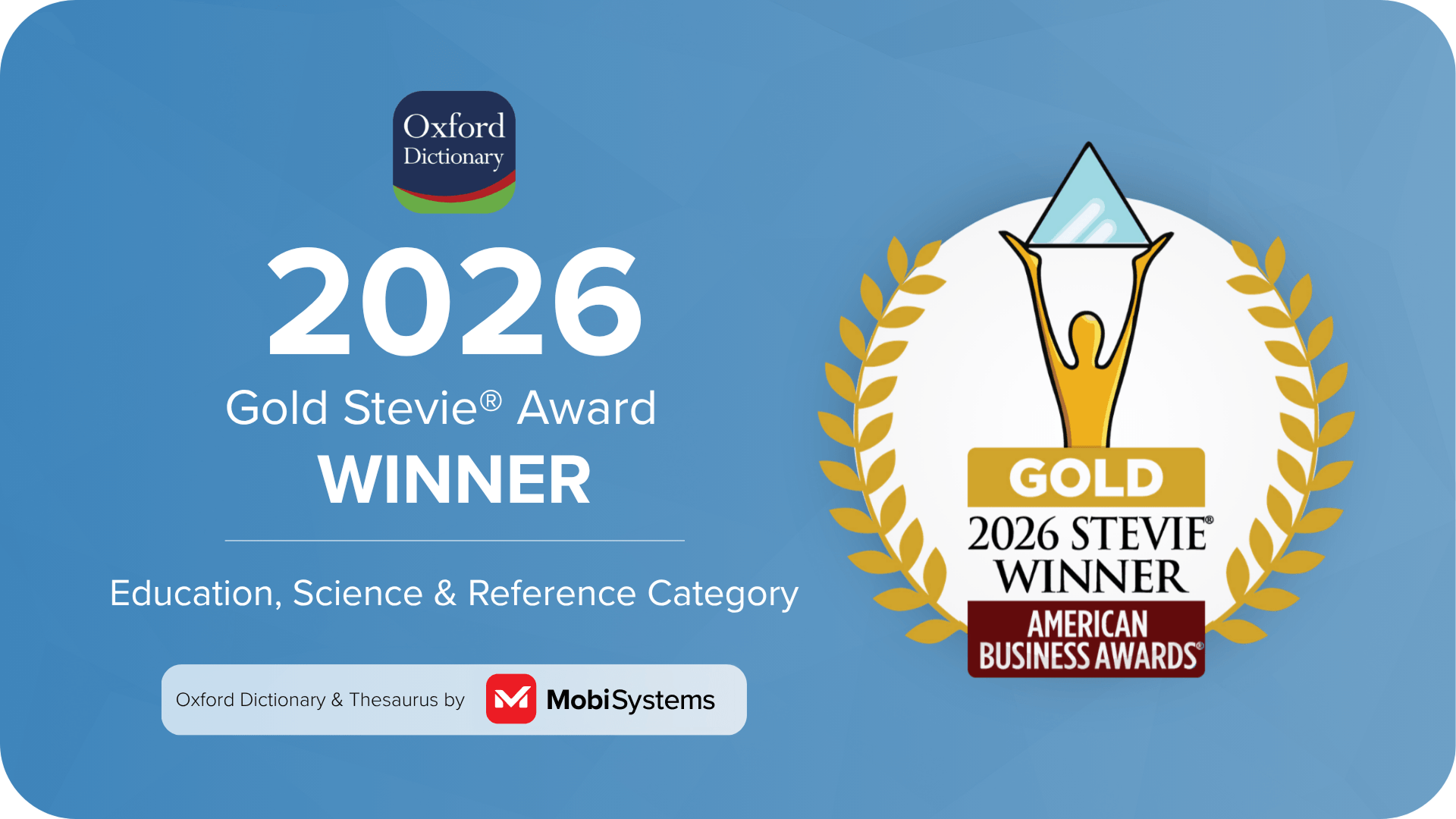
The Oxford Dictionary app became more than a reference tool – a companion for students, professionals, travelers, and word enthusiasts, and a dependable study aid for examinations such as IELTS and TOEFL. Its Gold Stevie® Award – the top honor in the Education, Science & Reference category at the 2026 American Business Awards® – and its expanding global user base reflect the confidence users place in it.
Frequently asked questions
MobiSystems and Oxford Languages have worked together for more than 20 years, bringing Oxford’s trusted language content to mobile users.
Oxford Languages provides the linguistic data behind the app, including definitions, phrases, pronunciations, synonyms, antonyms, and bilingual dictionary content.
MobiSystems develops and maintains the Oxford Dictionary app, turning Oxford Languages’ content into an accessible digital experience across iOS, Android, and Windows.
The app brings together 15 Oxford dictionaries, more than one million words, phrases, and definitions, an English Thesaurus, audio pronunciations, advanced search tools, and offline access.
Looking ahead
The collaboration continues. MobiSystems refines the app across every platform – making it easier to navigate, faster to use, and more useful day to day – while Oxford Languages keeps its content current with the latest additions to the English language. The principle behind the work remains unchanged: when authoritative content meets thoughtful design, a dictionary becomes less something you consult and more something you use every day.