
MobiDocs
Free your work: Write, edit & share. Your way.
Work seamlessly with all major formats for Microsoft Word, iWork Pages, & more
Enjoy a familiar and user-friendly interface
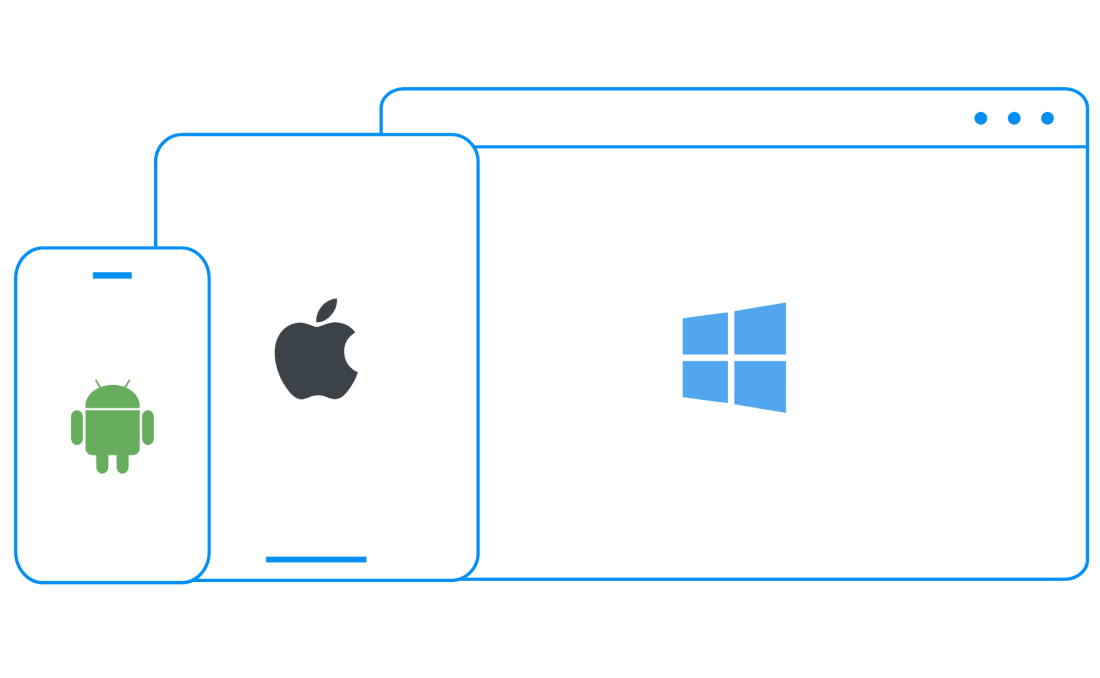
Cross-platform work on Windows, Android, iOS & macOS, with secure cloud storage
Collaborate anywhere, any time, on any device


550 מיליון
מעל 25
Simplify your writing with advanced features

User-friendly and powerful

Empower your content with an intuitive look, and rich set of useful features. From document creation and quick edits to fine-tuning and formatting, finding your way around your word document will feel effortless.

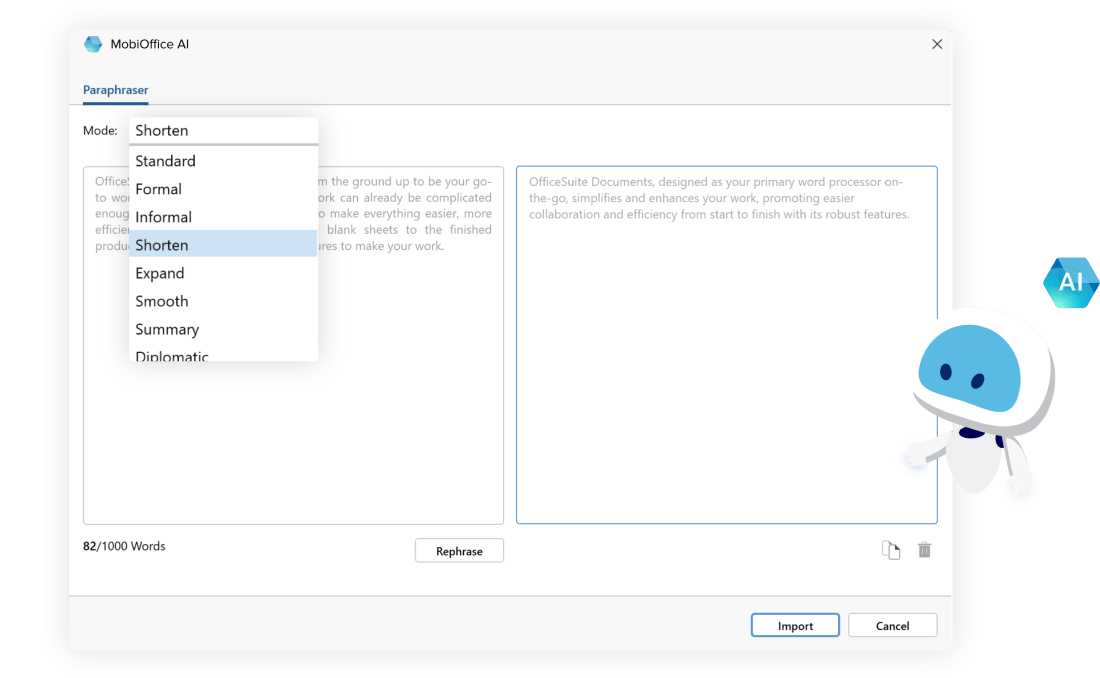
Transform your writing with MobiOffice AI
כלי ה-AI המעשי של MobiDocs לשכתוב טקסטים עוזר לכם לשנות סגנון כתיבה בקלות, בלחיצה אחת. בעזרת שכתוב מבוסס AI תוכלו ליצור תוכן שמדבר בשפה של הקהל שלכם, ועם עוד יכולות חדשות בדרך, הכתיבה שלכם תיראה אחרת לגמרי.
Easily open and edit all major file formats
Advanced word processing software that lets you work without barriers, including support for Microsoft Word, iWork Pages, Google Docs, and more.

Keep productivity flowing
Stay on the same page with collaborators at all times by leaving comments, sharing files with handy download links, and tracking changes with support for multiple authors.

Work across desktop & mobile
Handle tasks whenever you need to and switch seamlessly between Windows, Android, iOS, and macOS versions - with up to 50 GB secure cloud storage to access files any time.
Award-winning and trusted by millions


Work smart with easy-to-use features

Documents’ integrated spell checker helps you keep your documents tidy and error-free by flagging misspelled words and suggesting improvements in hundreds of supported languages.
Make your documents stand out by customizing with the Theme Editor. Select from a range of built-in themes or create your own by setting specific colors and fonts.
Converting a document to PDF is an easy and reliable way to preserve your document’s formatting, making it easier to print, and safer from compatibility issues. Just select ‘Export to PDF’ from the ‘File’ drop-down menu and click ‘Export’.
Documents supports a wide range of settings to finetune your printing process. Insert labels and envelopes, adjust margins, paper size, orientation, collation, number of copies, and select specific pages from a larger document.
Adding a Table of Contents is a great way to make your document easier to navigate, more organized, and efficient for readers. You can add, update, or delete one at any point by selecting ‘Table of Contents’ from the ‘Insert’ drop-down menu.
Here’s why millions of people use MobiDocs

התרשמתי מאדהתרשמתי מאד מהביצועים ומקלות השימוש. הממשק אינטואיטיבי והתכונות הן בדיוק מה שדרוש לי.
LMLabass Mallé


נהניתי מהשימושנהניתי להשתמש באלטרנטיבה של Microsoft Office. קל מאד להשתמש בה לכתיבת פרויקטים וגיליונות נתונים. אני מאד מרוצה ואמליץ על כך גם לאחרים.
RHRyan Hoffman

קל מאד לשימושממש ממש קל ליצור ולערוך מסמכים.
JJJeff Jacobs
מרשים מאד!הממשק היעיל והגישה הנוחה לכלים השונים מזכירים מאד שילוב של מחשב Mac עם תוכנת Office. מומלץ מאד לכל איש מקצוע המחפש תהליך עבודה נוח ויעיל בהתקני iOS.
PGPaul Gettmore

יישום אפקטיבי להפליאכלי איכותי ואפקטיבי. הוא עזר לי הרבה בעבודה והוא טוב יותר מ-Word או יישומים אחרים. הוא מעולה. יש לו אפשרויות רבות והוא קל לשימוש.
MCMilena Charles
מדהיםיוצא מן הכלל. שפע של כלים רבי ערך, יציבות ואינטואיטיביות.
JCJulio Andres Camay
