
MobiDocs
Free your work: Write, edit & share. Your way.
Work seamlessly with all major formats for Microsoft Word, iWork Pages, & more
Enjoy a familiar and user-friendly interface
Cross-platform work on Windows, Android, iOS & macOS, with secure cloud storage
Collaborate anywhere, any time, on any device


550 miljoen
Ruim 25
Simplify your writing with advanced features

User-friendly and powerful

Empower your content with an intuitive look, and rich set of useful features. From document creation and quick edits to fine-tuning and formatting, finding your way around your word document will feel effortless.

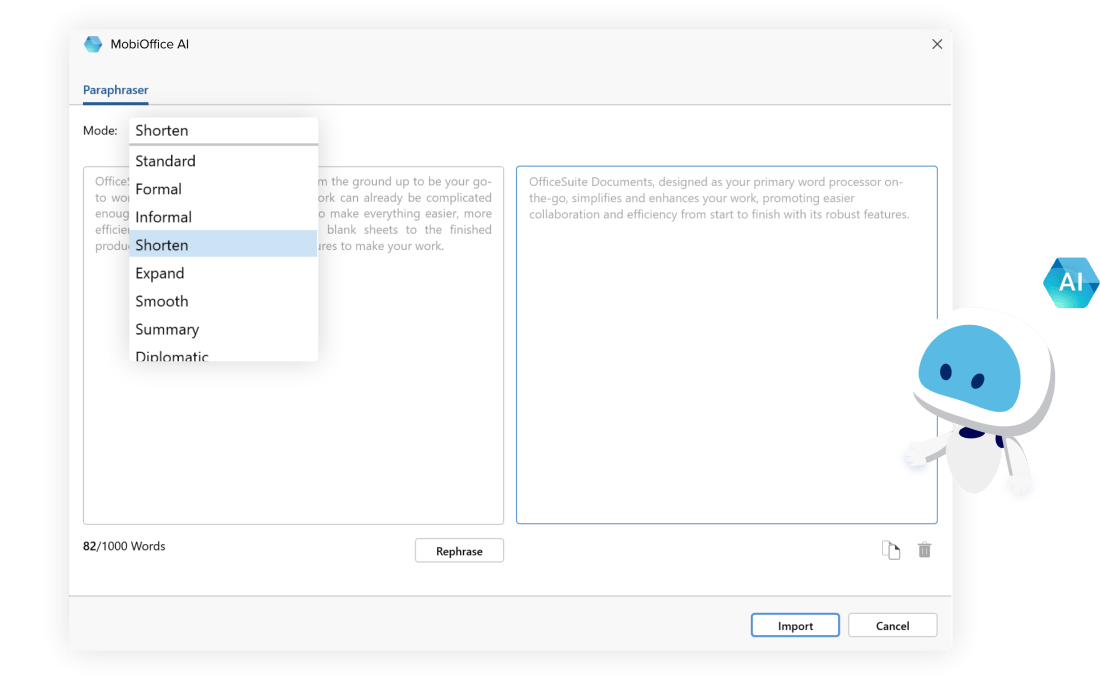
Transform your writing with MobiOffice AI
Met de praktische AI-herformuleringsfunctie in MobiDocs stap je met één klik over op een andere schrijfstijl. Zo maak je met AI-herformulering teksten die aansluiten bij je doelgroep, en met nieuwe functies die eraan komen, til je je schrijfwerk blijvend naar een hoger niveau.
Easily open and edit all major file formats
Advanced word processing software that lets you work without barriers, including support for Microsoft Word, iWork Pages, Google Docs, and more.

Keep productivity flowing
Stay on the same page with collaborators at all times by leaving comments, sharing files with handy download links, and tracking changes with support for multiple authors.

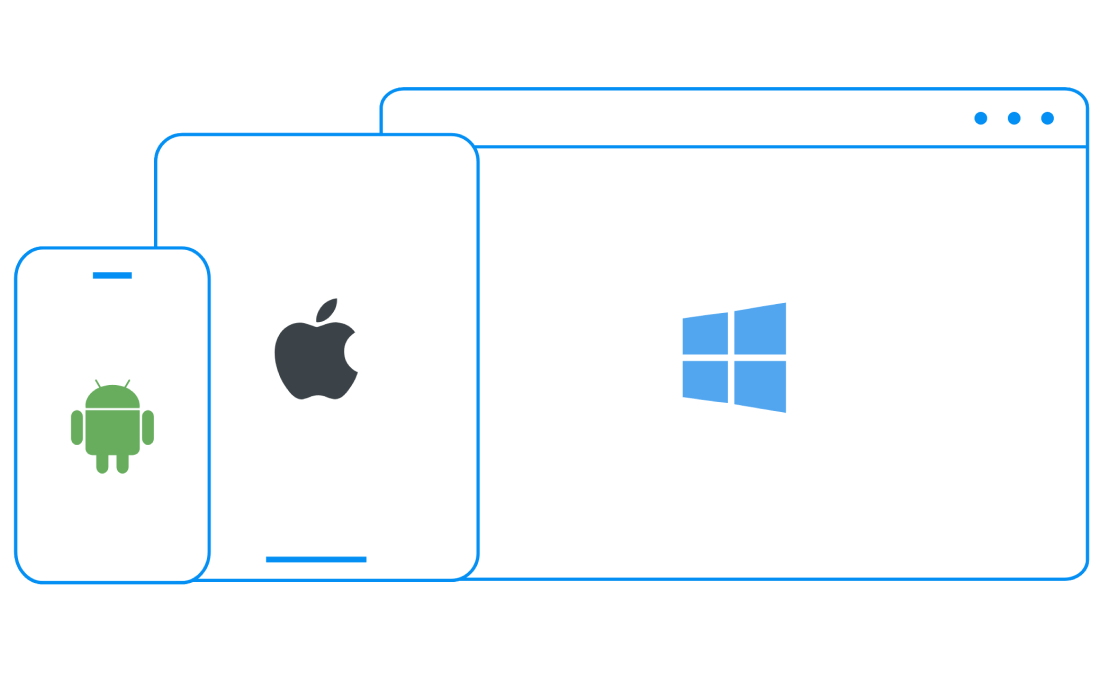
Work across desktop & mobile
Handle tasks whenever you need to and switch seamlessly between Windows, Android, iOS, and macOS versions - with up to 50 GB secure cloud storage to access files any time.
Award-winning and trusted by millions


Work smart with easy-to-use features

Documents’ integrated spell checker helps you keep your documents tidy and error-free by flagging misspelled words and suggesting improvements in hundreds of supported languages.
Make your documents stand out by customizing with the Theme Editor. Select from a range of built-in themes or create your own by setting specific colors and fonts.
Converting a document to PDF is an easy and reliable way to preserve your document’s formatting, making it easier to print, and safer from compatibility issues. Just select ‘Export to PDF’ from the ‘File’ drop-down menu and click ‘Export’.
Documents supports a wide range of settings to finetune your printing process. Insert labels and envelopes, adjust margins, paper size, orientation, collation, number of copies, and select specific pages from a larger document.
Adding a Table of Contents is a great way to make your document easier to navigate, more organized, and efficient for readers. You can add, update, or delete one at any point by selecting ‘Table of Contents’ from the ‘Insert’ drop-down menu.
Here’s why millions of people use MobiDocs

Ik ben echt onder de indrukIk ben echt onder de indruk van de prestaties en het gebruiksgemak. De interface is intuïtief en de functies zijn precies wat ik nodig had.
LMLabass Mallé


Ik heb de oplossing met plezier gebruiktIk heb dit alternatief voor Microsoft Office met veel plezier gebruikt. Met de software kan ik gemakkelijk projecten en spreadsheets maken. Ik ben tevreden over de oplossing en zou deze aan anderen aanbevelen.
RHRyan Hoffman

Erg gemakkelijkSupergemakkelijk om mijn documenten te maken en bewerken.
JJJeff Jacobs
Indrukwekkend!De geraffineerde interface en de gestroomlijnde toegankelijkheid tot de tool hebben echt een Mac-Office-gevoel. Een absolute aanrader voor professionals die op zoek zijn naar een buitengewoon georganiseerde workflow op iOS.
PGPaul Gettmore

Supereffectieve appDe oplossing is behoorlijk goed en effectief. Het heeft me enorm geholpen bij mijn werk en is beter dan Word of andere apps. Ik ben er gek op. De oplossing heeft veel opties en is gebruiksvriendelijk.
MCMilena Charles
SpectaculairSpectaculair. Vol waardevolle tools, stabiel en intuïtief.
JCJulio Andres Camay
