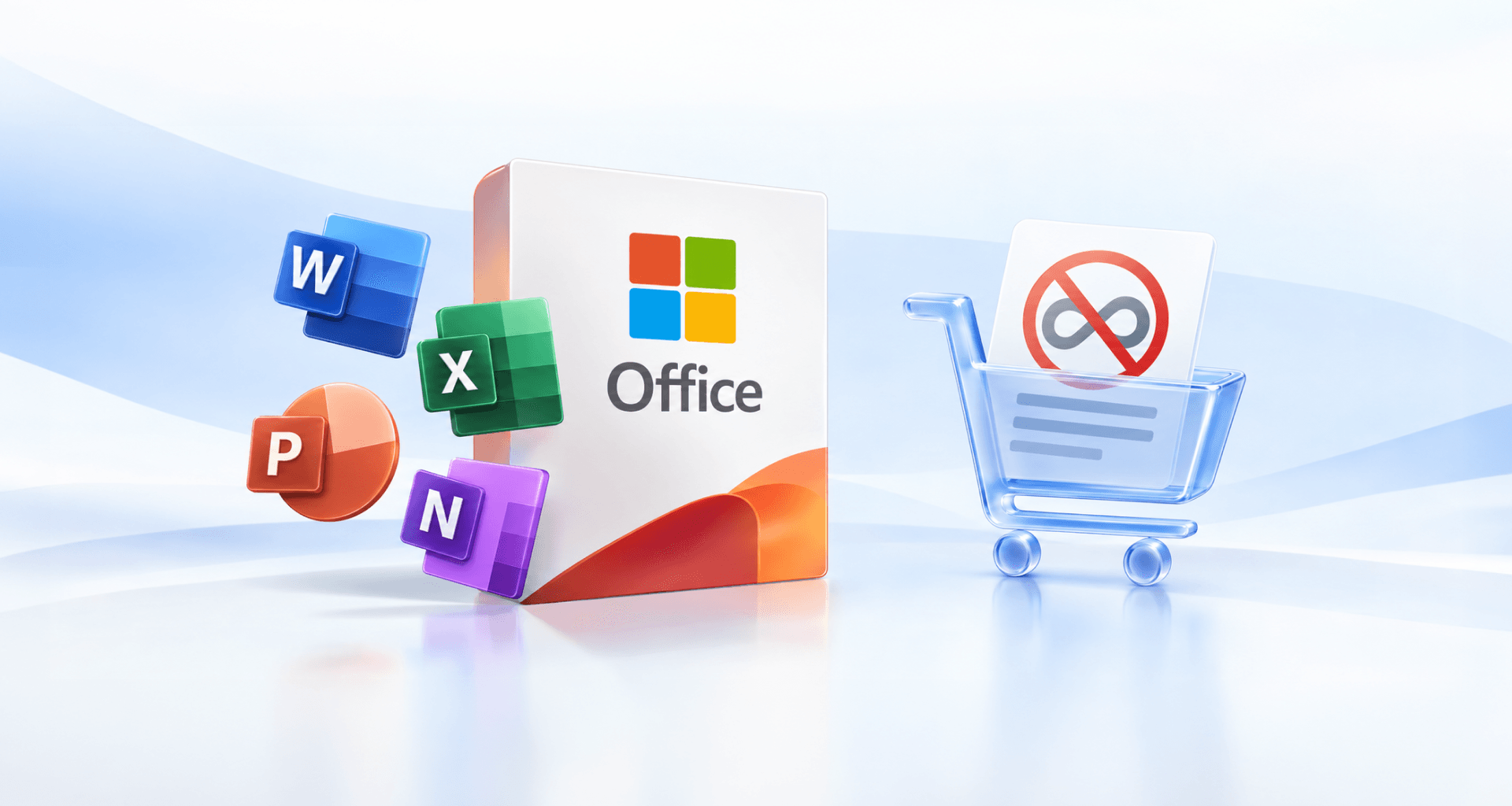
Yes. Microsoft still sells Office Home 2024 and Office Home & Business 2024 as one-time purchases for one PC or Mac. You keep that version, with security support until October 10, 2029, but without the new features and cloud extras that come with a Microsoft 365 subscription. Lifetime licenses from other office suites are another option.
Can you still buy Microsoft Office once?
Yes, you can still buy Office without a subscription. Microsoft sells two Office 2024 editions as a one-time purchase: Office Home 2024 and Office Home & Business 2024.
Office Home 2024 (formerly Office Home & Student) includes Word, Excel, PowerPoint, and OneNote for one PC or Mac. Microsoft sells it for use at home or school, not for commercial use. Office Home & Business 2024 adds Outlook and is meant for use at home or work, so freelancers and small businesses can use it.
“One-time” means you pay once and keep the version you bought. Your copy stays Office 2024: there are no upgrade options, so a later Office release is a separate purchase. Microsoft 365 works differently. You pay for it monthly or yearly, and you always have the latest features for as long as the subscription is active.
A Microsoft Office one-time purchase suits people who use the same apps on one computer and don’t need the cloud services that come with a subscription. If you only open the occasional document or spreadsheet, it’s worth checking the free Microsoft Office options before you pay for anything.
One-time purchase vs Microsoft 365
The main differences are how you pay, how many devices you can use, and whether new features keep arriving. A one-time purchase covers one version on one computer, with support until a fixed end date. Microsoft 365 is a subscription that adds new features as Microsoft releases them and works on several devices. Lifetime licenses from other office suites follow the one-time model. Here are the options side by side.
Want to see what a one-time license from a Microsoft Office alternative includes?
Can you buy just Excel or just Word?
Yes. Microsoft sells both Word and Excel on their own, each for one PC or Mac. An Excel one-time purchase makes sense if spreadsheets are all you work on, and the same goes for Word and documents. Microsoft also sells PowerPoint and Outlook as separate apps.
Before you buy a single app, compare it with Office Home 2024. A standalone app covers one program on one computer, while Office Home 2024 bundles Word, Excel, PowerPoint, and OneNote on the same terms. If you need two of those apps, the bundle is usually the simpler choice. Check both prices on Microsoft’s store when you buy, because they change by region and promotion.
If you mainly need spreadsheets, you can also compare Microsoft’s options with these Excel alternatives before you decide.
What a one-time purchase doesn’t include
A one-time purchase gives you the apps as they are when you buy them, plus support until a fixed end date. Here’s what it leaves out.
New features. Microsoft 365 subscribers always get the latest features. Office 2024 has no upgrade options, so the next major release is a separate, full-price purchase.
Support after October 10, 2029. Microsoft’s lifecycle page lists that date as the retirement date for Office 2024. The later you buy Office 2024, the fewer years of support you get.
Editing on larger tablets. Microsoft counts one-time purchases as non-qualifying plans for its mobile apps. With a non-qualifying plan, you can edit only on screens up to 10.1 inches. Many tablets, including most iPads, have larger screens. Phones and smaller tablets aren’t affected.
Cloud storage and the full Outlook app. Office Home 2024 comes with the free 5 GB of OneDrive storage that any Microsoft account gets, compared with 1 TB for Microsoft 365 Personal. It also includes only the free version of Outlook, with ads.
What to check before you buy a lifetime license
Check seven things before you buy a lifetime license, whether it’s Office 2024 or a license from another office suite. The price tells you what you pay; these points tell you what you get.
How many devices, and Windows or Mac. Most one-time licenses cover one computer, so make sure the license runs on the system you use today.
Moving to a new computer. Find out whether you can move the license when you replace your computer. Some lifetime licenses stay linked to the first device you activate them on.
Updates and the support end date. Check whether you get new features or only fixes, and until which date the seller supports your version.
Mobile apps. A desktop license may not include editing on a phone or tablet. If you work on the go, confirm this before you buy.
What the one-time tier leaves out. Compare it line by line with the subscription plan. Cloud storage, file conversion, and extra apps are common differences.
Home or business use. Some licenses are for personal use only. If you’re a freelancer or run a small business, read the terms for commercial use.
Refund window. Check how many days you have to ask for a refund if the software doesn’t fit the way you work.
PDF editors you can buy once
Yes, a PDF editor one-time purchase is still possible, even though many PDF editors are sold only as subscriptions. MobiPDF Lifetime is one example: you pay once and use it on one Windows PC. It includes PDF editing, OCR to make scanned documents searchable, conversion from PDF to Word and Excel, and ongoing product updates.
Some tools are only in MobiPDF Pro, the subscription plan: conversion to and from 30+ other formats, Translate PDF, signing through Evrotrust, and the mobile scanner and editor.
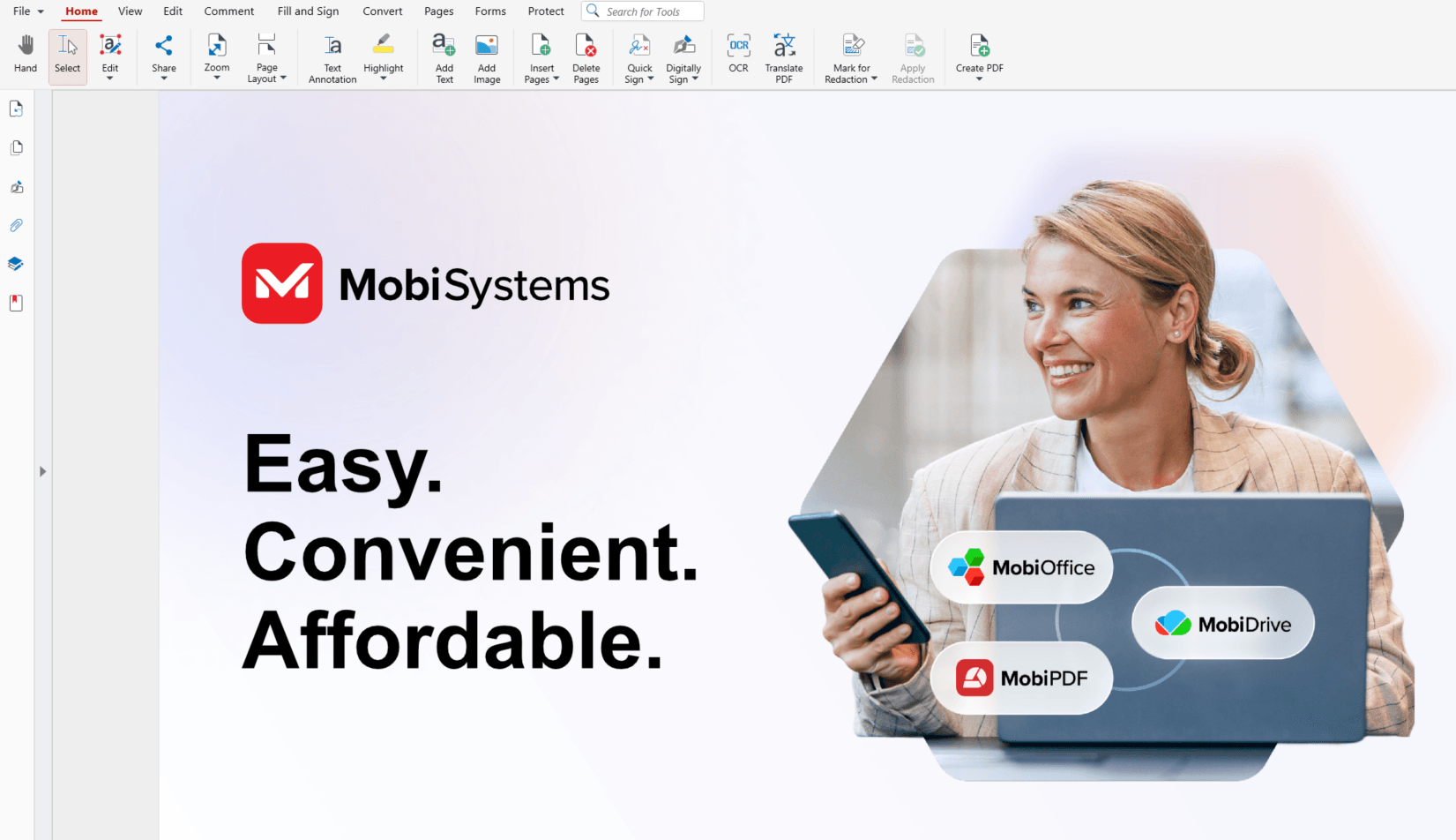
MobiPDF isn’t available on Mac, and MobiPDF Lifetime stays linked to the first PC you activate it on. You can see what each tier includes on the MobiPDF plans page. If you’re still working out which PDF tools you need, this look at an Adobe Acrobat alternative walks through the main options.
Alternative: MobiOffice Lifetime
MobiOffice Lifetime is a one-time purchase for people who want a Microsoft Office alternative without a subscription. You pay once and use it on one PC or Mac.
It includes these apps, each built around files you already use:
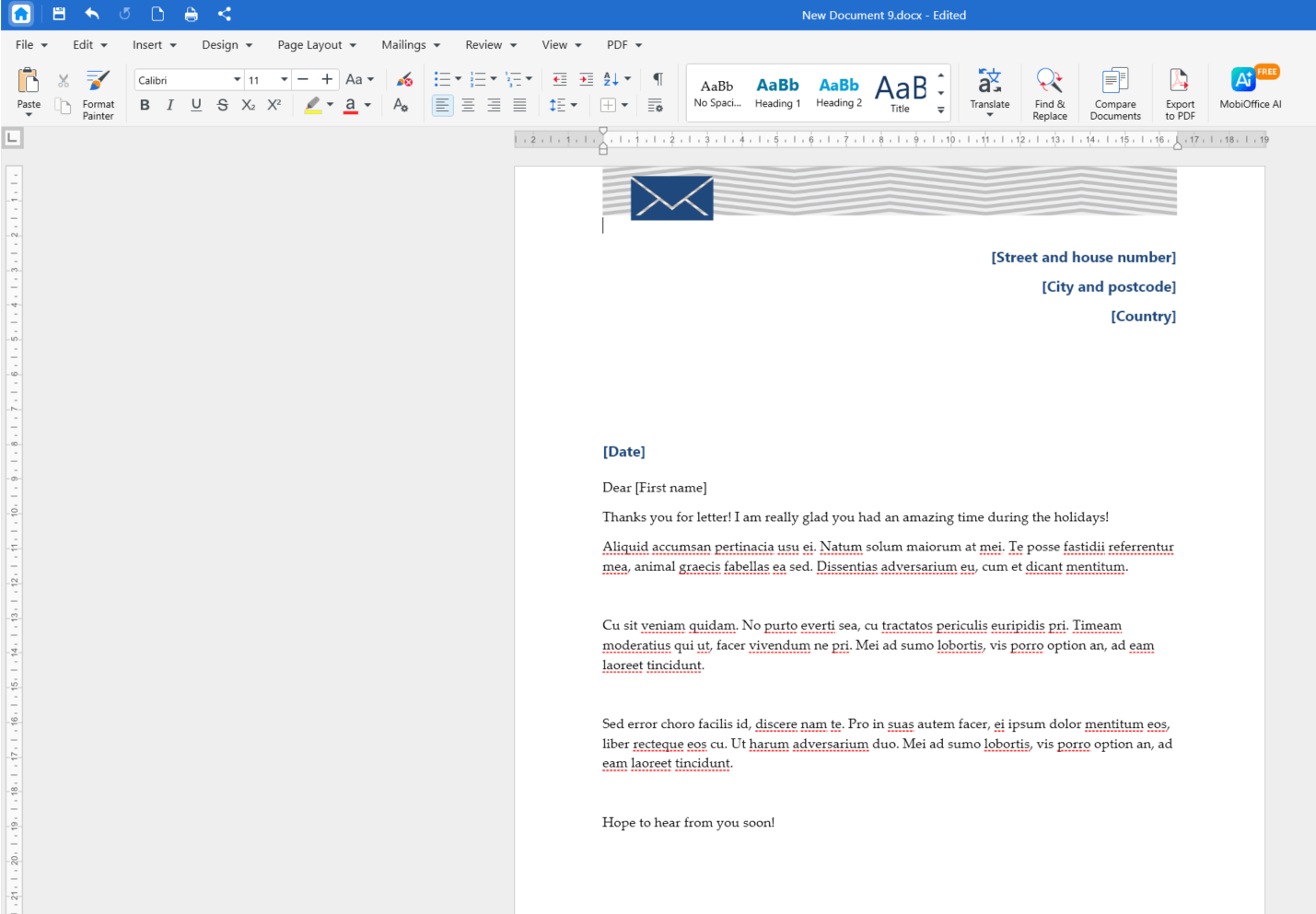
MobiDocs for documents. Write and format text, add tables and images, and review edits with comments and Track Changes. It opens and saves Word files (DOCX and DOC) and also opens ODT files.
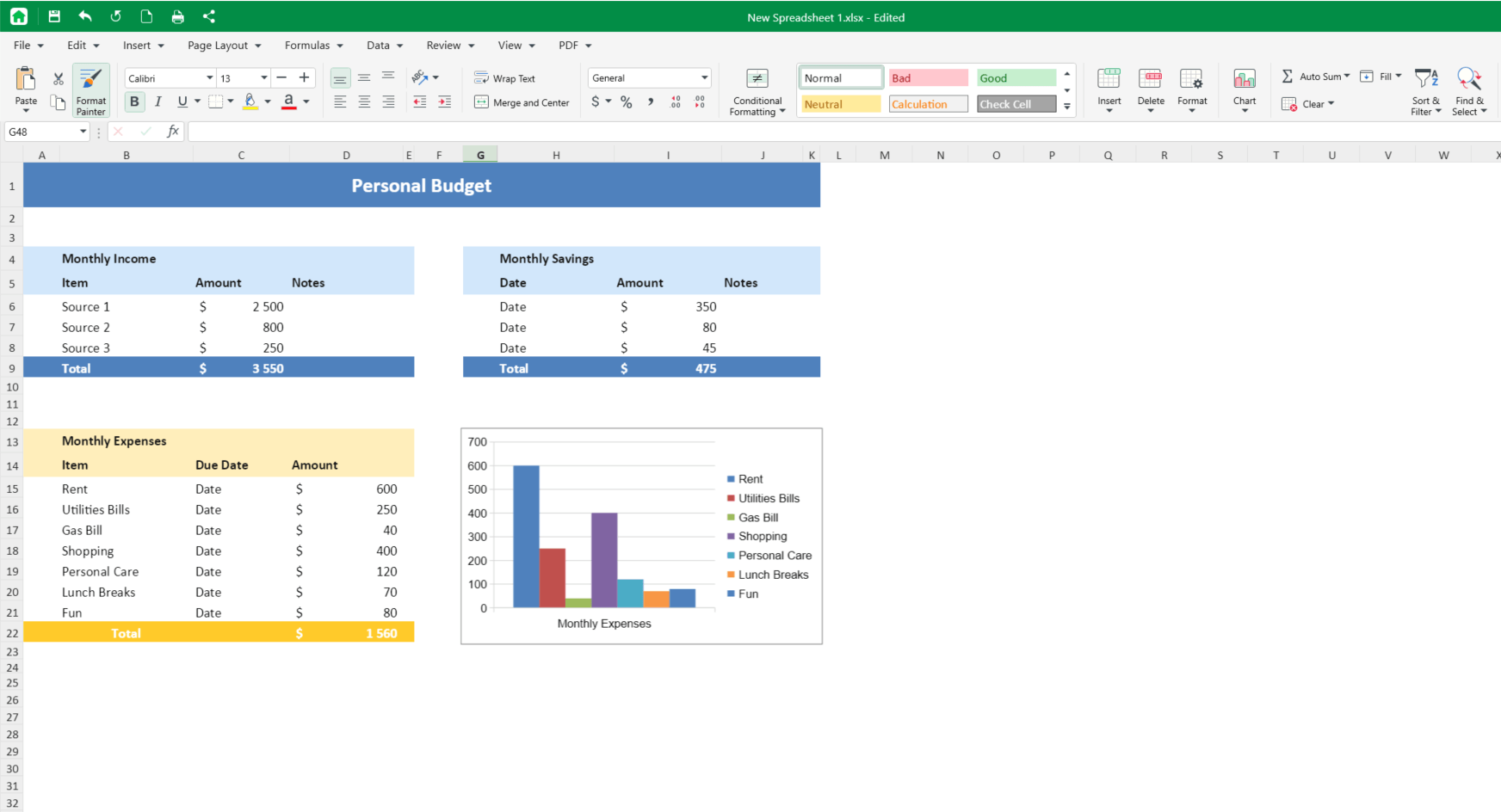
MobiSheets for spreadsheets. Use 280+ formulas and functions, sort and filter your data, and build charts. It works with Excel files (XLSX and XLS), CSV, and ODS.
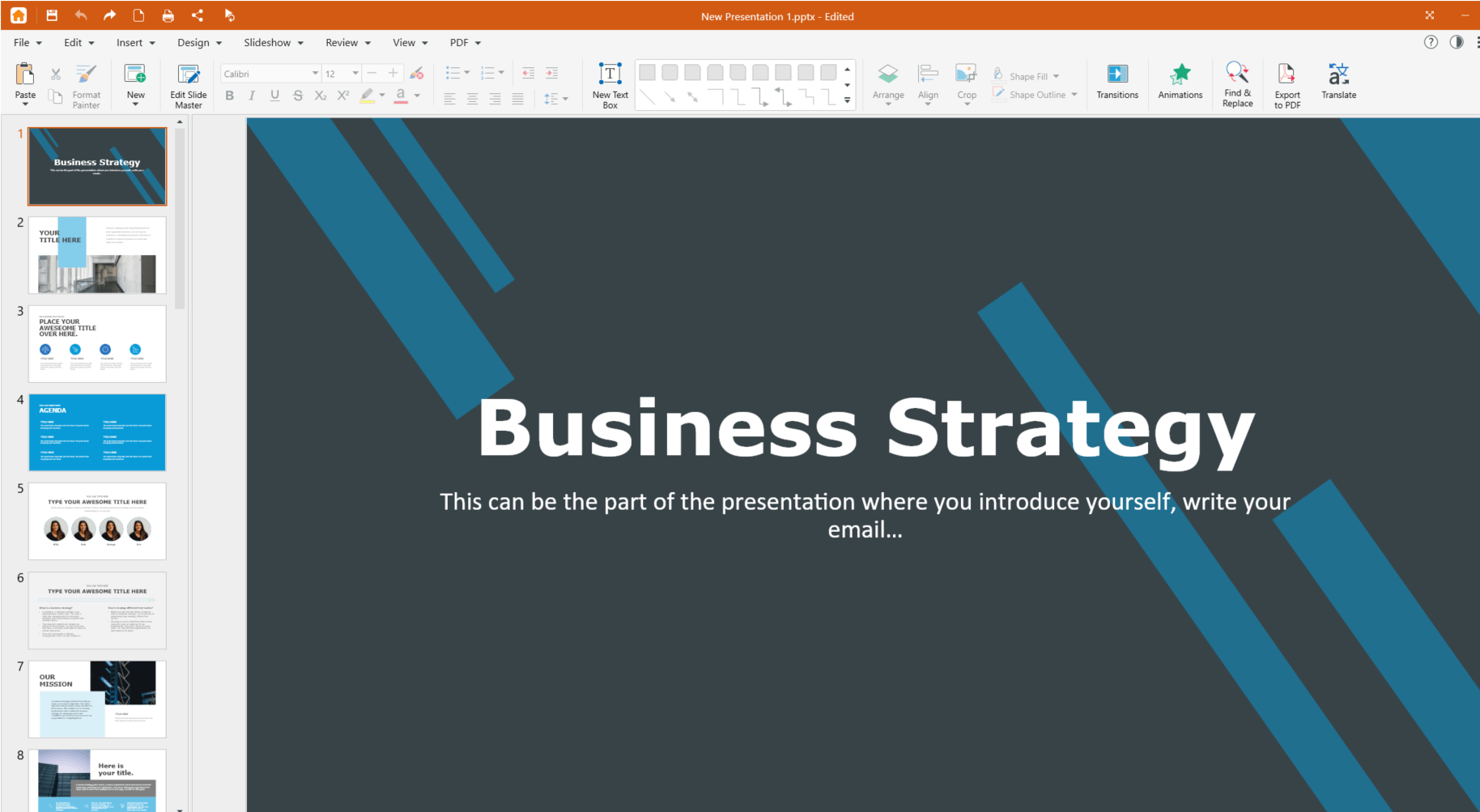
MobiSlides for presentations. Start from a theme or template, add animations, audio, and video, and rehearse with Presenter View. It opens and saves PowerPoint files (PPTX) and ODP.
Lifetime covers core editing, includes ongoing product updates, and comes with 5 GB of MobiDrive storage for your files.
MobiOffice Lifetime has no PDF conversion and no mobile apps. It also stays linked to the first computer you activate it on and can’t be moved to a new PC, so install it on the computer you plan to keep. If you want to edit on your phone or tablet too, MobiOffice Premium is a subscription that works on PCs, Macs, phones, and tablets. Lifetime has no free trial, but every MobiOffice plan comes with a 30-day money-back guarantee on the first payment. You can compare all tiers on the MobiOffice plans page.
Want to see how MobiDocs, MobiSheets, and MobiSlides handle your own files before you choose a plan?
Frequently asked questions
Yes. Microsoft sells Office Home 2024 and Office Home & Business 2024 as one-time purchases. Each covers one PC or Mac, and you keep the version you bought. Office Home & Business 2024 adds Outlook and allows use at work. Support for both ends on October 10, 2029.
Yes. Microsoft sells Excel on its own for one PC or Mac, just as it sells Word. If you also need Word or PowerPoint, compare the price with Office Home 2024, which bundles Word, Excel, PowerPoint, and OneNote for one PC or Mac.
Microsoft supports Office 2024 until October 10, 2029. It doesn’t get the new features that Microsoft 365 subscribers receive: there are no upgrade options, so the next major Office release is a separate purchase. After the retirement date, Microsoft no longer supports that version.
Partly. Microsoft counts one-time purchases, such as Office Home & Business, as non-qualifying plans for its mobile apps. With a non-qualifying plan, you can edit files only on screens up to 10.1 inches. Most iPads have larger screens, so editing on them needs a qualifying Microsoft 365 subscription.
Yes. MobiPDF Lifetime is a one-time purchase for one Windows PC. It includes PDF editing, OCR, and conversion from PDF to Word and Excel. Conversion to other formats, Translate PDF, and signing through Evrotrust are part of MobiPDF Pro, the subscription plan.
It depends on the license. MobiOffice Lifetime and MobiPDF Lifetime can’t be moved: each stays linked to the first computer you activate it on. Other lifetime licenses have their own rules, so before you buy, look for the transfer terms on the seller’s support pages and make sure a new computer won’t mean a new purchase.
Final thoughts
You can still buy Microsoft Office once. Office Home 2024 and Office Home & Business 2024 suit people who work on one computer and are happy to keep the same version until support ends in 2029. If you'd like another lifetime license for Word, Excel, and PowerPoint files, MobiOffice Lifetime is worth comparing. Whichever you choose, run through the checklist above before you pay.
Ready to try MobiOffice on your own documents?