This article was updated on 19 February 2026
Free spreadsheet software should be easy to use, compatible with Excel files, and reliable enough for everyday tasks. Today, you no longer need to pay for complex or bloated tools just to manage budgets or keep track of everyday numbers. For people who value simplicity and practicality, free spreadsheet software often delivers everything need without added cost.
Here’s what to look for when choosing the right free spreadsheet software.
What is free spreadsheet software?
Spreadsheet software is a type of app that organizes, calculates, and analyzes data in a table format made up of rows and columns. In simple terms, the spreadsheet software meaning comes down to helping you work with numbers, lists, formulas, and charts in a structured way.
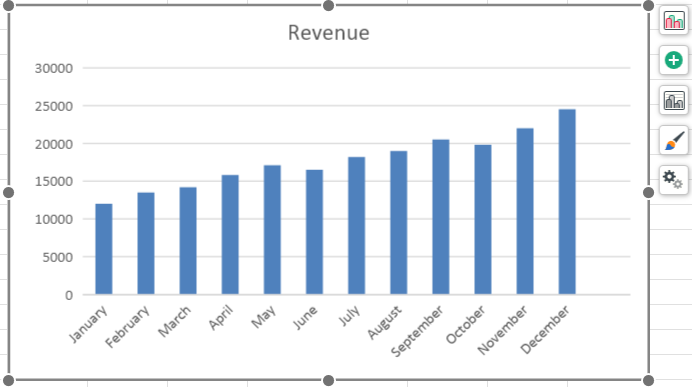
Free spreadsheet software refers to spreadsheet software applications that can be downloaded or used online without paying upfront. It often includes core spreadsheet software features such as data entry, formulas, formatting, and charts. Many free options are also compatible with Microsoft Excel files.
Why use free spreadsheet software?
For many users, free spreadsheet software is the sensible choice, because they only need spreadsheets for budgeting, planning, and tracking expenses.
Free spreadsheet software is especially appealing if you:
Want an easy-to-use spreadsheet software without a subscription
Need free spreadsheet software for Windows or PC
Prefer tools that work across devices
Only use spreadsheets for personal tasks
The best free spreadsheet software alternatives to Excel are also far more polished now, offering reliability without complex features.
What are the main features of free spreadsheet software?
While features vary between products, good free spreadsheet software should include:
File compatibility: Support for Excel and other common formats
Clear interface: A spreadsheet software interface that feels familiar and easy to navigate
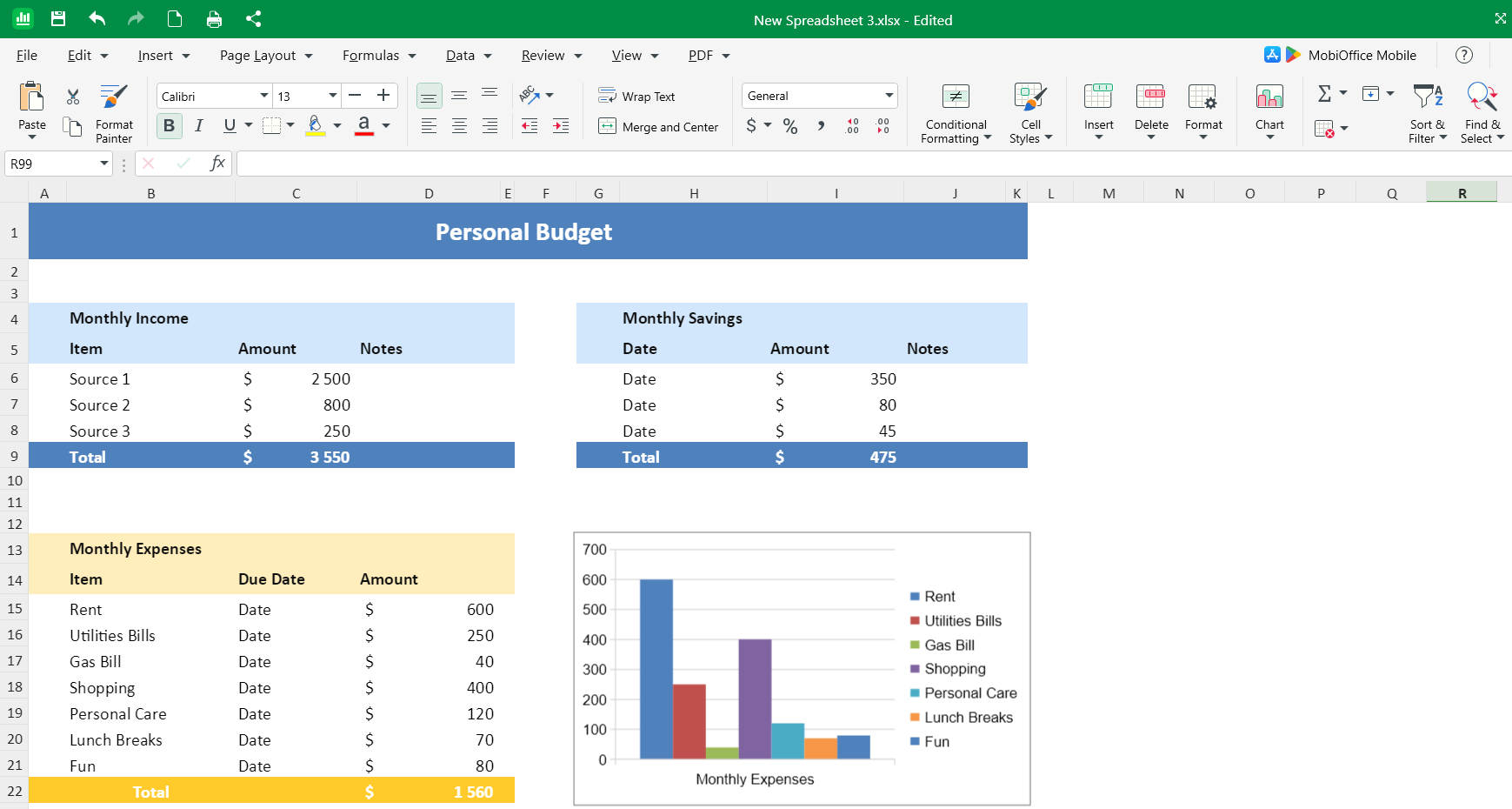
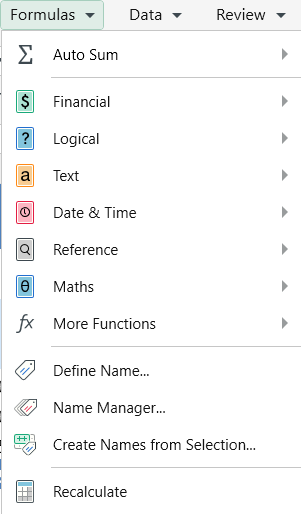
Formulas and functions: Essential calculations and basic data analysis
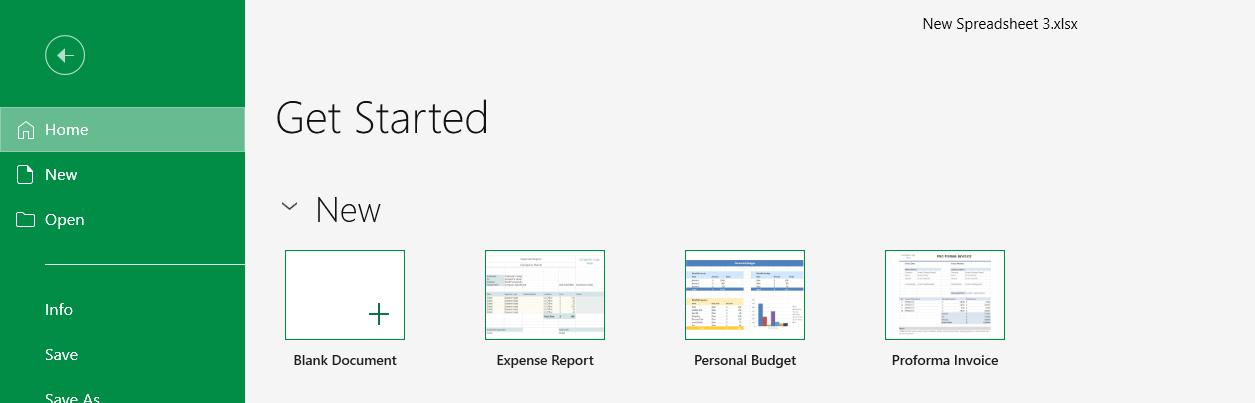
Templates: Ready-made templates for budgets, schedules, and planning
Cross-platform access: Options for Windows, Mac, mobile, or online spreadsheet software
These features cover most everyday needs without forcing users to learn advanced tools they may never use.
Popular free spreadsheet software options (with pros and cons)
MobiSheets
Pros:
Strong Excel compatibility
Clean, familiar interface
Available across devices
Part of a broader office suite with document editing and presentation building (MobiOffice)
Cons:
Some advanced features require upgrading
MobiSheets strikes a balance between simplicity and capability, making it one of the most practical free spreadsheet software options for everyday users.
Google Sheets
Pros:
Online spreadsheet software with real-time collaboration
No installation required
Cons:
Requires a Google account
Limited offline functionality for some users
LibreOffice Calc
Pros:
Open-source spreadsheet software
Powerful features comparable to Excel
Cons:
Interface can feel dated
Less intuitive for casual users
Apache OpenOffice Calc
Pros:
Highly customizable
Free and open source
Cons:
Less frequent updates
Weaker compatibility with newer Excel files
WPS Office Spreadsheets
Pros:
Familiar Excel-like design
Easy transition for new users
Cons:
Ads in the free version
Feature limitations
AI-powered spreadsheet tools
Some modern spreadsheet software programs now include AI-powered features. AI spreadsheet software can help automate repetitive tasks, suggest formulas, analyse data patterns, or assist with spreadsheet automation software workflows.
While useful, AI tools are best seen as optional extras. For users who value simplicity, traditional spreadsheet software often remains the preferred and most comfortable choice.
Frequently asked questions
What is the best free spreadsheet software for everyday use?
The best free spreadsheet software depends on your needs, but tools like MobiSheets, Google Sheets, and LibreOffice Calc are popular choices for everyday tasks.
Is Google Sheets still free and what are its limitations?
Yes, Google Sheets is free to use, but it requires an internet connection for full functionality and may feel limited for offline or file-heavy workflows.
Is there a truly free alternative to Microsoft Excel?
Yes. Several free spreadsheet software alternatives to Excel exist, including MobiSheets and LibreOffice Calc, both offering strong Excel compatibility.
What are the main disadvantages of using free spreadsheet software?
Free versions may limit advanced features, storage, or automation tools. Support options may also be more limited.
Can free spreadsheet software replace Excel for business tasks?
For small businesses and everyday tasks, free spreadsheet software can be sufficient. Larger businesses with complex needs may still require paid tools.
Final thoughts
Free spreadsheet software is no longer a compromise. For budgeting, planning, tracking, and everyday spreadsheet tasks, today’s options are reliable, accessible, and easy to use.
If you’re looking for a straightforward Excel alternative that works across devices and keeps things simple, MobiSheets is a smart place to start.