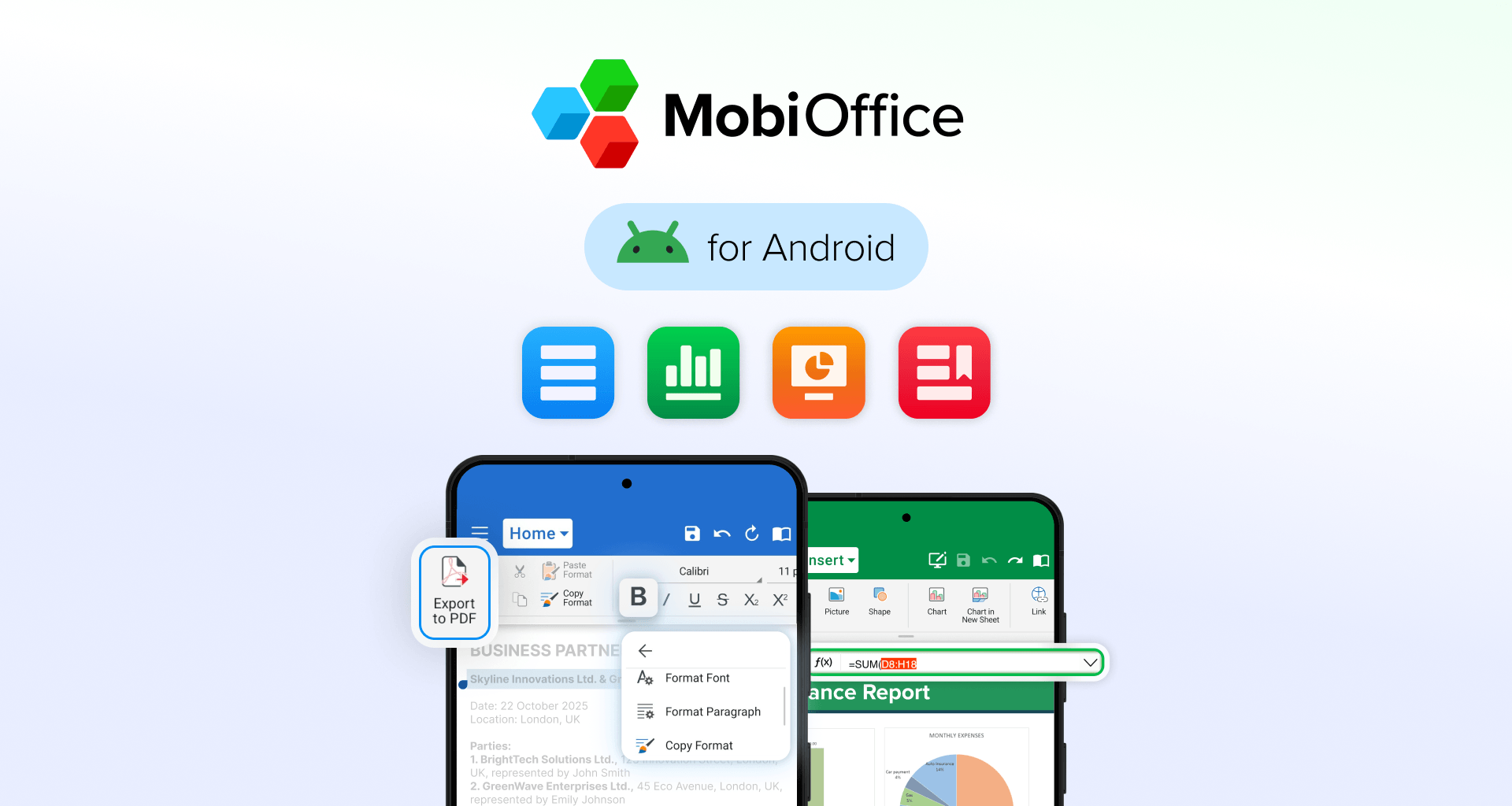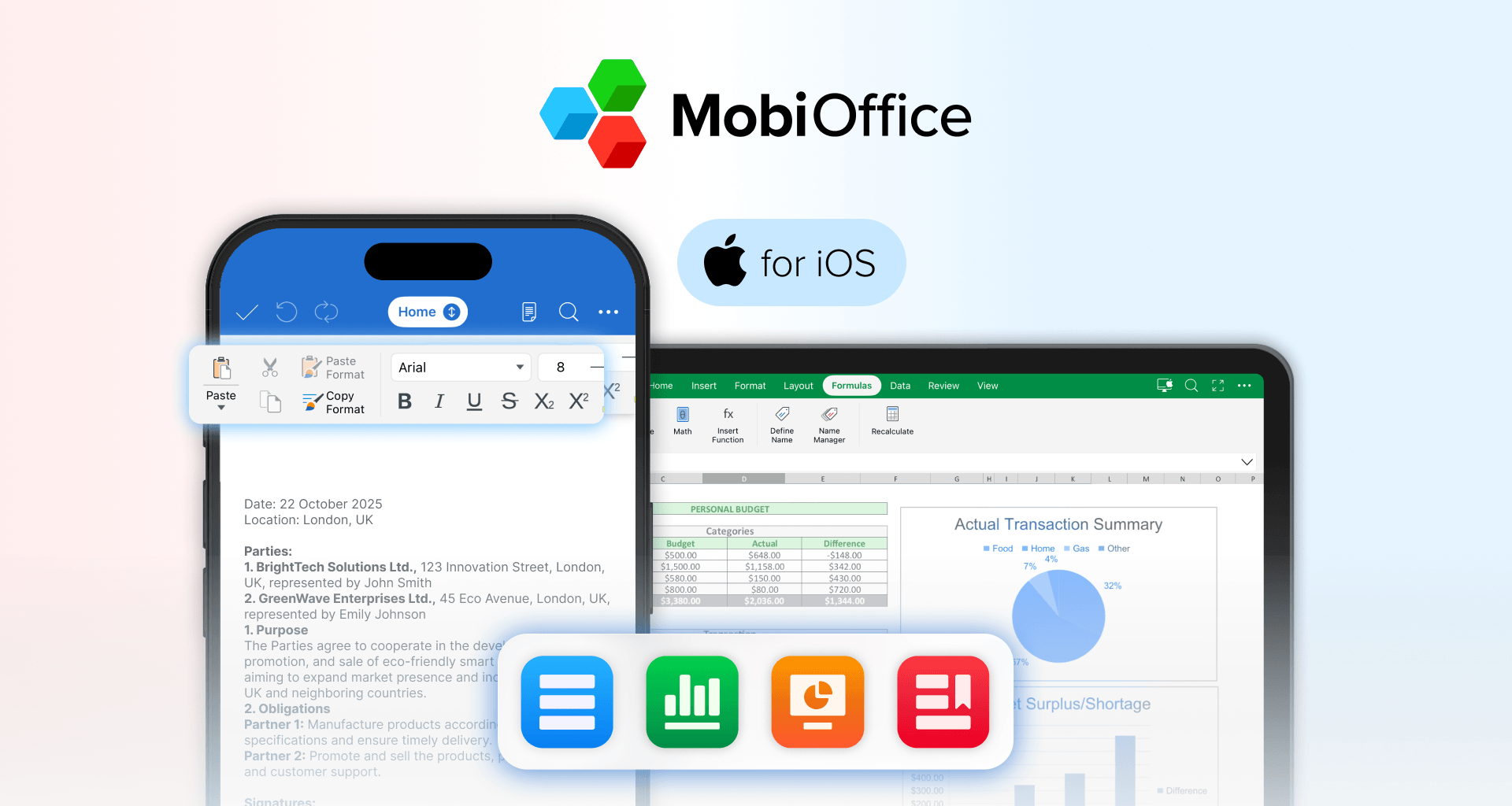
MobiOffice for iOS brings essential document tools to your iPhone and iPad, whether you're editing on the go or reviewing files between meetings.
The app is free to download, so you can get started right away. It includes access to basic features, with additional functionality available through premium upgrades, trials, or introductory offers, depending on your region.
App availability
MobiOffice for iOS is available on the Apple App Store for both iPhone and iPad.
You can install the app for free and start exploring its core features immediately. This allows you to try out the experience before deciding whether you want to upgrade.
Pricing and subscriptions
MobiOffice for iOS offers premium access through auto-renewable subscriptions, typically available on a yearly basis.
For example, a yearly subscription may be priced around $39.99 per year in the United States. Prices in other regions are aligned with Apple’s App Store pricing tiers and may vary depending on your local currency and market.
Depending on your location and current offers, you may also see:
Free trials
Introductory pricing
Alternative billing periods
All purchases and subscriptions are managed through your Apple account.
Important subscription details
Auto-renewal Subscriptions renew automatically unless the automatic renewal option is turned off before the end of the current billing period or trial.
Free trials If a free trial is available, it will automatically convert into a paid subscription unless cancelled in time. Any unused portion of a trial is forfeited once you upgrade.
Cancellation You can cancel your subscription at any time through your Apple account settings. The cancellation takes effect after the current billing period ends, after which your access will revert to the free version.
Subscription plans on iOS
On iOS, premium access is typically offered through subscriptions such as:
Short-term plans (e.g. weekly)
Long-term plans (e.g. yearly)
Longer plans usually provide better overall value if you plan to use the app regularly.
However, available plans and pricing may differ depending on your region, so always check the options shown in your app.
How to buy or upgrade
Upgrading happens directly inside the app and is handled securely through Apple:
Download MobiOffice from the App Store.
Open the app.
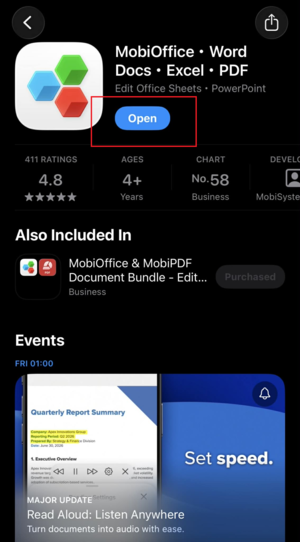
Tap Upgrade or Go Premium
Choose the plan or offer available to you.
Confirm your purchase using your Apple ID.
All payments, renewals, and cancellations are managed through your Apple account.
Family access
Some purchases may be eligible for sharing through Apple Family Sharing.
If enabled, family members in your group may be able to access premium features, depending on Apple’s policies and your local setup.
A note on pricing and availability
Because pricing, plans, and features are adapted to different regions, they may not always match what you see on a website or in another country.
For the most accurate and up-to-date information, we recommend checking:
The App Store listing
The upgrade screen inside the app
Conclusion
MobiOffice for iOS is free to download and easy to start using.
When you’re ready, you can explore premium features through trials, introductory offers, or paid upgrades - available directly in the app and tailored to your region.