

Introduction to MobiSheets
MobiSheets is the spreadsheet app in the MobiOffice suite. Use it to create, edit, format, and analyze spreadsheets on Windows, Mac, Android, iOS, and the web. This article introduces what MobiSheets does, which devices it runs on, and how it fits into MobiOffice. Use it as your starting point before you move on to specific tasks like creating a spreadsheet and adding formulas.
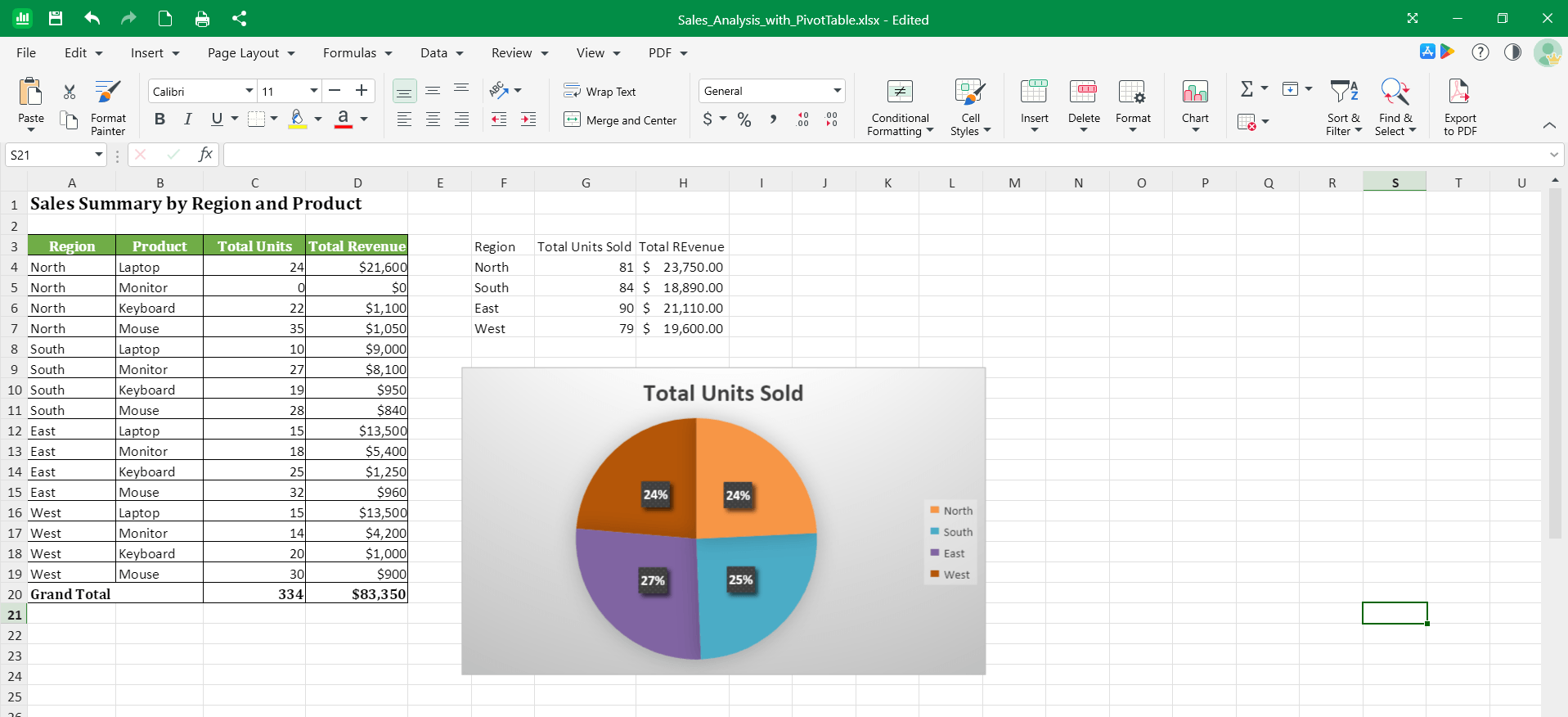
What you can do with MobiSheets
MobiSheets covers the everyday spreadsheet work you'd expect, plus tools for deeper analysis:
Edit Microsoft Excel files. MobiSheets opens and saves XLSX, XLS, XLSM, CSV, and ODS files, so you can keep working with spreadsheets from Excel, Google Sheets, and other office tools.
Format spreadsheets. Adjust fonts, colors, number formats, cell styles, and borders. Use Format Painter to copy formatting from one cell or range to another.
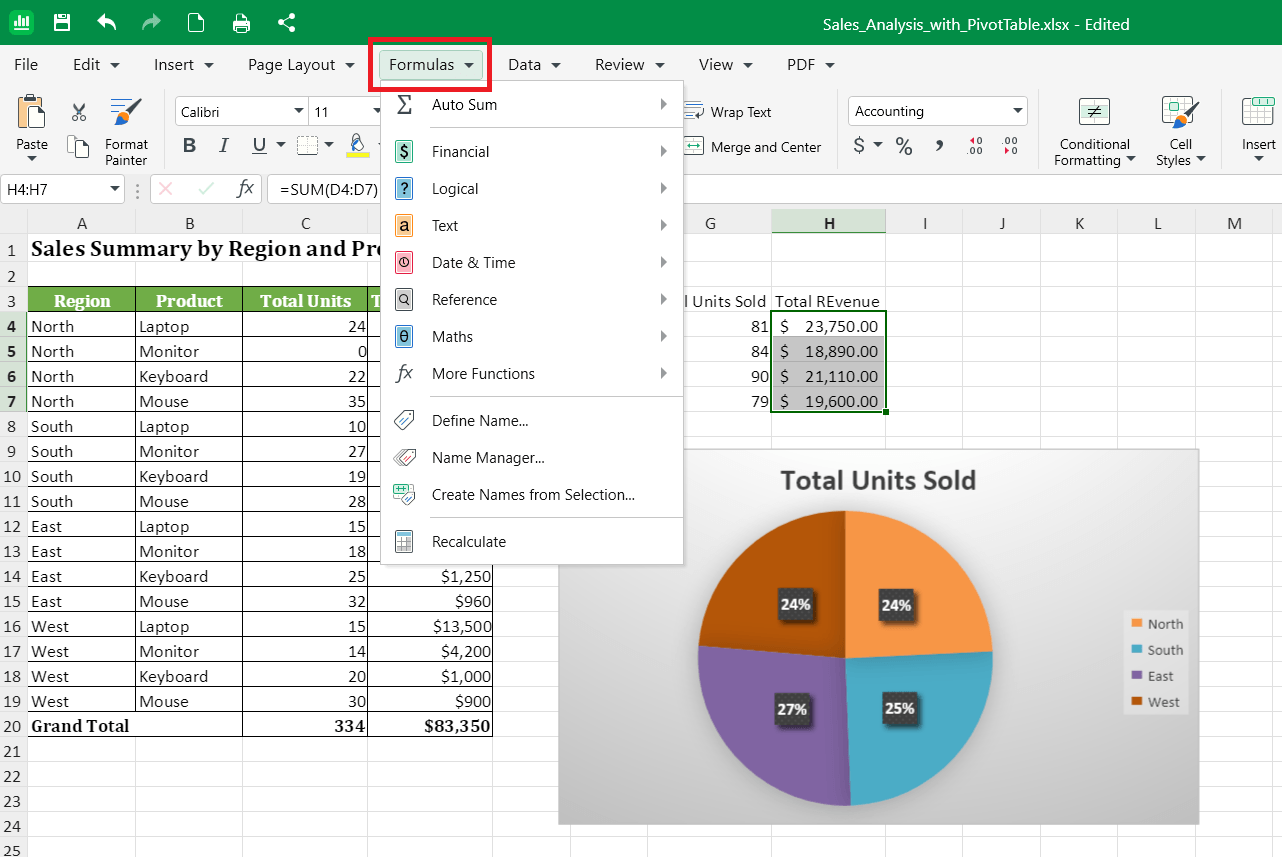
Calculate with formulas and functions. Use over 280 built-in formulas and functions for everyday math and more advanced analysis.
Visualize data with charts. Turn rows and columns into charts and graphs in a few clicks.
Analyze larger datasets. Sort and filter data, group and ungroup rows and columns, add subtotals, and build pivot tables.
Keep data accurate. Use Data Validation to control what can be entered in a cell and Define Names to label key data ranges.
Convert spreadsheets to PDF. Save a finished spreadsheet as a PDF when you need a fixed version to share.
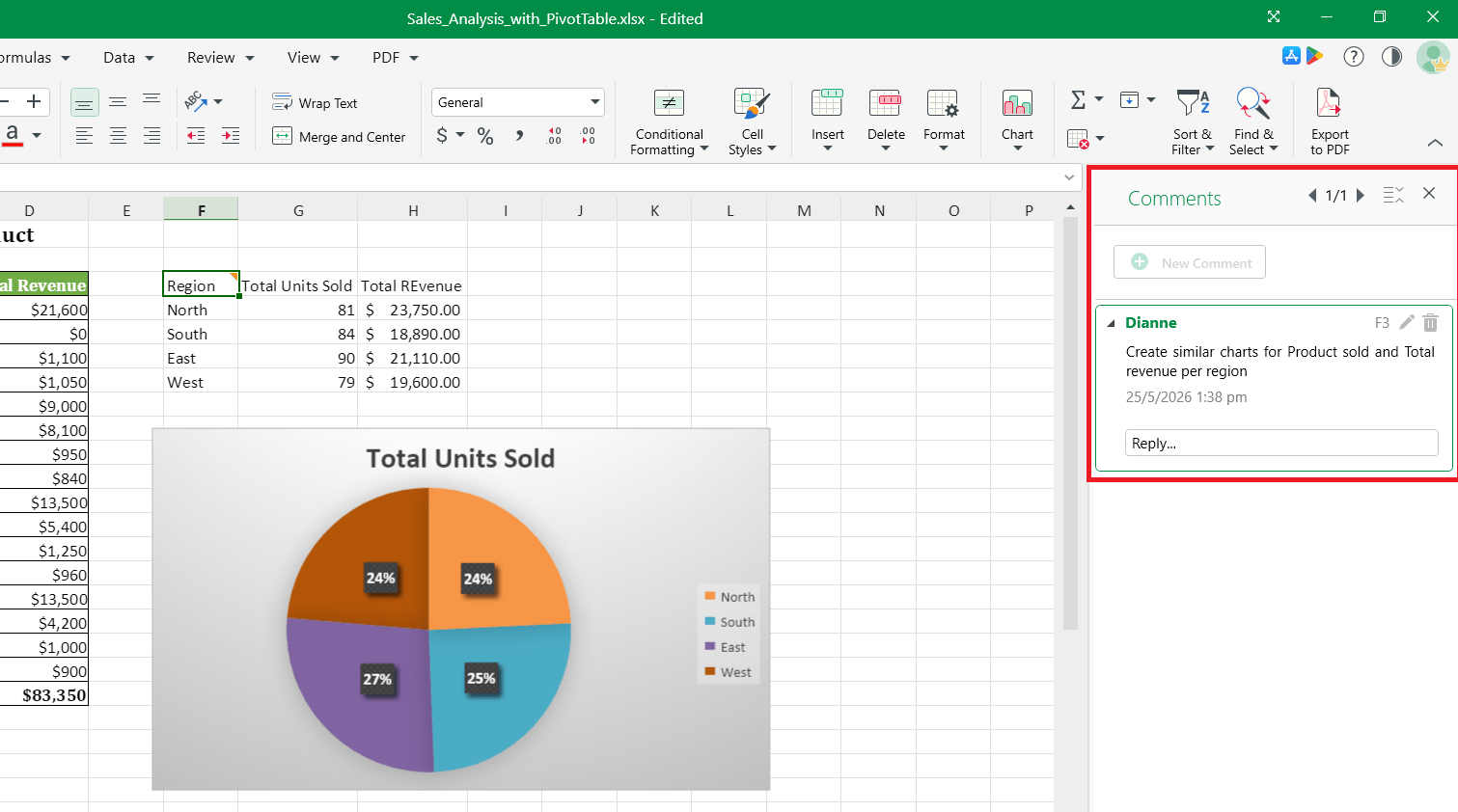
Add comments. Leave comments on cells to review and discuss data before you share the file.
Supported platforms
You can use MobiSheets on:
Sign in with the same MobiSystems account on each device to keep your subscription, settings, and files in sync.
How MobiSheets fits into MobiOffice
MobiSheets is one of four apps in MobiOffice:
MobiDocs for documents
MobiSheets for spreadsheets
MobiSlides for presentations
MobiMail for email (Windows only)
MobiOffice also includes the free MobiPDF Reader for viewing PDFs. You can install the full suite and use only the apps you need.
Where your files are saved
MobiSheets saves files to your device by default. You can also save and open files from:
MobiDrive, the MobiSystems cloud (storage depends on your plan)
Google Drive
OneDrive
Dropbox
When you sign in with the same MobiSystems account on another device, your MobiDrive files are available there too.
Where to go next
Pick the guide that matches what you want to do:


