

Convert PDF to Word and back
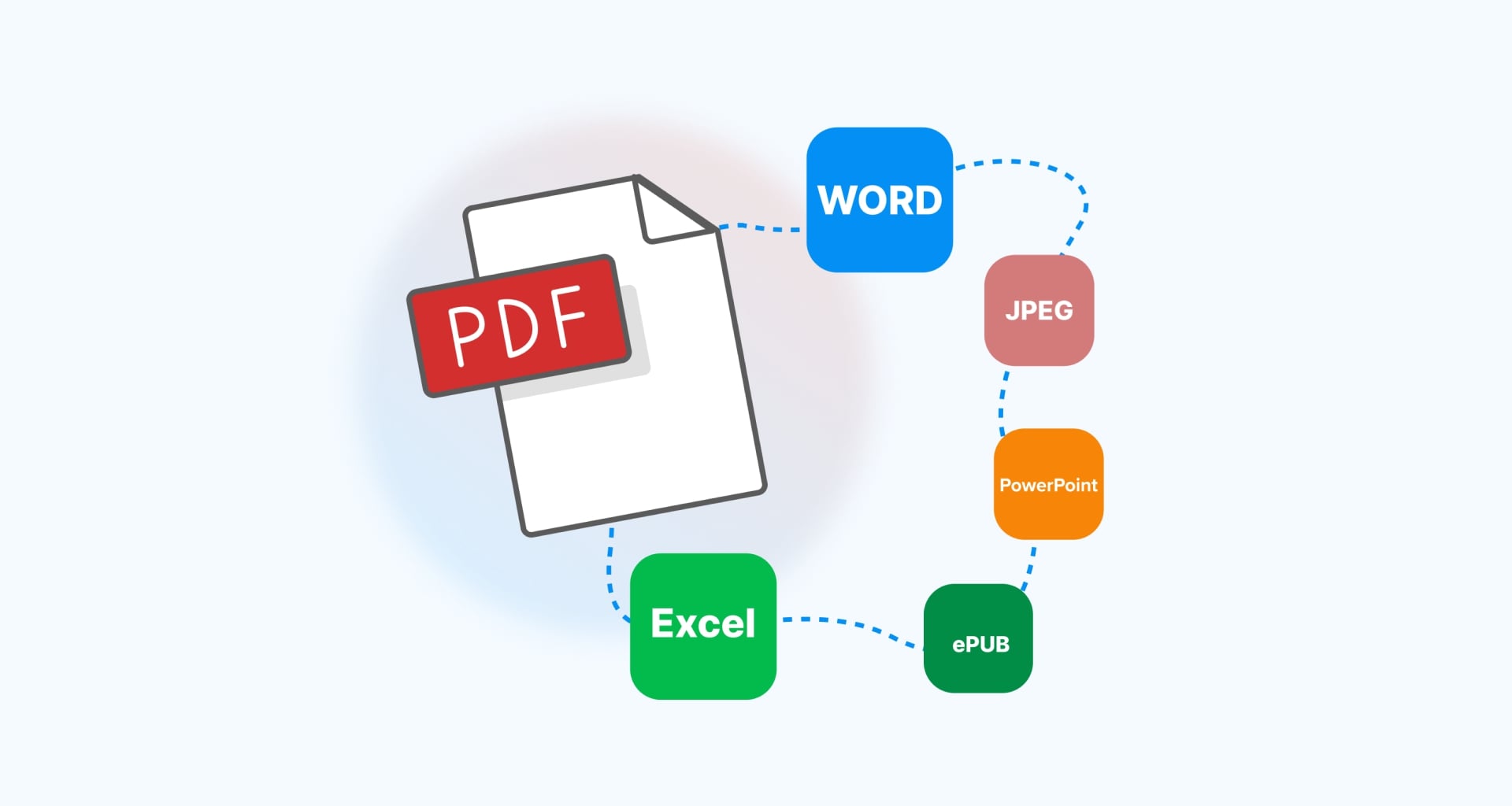
Turn static PDF files into fully editable Word documents in seconds. With MobiPDF, your text, images, and formatting stay intact, so you can update reports, forms, or contracts in a few easy steps.

Convert PDF files to Word instantly
Transform PDFs into editable DOCX files with just a few clicks. Convert and open any document in Microsoft Word or other compatible editors like MobiDocs to update text, adjust formatting, and reuse content while keeping the structure.

Turn scanned PDFs into searchable documents
Use OCR (optical character recognition) to detect text in scanned or image-based PDFs and make them searchable and easier to work with. OCR can improve conversion and provide better results when turning scanned PDFs into editable Word documents.

Work with documents your way
Edit converted files in Word and convert them back to PDF whenever you're ready to share. Keep your document formatting consistent while working with familiar file formats across the tools and devices you use every day.

Why convert PDFs to Word with MobiPDF?

Editing content locked inside a PDF can slow down even simple tasks. MobiPDF makes the process quick and reliable by accurately converting PDFs into editable Word documents while preserving layout, fonts, images, and tables. Your files stay private, your formatting stays intact, and your work moves forward without unnecessary delays.
FAQ

Converting a PDF to Word allows you to edit the content easily, update text, reuse sections, or modify formatting without recreating the document from scratch.
MobiPDF is designed to preserve fonts, images, tables, and layout so the converted Word document closely matches the original PDF.
Yes. MobiPDF uses OCR technology to detect text in scanned PDFs, make it searchable and convert it into fully editable content.
Yes. Your documents are processed safely to ensure your files remain private and protected.
Most files are converted in just a few seconds, depending on the size and complexity of the document.
Yes. MobiPDF features a clean, intuitive interface with familiar tools that make converting and editing documents simple from the start.
Yes. MobiPDF is available on Windows, iOS, and Android, allowing you to manage your PDF files wherever you work.
Absolutely. MobiPDF handles everything from everyday documents to professional reports, contracts, and forms.
Get more PDF tips straight from our experts

See what else is possible with MobiPDF


