

Introduction to MobiSlides
MobiSlides is the presentation app in the MobiOffice suite. Use it to create, edit, and present slide decks on Windows, Mac, Android, and iOS. It's compatible with Microsoft PowerPoint, so you can open and save your existing files without converting them. This article introduces what MobiSlides does, which devices it runs on, and how it fits into MobiOffice. Use it as your starting point before you move on to specific tasks like creating a presentation and adding transitions.
Note: Some of MobiSlides' polish and delivery tools — themes, Master Slides, animations, audio/video, Format Painter, Presenter View, and PDF export — are Premium features. Basic slide creation and editing are free; upgrading unlocks the rest.
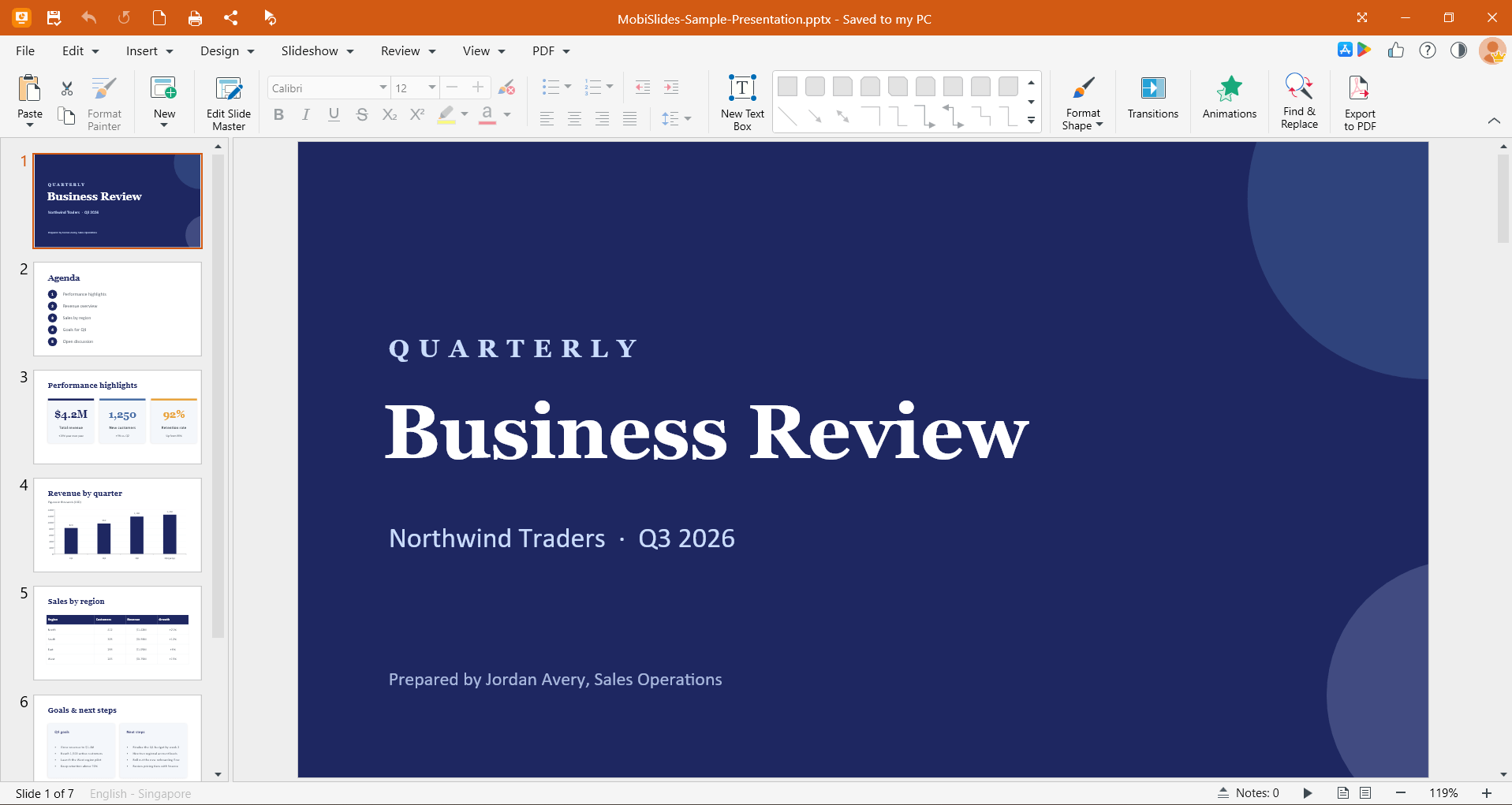
What you can do with MobiSlides
MobiSlides covers the everyday presentation work you'd expect, plus tools for a polished delivery:
Edit Microsoft PowerPoint files. MobiSlides opens and saves PPTX, PPT, PPS, PPSX, PPTM, and PPSM files, and imports ODP and iWork files, so you can keep working with presentations from PowerPoint, Google Slides, and other office tools.
Design slides with themes and layouts. Choose from ready-made themes, change slide layouts, and set custom slide backgrounds.
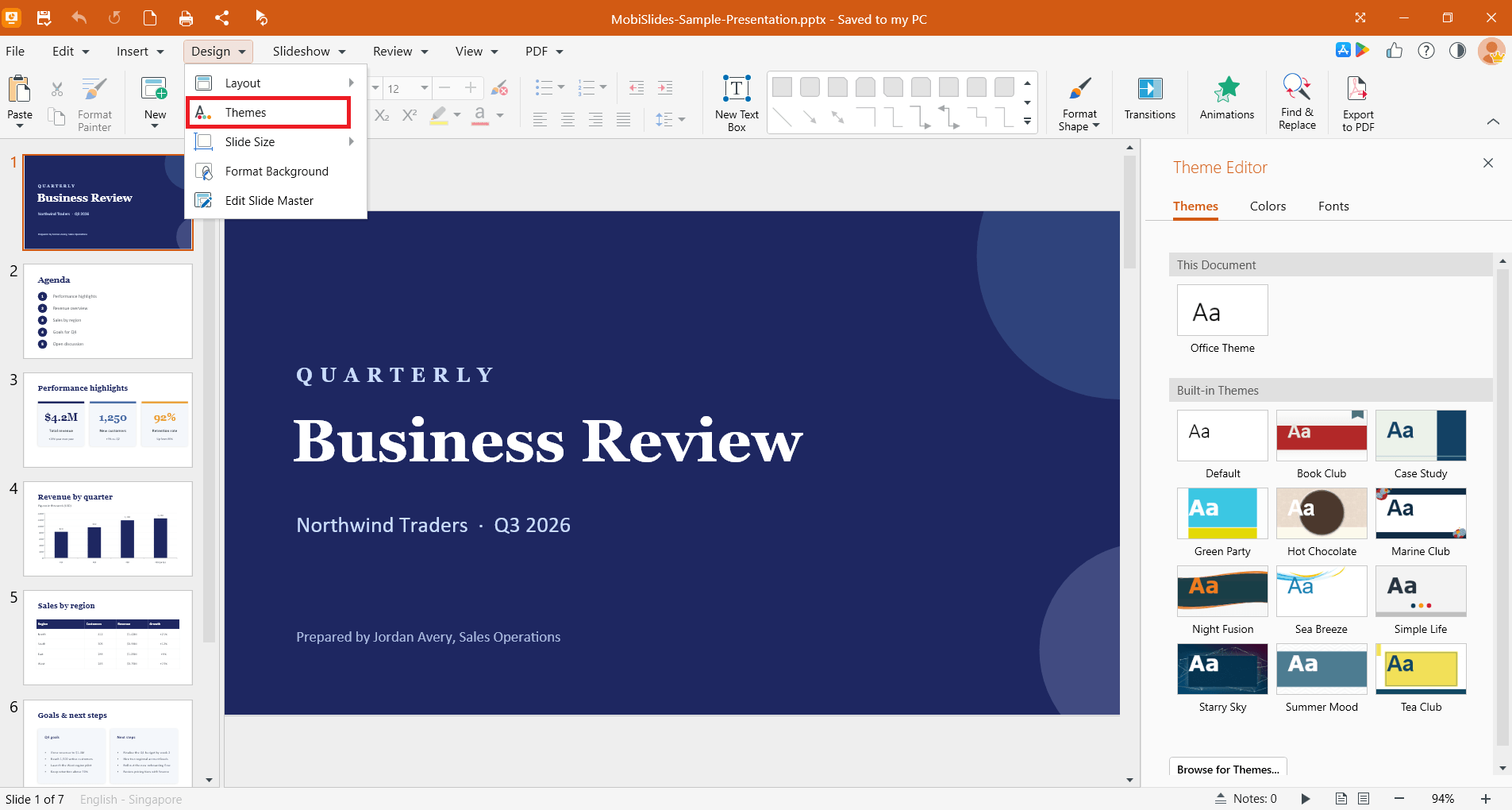
Keep a consistent design with Master Slides. Apply the same fonts, colors, and placeholders across every slide.
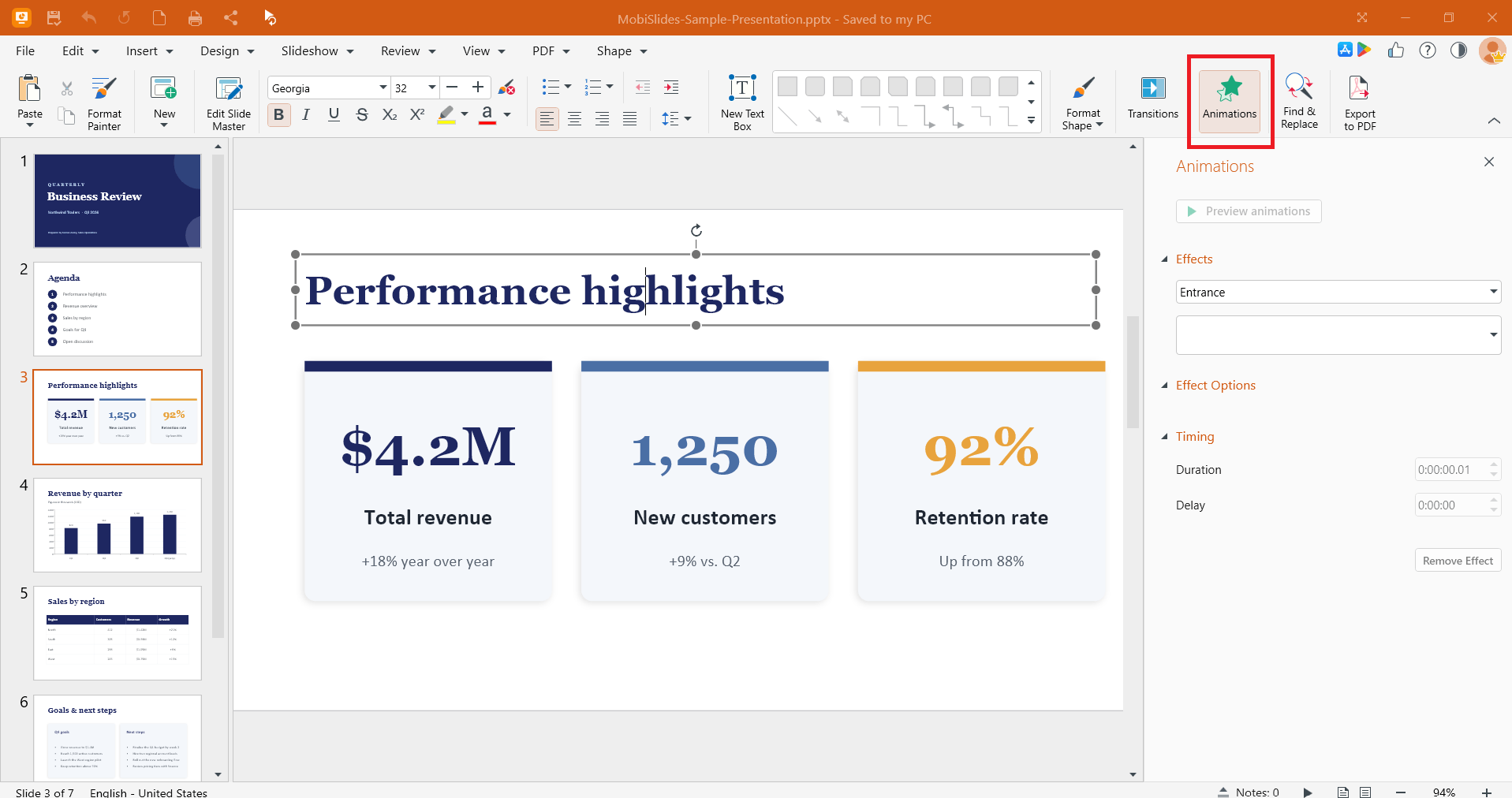
Add animations and transitions. Bring slides to life with motion within a slide and between slides.
Insert media and objects. Add images, shapes, text boxes, audio, video, and hyperlinks.
Format quickly with Format Painter. Copy formatting from one object and apply it to another.
Present with confidence. Use Presenter View with speaker notes and mirror your screen to an external monitor or casting device.
Convert presentations to PDF. Save a finished deck as a PDF when you need a fixed version to share.
Start from a template. Use professionally designed templates to build a deck faster.
Supported platforms
You can use MobiSlides on:
Sign in with the same MobiSystems account on each device to keep your subscription, settings, and files in sync.
How MobiSlides fits into MobiOffice
MobiSlides is one of four apps in MobiOffice:
MobiDocs for documents
MobiSheets for spreadsheets
MobiSlides for presentations
MobiMail for email (Windows only)
MobiOffice also includes the free MobiPDF Reader for viewing PDFs. You can install the full suite and use only the apps you need.
Where your files are saved
MobiSlides saves files to your device by default. You can also save and open files from:
MobiDrive, the MobiSystems cloud (storage depends on your plan)
Google Drive
OneDrive
Dropbox
When you sign in with the same MobiSystems account on another device, your MobiDrive files are available there too.
Where to go next
Pick the guide that matches what you want to do:


