
This article was updated on Feb 20, 2026
PowerPoint has been the default presentation tool for decades, but for many Mac users, it doesn’t seem like the first choice. Outdated templates, clunky performance on macOS, and limited flexibility compared to newer tools have left people asking a simple question: What can I use instead of PowerPoint on Mac?
There are plenty of powerful PowerPoint alternatives for Mac users in 2026 and we break them all down (including free options) in this article – so let’s dive in.
The best PowerPoint alternatives for Mac in a nutshell
MobiOffice (MobiSlides) – Best PowerPoint alternative for Mac overall
Pros
Cross-platform compatibility (Mac, Windows, mobile)
Built-in cloud storage with MobiDrive
Regular feature updates
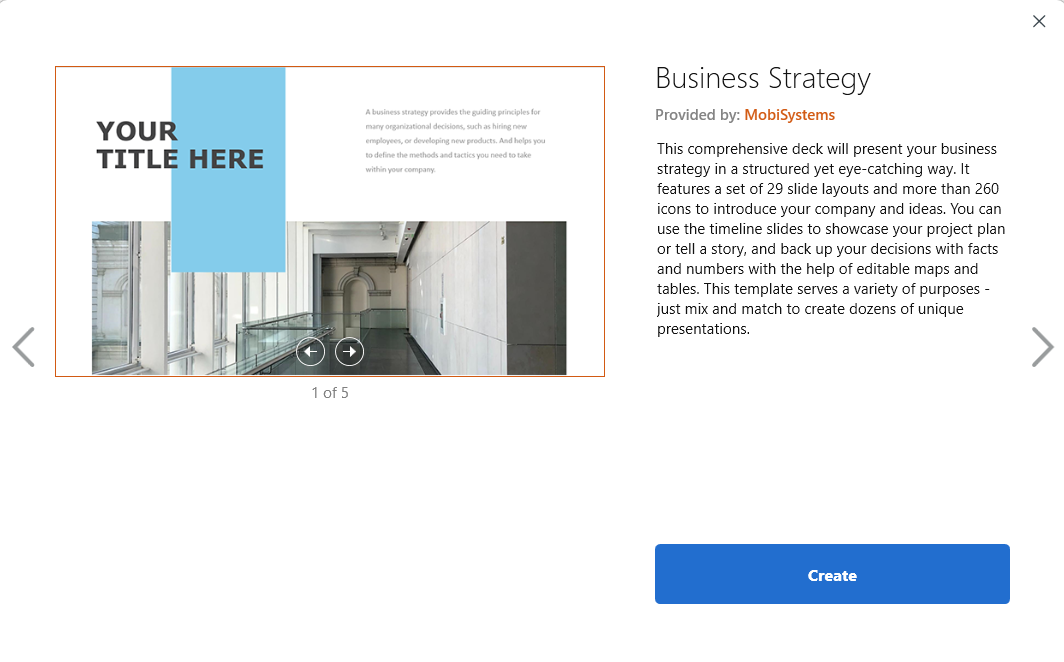
Template library with useful ready templates
Responsive customer support
Fair pricing
Free version available
Cons
Free version has limitations
Template library could be larger
Apple Keynote – Best free PowerPoint alternative for Mac
Pros
Completely free
High-quality templates
Seamless Apple ecosystem integration
Built-in media library
Cons
macOS and iOS only
PowerPoint export issues
Large file sizes
Beautiful.ai – Best AI PowerPoint alternative
Pros
AI-powered slide creation
Polished, modern designs
Easy-to-use interface
Cons
Limited customization
No freemium plan
Expensive for teams
Google Slides – Best for team collaboration
Pros
Free to use
Real-time collaboration
Works on any device
Google Workspace integration
Cons
Very limited offline access
Basic templates and animations
Formatting issues with PPT imports
Zoho Show – Best simple presentation software
Pros
Clean, minimal interface
Real-time collaboration
Good PowerPoint compatibility
Cons
Limited features for power users
Weak mobile experience
Small template library
Canva – Best PowerPoint alternative for small businesses
Pros
Massive template library
Free plan available
Multi-purpose design tool
Cons
Internet-dependent
No true PowerPoint compatibility
Limited offline support
Why consider another app over PowerPoint on Mac?
For many users, PowerPoint on macOS feels like a guest who overstays their welcome. Main reason seems to be that it hasn’t evolved in ways that fully embrace how Mac users work today.
Here’s why more people are searching for PowerPoint alternatives for Mac:
Better macOS performance: Native or Mac-optimized apps run smoother and feel more intuitive
Modern templates: Ready-to-use templates with a clean, modern design
Simpler workflows: Less confusion, easier workflow
Flexible pricing: Including free PowerPoint tools for Mac
Stronger collaboration: Especially for remote and cross-platform teams
If you’ve ever wondered “Is there a Mac equivalent to PowerPoint?” or “What do Mac users use instead of PowerPoint?”, the rest of this guide has answers.
What makes the best PowerPoint alternative for Mac?
The best PowerPoint alternative for Mac is presentation software that combines easy collaboration, modern templates, flexible customization, offline access, and a user-friendly interface that feels natural on macOS.
Before choosing the right presentation tool, it helps to understand what actually matters:
Team collaboration
Real-time editing, comments, and simple sharing are essential for modern teams working together on presentations.
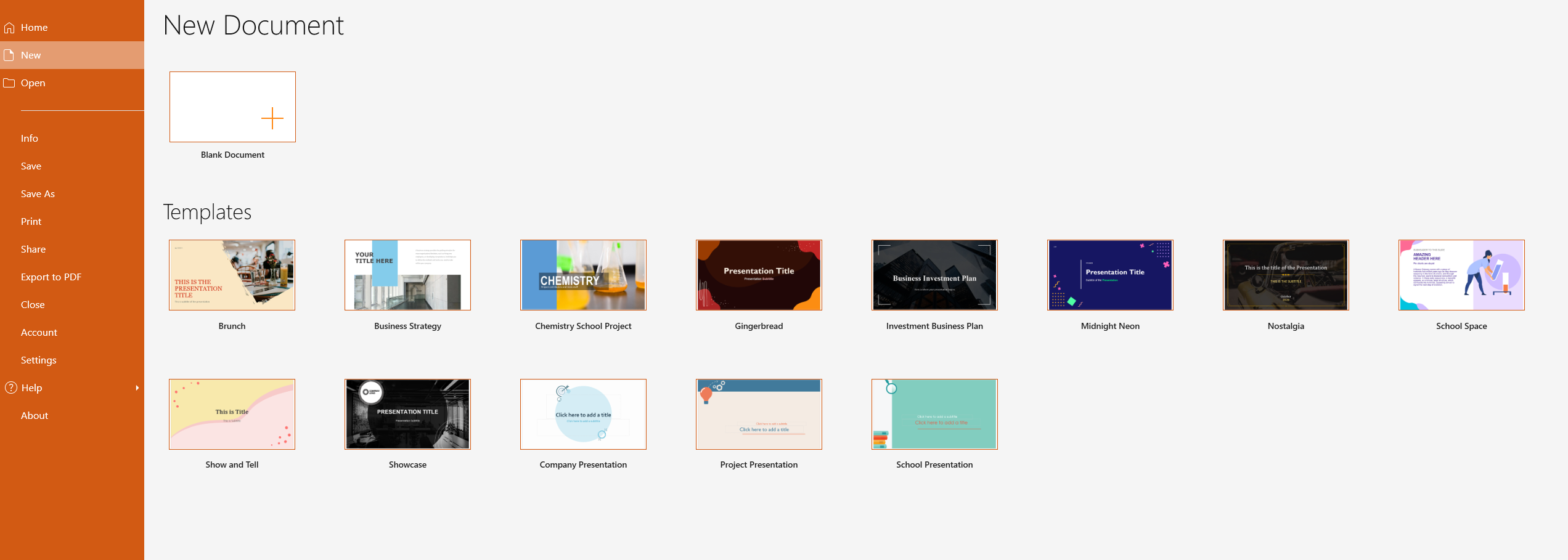
Built-in templates
Most users aren’t designers, so high-quality templates help save time and instantly improve the look of your slides.
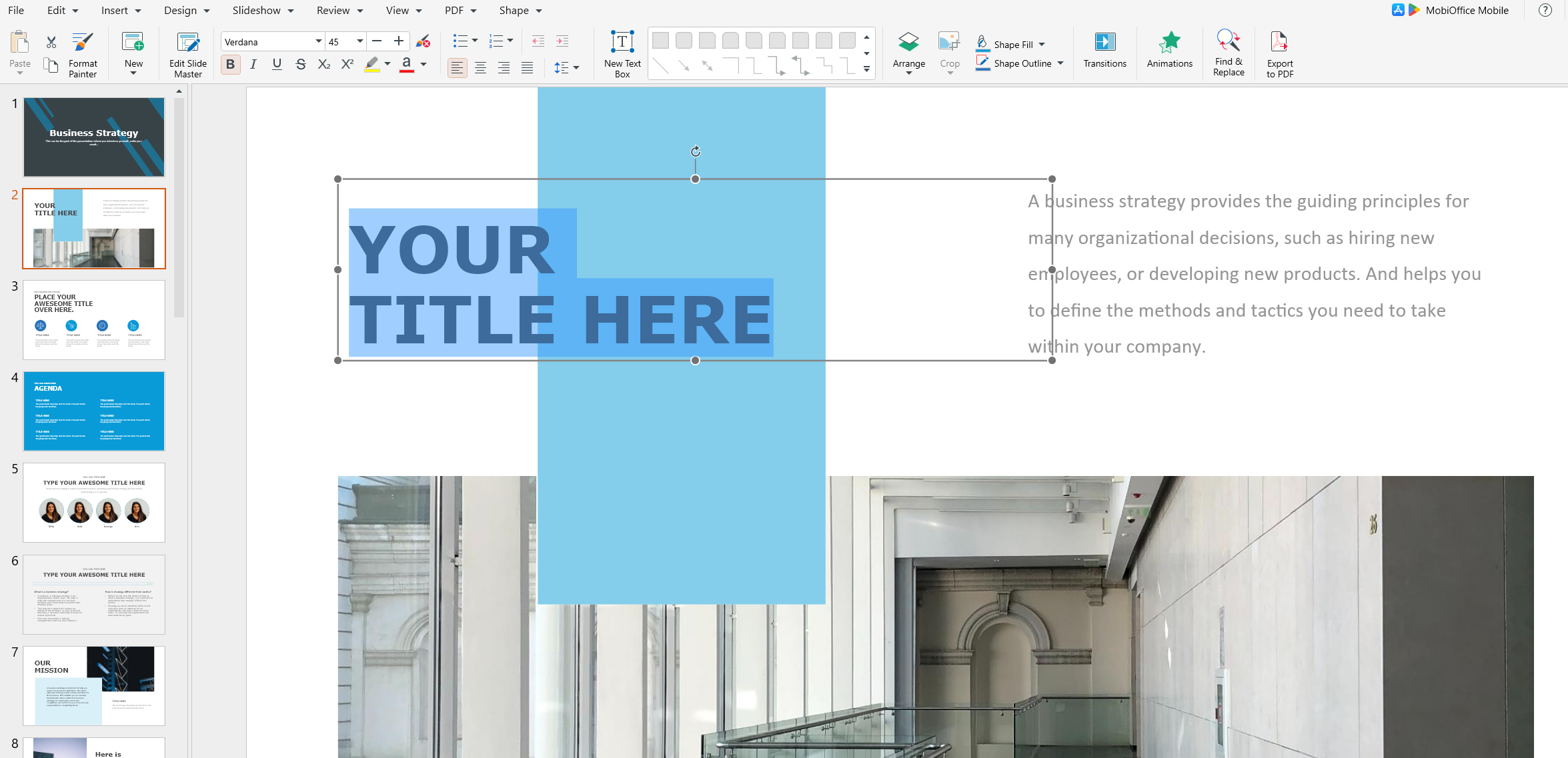
Customization & flexibility
Templates should be easy to adjust, allowing you to adapt layouts, colors, and content without restrictions.
Offline usability
Reliable offline access is crucial when traveling, presenting without internet, or working securely.
Ease of use
A clean, intuitive interface always beats complex menus and unnecessary features.
The best PowerPoint alternatives for Mac in 2024 (detailed breakdown)
MobiOffice (MobiSlides) – Best overall PowerPoint alternative for Mac
MobiSlides combines familiarity with modern design and performance. It supports all popular PowerPoint file formats, offers cloud sync through MobiDrive, and works seamlessly across Mac, Windows, and mobile devices.
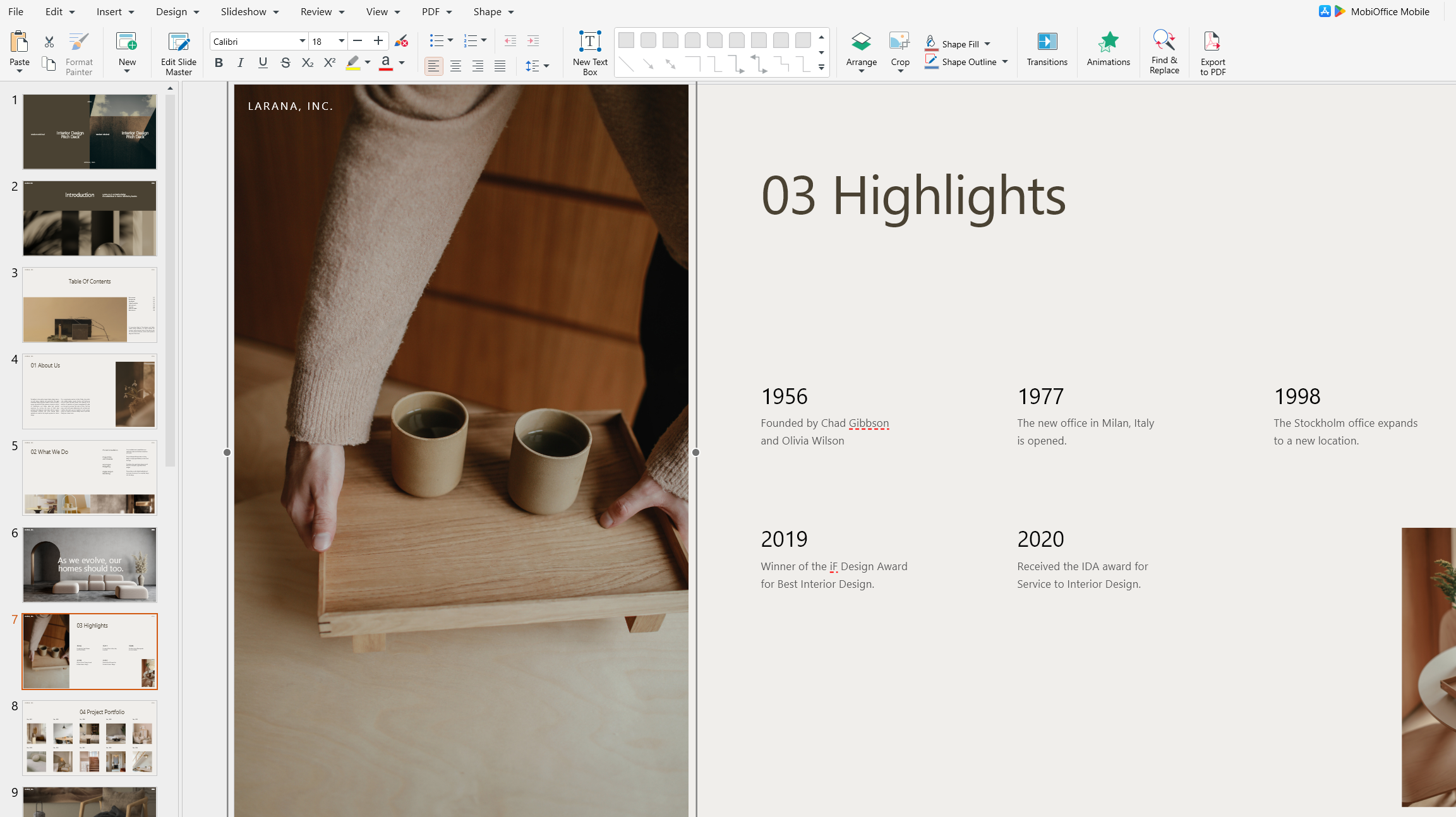
You get an interface that feels intuitive, the learning curve is gentle, and collaboration is easy through shared cloud storage. With regular updates and flexible pricing, it’s one of the most balanced PowerPoint alternatives for Mac users today.
Apple Keynote – Best free PowerPoint alternative for Mac users
Keynote is Apple’s answer to PowerPoint, and yes, Keynote for Mac is free. It offers beautiful templates, smooth animations, and deep integration with macOS and iOS.
However, Keynote’s biggest weakness happens to be compatibility. Exporting to PowerPoint can cause formatting issues, and collaboration works best only within the Apple ecosystem.
Google Slides – Best for cross-platform collaboration
Google Slides shines when collaboration matters more than design depth. It’s browser-based, free, and perfect for teams spread across different devices.
That said, offline functionality is limited, and PowerPoint imports often break layouts.
Canva – Best design-first PowerPoint alternative for Mac
Canva is ideal for small businesses and non-designers who want visually striking presentations fast. Its templates are unmatched, and the drag-and-drop editor is incredibly approachable.
The trade-off? Limited PowerPoint compatibility and heavy reliance on an internet connection.
Beautiful.ai – Best AI presentation software
Beautiful.ai automates layout and design decisions using AI. You describe what you want, and it builds slides that look professionally designed.
It’s fast and impressive, but advanced customization is limited, and pricing can be steep.
Zoho Show – Best lightweight PowerPoint alternative
Zoho Show focuses on simplicity. It handles PowerPoint files well, supports collaboration, and integrates with popular productivity tools.
Power users may find it too basic, but for clean, no-frills presentations, it gets the job done.
Frequently asked questions
What can I use instead of PowerPoint on Mac?
You can use Keynote, MobiSlides, Google Slides, Canva, Zoho Show, or Beautiful.ai. Each offers a different balance of features, pricing, and compatibility.
How to make a presentation on Mac without PowerPoint?
You can create presentations using Keynote (built into macOS), browser-based tools like Google Slides or Canva, or downloadable apps such as MobiSlides.
Is there a free version of PowerPoint for Mac?
There is no fully free desktop version of PowerPoint for Mac. You can use the limited web version, or choose free alternatives like Keynote or Google Slides.
Is Keynote better than PowerPoint?
Keynote is often better for design and macOS performance, while PowerPoint has stronger cross-platform compatibility and enterprise adoption.
What is the disadvantage of Apple Keynote?
Keynote is limited to Apple devices, and exporting to PowerPoint can cause formatting and animation issues.
Final Thoughts
There’s no single “best” choice for everyone, but there is a best PowerPoint alternative for you. Whether you want a free solution, better collaboration, modern design, or smoother Mac performance, today’s presentation tools offer more choice than ever.
If you want a familiar PowerPoint-like experience that feels lighter, faster, and more modern on macOS, MobiSlides is a strong place to start.
P.S. Why not give MobiSlides a try?