Getting Started - Product versions
Checking product version
To check which product version you are currently using, simply launch MobiPDF and visit the “About” section in the left portion of your screen as shown below:
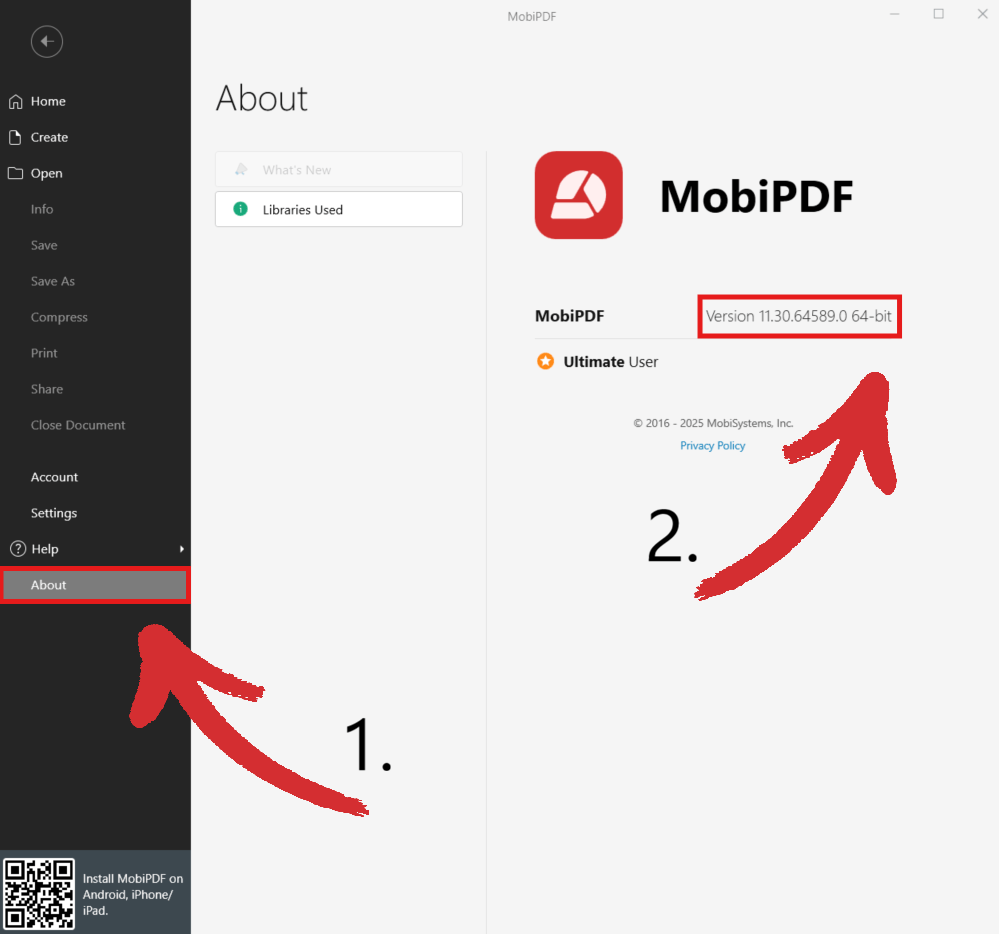
You can then see the current version you’re running just below the MobiPDF logo, as well as which MobiPDF edition you are using: Premium, Ultimate, or Lifetime.
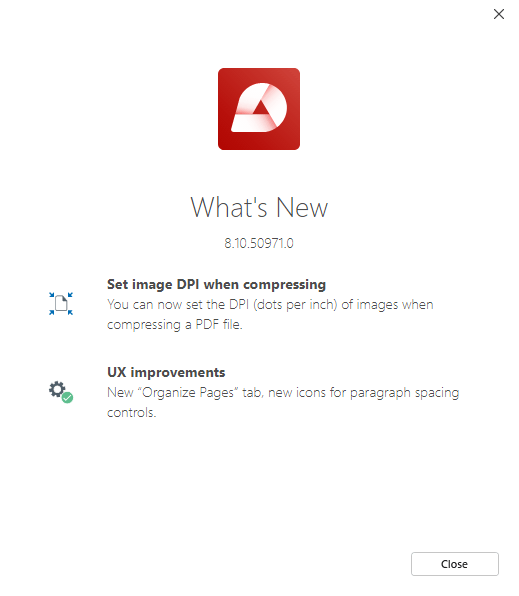
To check what new features and improvements we’ve added to our latest release, click on “What’s New” in the top left portion of your screen and a window will appear listing all the changes.