Organizing PDFs - Rotating pages
Rotating pages
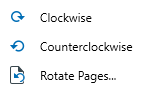
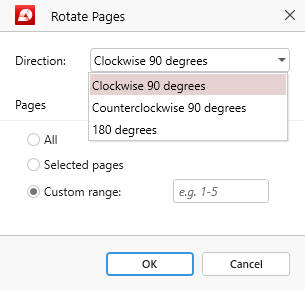
The “Rotate” feature is represented by the  icon. As the name suggests, this feature allows you to rotate a single page or a page selection either clockwise or counterclockwise. Clicking on “Rotate Pages” from the dropdown menu will reveal advanced settings, such as rotating pages by 180 degrees, as well as how many pages to rotate at once:
● All pages
● Selected pages
● Custom page range