

Securing PDFs - File protection settings

Accessing the security settings
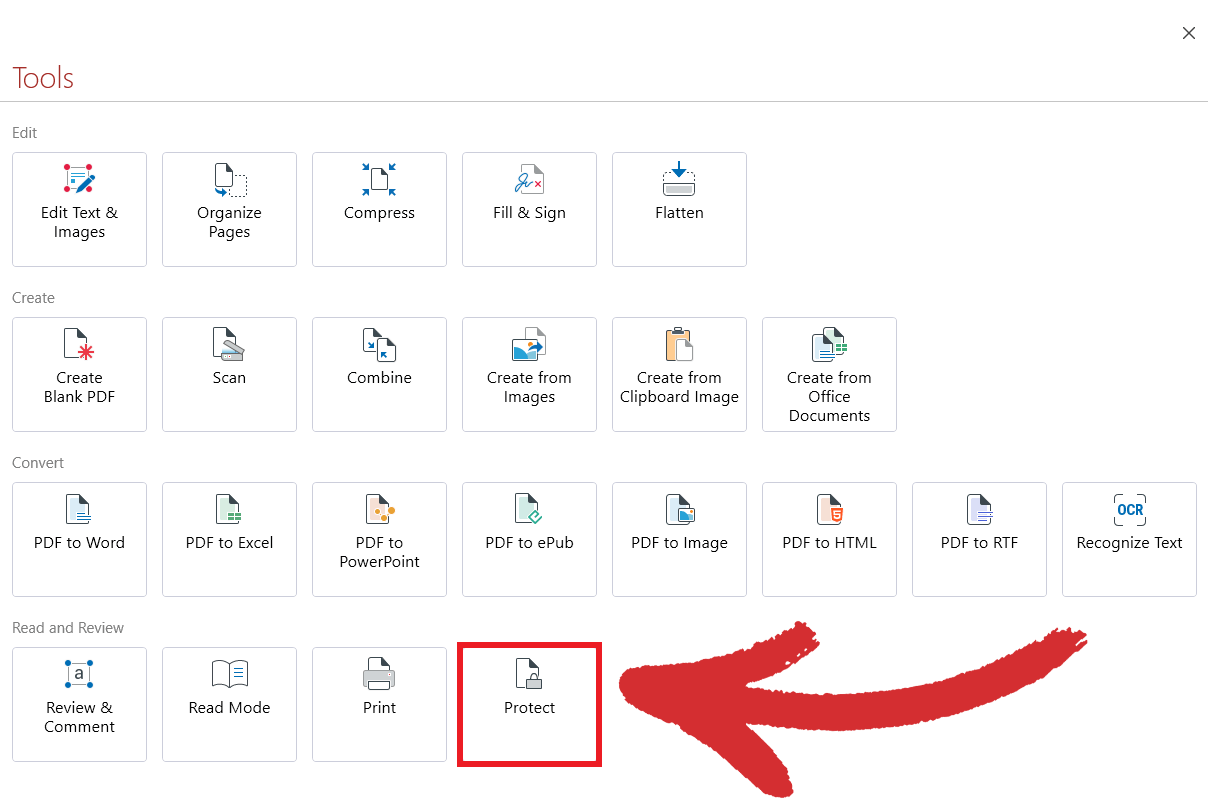
To start protecting documents in MobiPDF, simply head over to “Home” → “Tools” → “Protect”
If you’ve already opened a PDF file that you want to secure, you can also access this functionality from MobiPDF’s tool ribbon.
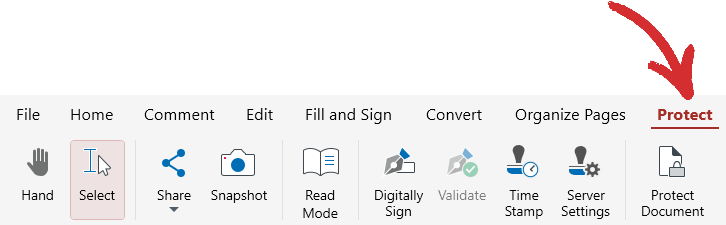
If you’ve already opened a PDF file that you want to secure, you can also access this functionality from MobiPDF’s tool ribbon.


