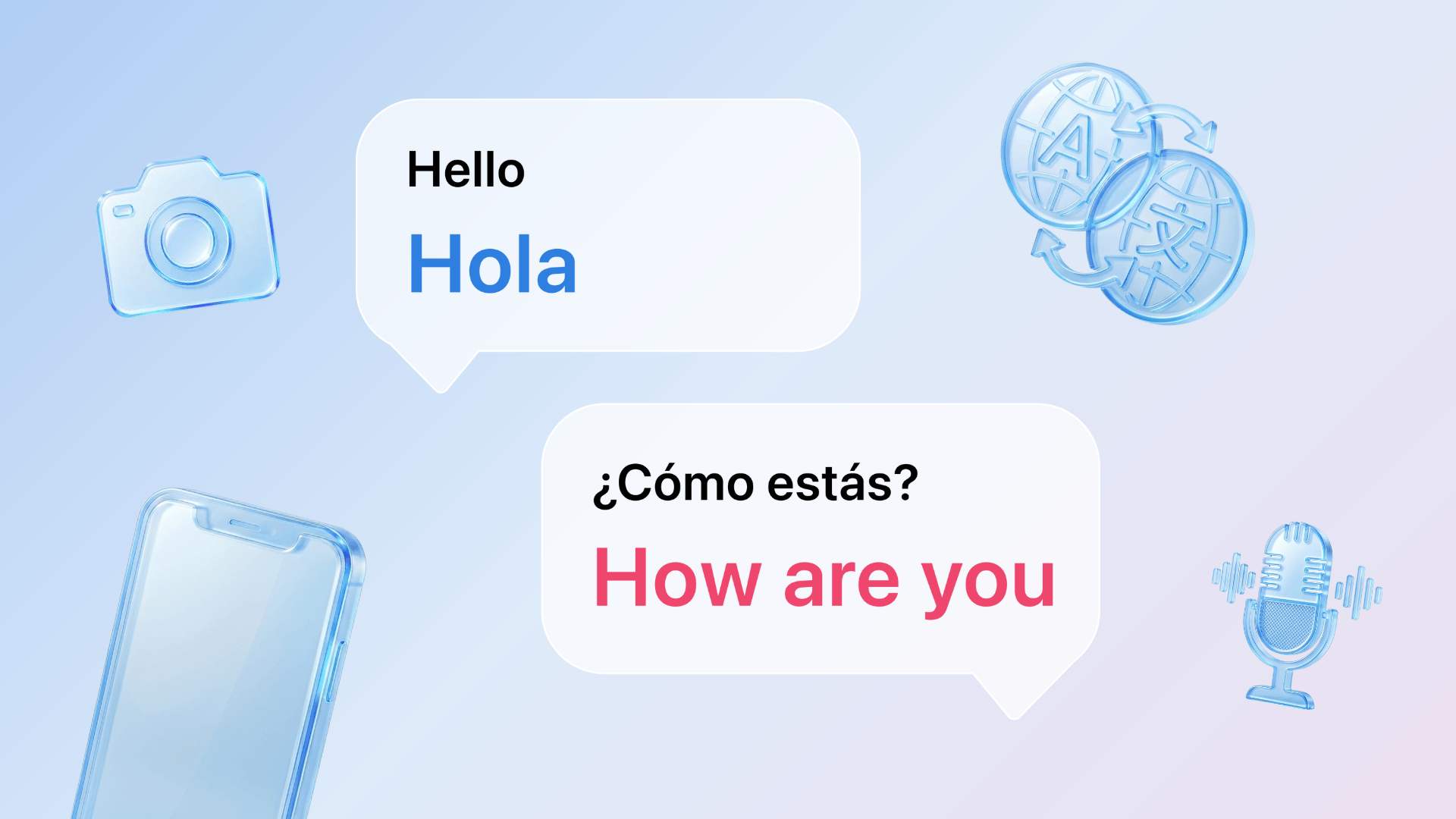
Talk & Translate handles the language side of work – voice translation for meetings and travel, camera translation for documents and signs, and offline mode for when connectivity isn't guaranteed. A translation app for business needs to keep up across 100+ languages, in under a second. Here's how professionals actually use it.
Because language barriers cost professionals more than they realise. A mistranslated email, a client meeting where half the meaning gets lost, a business trip where you're guessing at context instead of acting on it – these aren't just awkward moments. They slow things down.
What Makes Talk & Translate Work in a Business Context
Most translation apps are built for casual use. They handle simple phrases well but struggle the moment language gets specific – industry terminology, formal register, the kind of nuanced phrasing that matters when something is on the line.
Talk & Translate's AI Magic goes beyond word-for-word translation. It understands context, tone, and idioms – the difference between a translation that's technically correct and one that lands right. So a formal email sounds formal in the target language, "let's circle back" doesn't confuse a client in Seoul, and a phrase that carries weight in English lands the same way when translated. For binding documents – contracts, legal terms, anything with consequences – use it to understand what you're reading, and confirm the details with a professional translator before you sign.
Business Travel
Getting there
Airports, taxis, hotels – a lot of business travel is navigating logistics in a language you don't speak. Talk & Translate's voice translation handles back-and-forth conversation in under a second, so you're never stuck at a check-in desk hoping the other person understood you.
On the ground
Use the AR camera to read signage, transport schedules, and printed documents in real time. Point and read – no typing, no switching apps. Useful anywhere you need to move quickly and confidently.
When connectivity is unreliable
Hotels, conference venues, remote locations – Wi-Fi isn't always guaranteed when you travel for work. Download your languages before you leave and voice, text, and photo translation work fully offline. Full offline mode is a Premium feature. For any professional who travels internationally, this isn't a nice-to-have. It's essential.
If your next trip is already booked, set it up before you board.
Arriving prepared
Before a trip, use Talk & Translate to get comfortable with key phrases in the local language – greetings, meeting room vocabulary, common courtesies. Small things, but they build rapport before the conversation even starts.
Working with Foreign Clients
Translation app for business meetings
When a client conversation moves faster than you can follow, voice translation keeps you in the room. Speak, listen, and respond in real time without the conversation losing its natural flow. The slow-down mode is useful when you need to catch specific terminology or verify a detail before responding – the kind of precision that matters when something is on the line.
I saw this firsthand when a colleague was preparing for an important meeting with a client in Japan. He was worried the language barrier would flatten the nuances that matter in that setting – the difference between formal and casual, the phrasing that signals respect. We set up Talk & Translate to run the conversation in real time, and the meeting went smoothly – the nuance he'd been worried about came through.
Written communication
Drafting an email to a client in another language – or reviewing one you've received – is where accuracy matters most. Talk & Translate handles written communication with AI that adjusts tone from professional to casual depending on what the situation calls for. The right register for the situation.
The quickest way to test it is on the next email that lands in a language you don't read.
Reading documents and contracts
Point the camera at any printed document and get an instant translation overlaid on your screen. Useful for reviewing contracts, proposals, or any paperwork that arrives in a language you don't read fluently – no waiting, no back and forth with a third party. For anything binding, treat the translation as your first read, not your final one – confirm the details with a professional before signing.
Day-to-day client communication
Use Talk & Translate for the smaller moments too – a quick follow-up message, a voice note, a document that arrives before a call. Real-time translation for business means staying responsive across languages without slowing your workflow down.
Frequently asked questions
Yes – voice translation handles live, back-and-forth conversation in under a second, so meetings keep their natural flow. A slow-down mode helps when you need to catch specific terminology before responding.
For meetings, email, and everyday client communication – yes. AI translation handles context, tone, and idioms well. For binding documents like contracts, use it to understand what you're reading, then confirm the details with a professional translator.
Yes – download your language packs before you leave and voice, text, and photo translation work with no signal. Full offline mode is a Premium feature.
Yes – free to download on iOS and Android. Premium unlocks unlimited voice-to-voice translations, unlimited camera-to-text translations, advanced AI models, and full offline mode.
Translation That Keeps Up With Business
Language shouldn't be the thing that slows a professional down. Talk & Translate handles voice, text, camera, and offline translation across 100+ languages – fast enough for live conversation, precise enough for professional situations. If you're still weighing your options, see how it compares in our guide to the best translation app in 2026.
No setup. Works on your first trip, your first client call, your first day in a new country.