

Compressing PDFs - The compressor menu
Accessing the compressor menu
Finding the file compression module is just as intuitive as accessing any other feature within MobiPDF.
1. Launch MobiPDF.
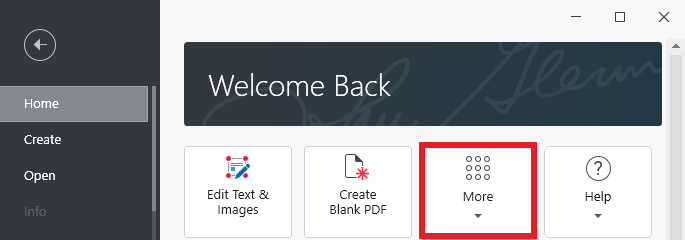
2. Go to “Home → More”.
3. Choose “Compress” from the list of available options.
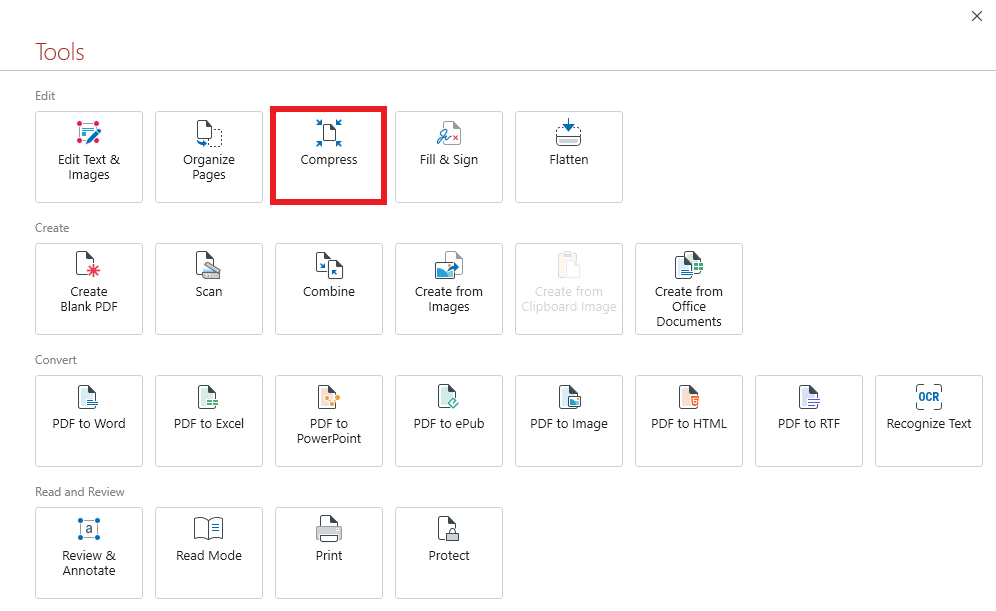
TIP: You can also quickly access the tool from an already opened document by choosing “Edit” → “Compress” or “Home” → “Compress” from the tool ribbon above like when combining files.


