Professional PDF editor for every workflow
From business documents and invoices to resumes and brochures, MobiPDF lets you edit text, images, and layouts directly in your PDF - no exporting, no extra steps, just secure, reliable editing anywhere.

Edit PDF text & formatting
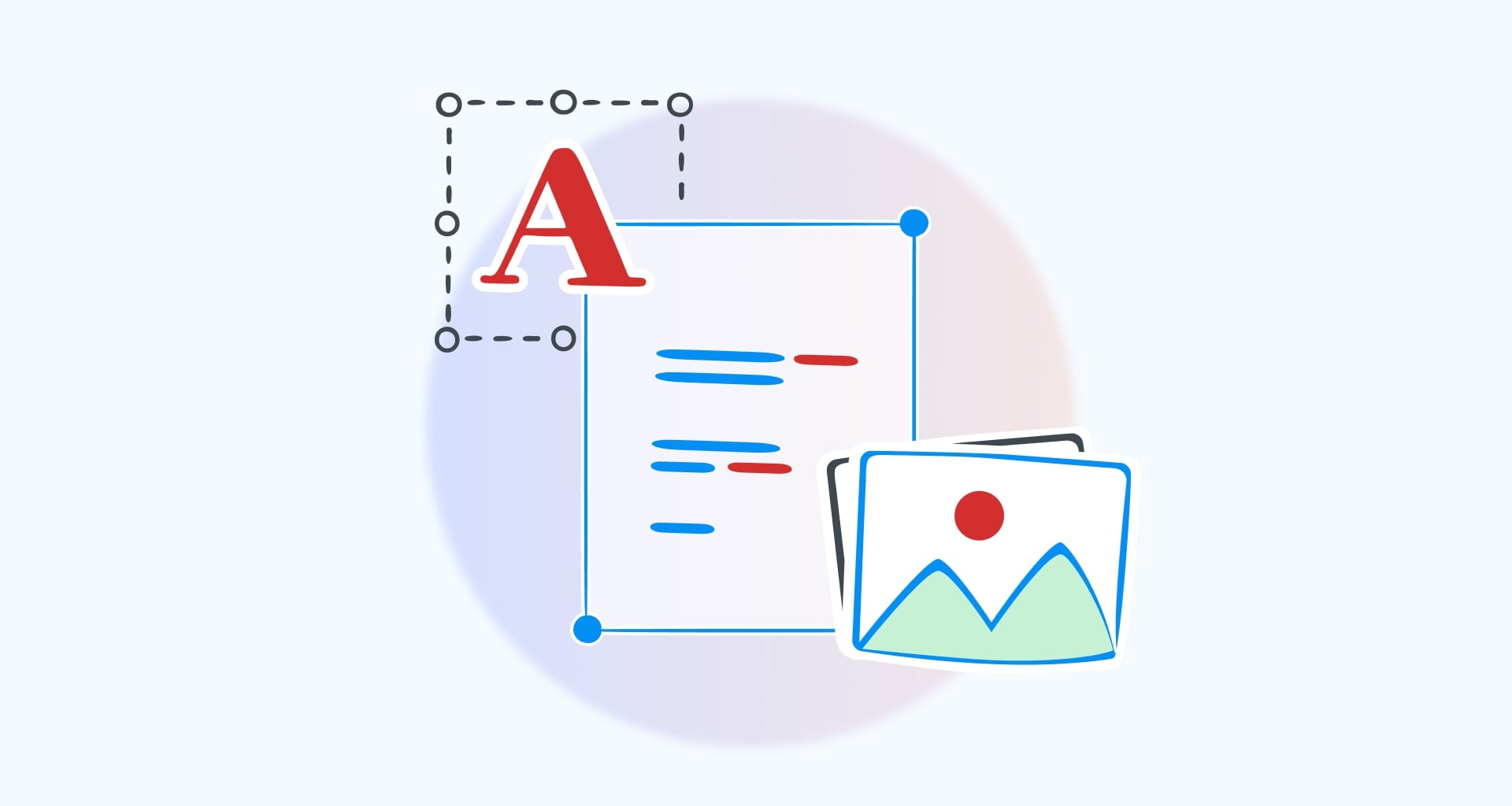
Edit, add, delete or rotate text. Finetune the structure by setting correct line spacing or virtual scaling. Tweak text styles, fonts & coloring with the available PDF editor tool. With MobiPDF, anything is possible.

Advanced objects editing
Customize PDF images and other elements to make your file look just the way you want. Add, resize, arrange, or rotate any local image and insert pictures from the web. Adjust any element in your PDF - from shapes to drawings and everything in between.

Place PDF watermarks
Seamlessly add a text or image watermark to any PDF to clearly communicate its status (e.g. “Draft” or “Sample”) or protect your work against theft. Customize everything about your watermark, including alignment, styling, opacity, scaling, rotation, and placement. Save, edit, or remove PDF watermarks in a click with MobiPDF’s easy-to-use interface.

Set up page backgrounds
Quickly add custom background colours to one or more pages in your document. Achieve perfect results with custom rotation, scale, opacity, and offset values. Make your in-house documentation look professional and authentic with branded image backgrounds.

Add clickable links
Turn static documents into interactive PDF experiences in seconds. Invite users to browse your website or insert a link that leads to a specific page in your PDF. Customize the visual appearance of your PDF links and choose the right highlight effect to make them stand out more.

Insert headers & footers
Make your documents much easier to reference. Label your PDF pages with headers & footers containing anything from page numbers and bates numbers to dates and custom text. Make them stand out by choosing an appropriate font style and size, applying bold or Italic, or simply color them, then effortlessly place them exactly where they need to be.

Create PDFs
With this PDF editor for Windows, you can easily make and design new PDF documents from scratch. Create PDFs from any file, start from a blank document, or just use your scanner - whatever works for you.

Organize PDFs
It’s easy to organize pages in a file with the pages PDF editing tool. Delete pages, rotate to portrait or landscape mode, insert, split, merge, and extract pages, and do much more to successfully meet your project requirements.

How MobiPDF helps you with PDF editing

We've worked long and hard to design practical software that is simple to use and serves the everyday PDF needs of professionals and businesses. With MobiPDF, you get an affordable and powerful tool with which you can create and edit PDFs quickly, safely, and to a professional standard.
FAQ
А good PDF edit tool like MobiPDF allows you to modify your document in its PDF format without the need to convert it to an editable office document. You can do things like edit the date, change the text and formatting, or replace your images. With the PDF editor, you can create PDFs from scratch - from a scanner, from images, from a clipboard image, or by converting from Microsoft Office Word, Excel, or PowerPoint documents. This editable PDF software also allows you to combine several PDFs into a new one. If you need to reorganize the pages of your PDF, you can do it with the pages tool - delete, move, or rotate pages depending on your needs.
Many websites offer free PDF text editors that allow you to do some PDF editing online. PDF files often contain sensitive and confidential information, so any editor you use must be able to protect your PDF data. One of the best ways to ensure security and privacy is to choose an offline PDF editor. All of the editing and processing in MobiPDF takes place on your computer, rather than in the cloud, so you can be confident that your data is safe. Another advantage of our app is that you don’t need an internet connection to do your job. Lastly, most online PDF editors allow basic changes in the document and are not as feature-rich as offline PDF editors like MobiPDF.
There are different ways to do this. For instance, you could simply scan a physical document and import it directly within MobiPDF. Another option is to convert images, Microsoft Office files, or ePubs into PDFs using our built-in PDF converter. You can also create a PDF from scratch - simply choose the type of document you need (Letter, A4, Tabloid, etc.), its orientation (Portrait or Landscape), width and height, and start working.
To create a link that you can then easily share with friends or colleagues, simply upload your file to our secure MobiDrive cloud. Once the upload is complete, you can then share the generated link either through MobiDrive or directly through MobiPDF.
Including clickable hyperlinks in your Portable Document Format is a great way to make your document more interactive. With MobiPDF, adding a hyperlink to a PDF is as easy as using a file compressor - simply point to where you want to place the link and consider it done.
MobiPDF natively supports both external (web) and internal (page) links. For instance, you could point to a video, a website, or a relevant page within your PDF file without increasing the document’s size and word count or worsening the reading experience.
A link to a page in a PDF or to an external URL does not make your document any bigger - it simply streamlines your readers’ experience by pointing them to all the right places. Even if you do notice a difference - for instance after placing 20 links in your interactive PDF - it likely won’t exceed several kilobytes.
A common reason for a link to fail is if you’ve accidentally mistyped a URL address. Depending on how the security restrictions on your browser are set up (for instance blocking pop-up windows), this could also end up breaking your clickable hyperlinks. Finally, the issue might be out of your control due to a website shutting down or some other technical reason, in which case you could simply remove it to avoid confusion.
Simply open MobiPDF and select the Word document you want to convert. MobiPDF Pro lets you convert PDFs to and from more than 30 file formats, including Microsoft Word. Please note that DOCX-to-PDF conversion is not included in the MobiPDF Lifetime plan.
With MobiPDF, you can easily add a signature to your file by either free drawing it directly into the document or inserting a premade signature. In addition, you can also digitally sign a PDF. A digital signature provides all the benefits of an ink signature, but it’s much more secure as it will ensure that the signed document has not been altered in any way by anyone other than you.
Simply scan the physical document and MobiPDF will turn it into a digital and fully searchable file with the help of optical character recognition (OCR) technology.
Yes! Our PDF editor gives you the option to add up to two passwords and industry-standard encryption (RC4 and AES). For example, you can make it so that your recipients can only edit certain parts of your PDF or you can require them to input a password just to view the file.
Adding headers and footers in MobiPDF is very intuitive. You can easily choose their positioning within your document (left, right, or centered), select an appropriate font style and size, and apply additional formatting all from a single dedicated panel. In addition, MobiPDF also offers you a visual preview of your headers and footers for easier reference.
You can add page numbering just as seamlessly as headers and footers. The options range from setting a different page numbering format (e,g, Arabic or Roman numerals) and custom prefixes to bates numbering – it all really depends on your needs. You can also choose to apply your changes to a specific page range only, leaving the remaining content intact.
Absolutely! In addition to supporting colored backgrounds, with MobiPDF you can also insert a custom background image on one or more pages, making any document branding work a breeze. You can also control parameters like image rotation, opacity, scale, and offset.
Yes. With MobiPDF Pro, you can edit PDFs on one Windows PC and up to two Android and/or iOS devices. Download MobiPDF from the App Store or Google Play, then sign in with the MobiSystems account linked to your subscription.
Get more PDF tips straight from our experts