

Organizing PDFs - The organizer menu
Accessing the organizer menu
Finding the organizer module is as simple as doing anything else in MobiPDF.
1. Launch MobiPDF.
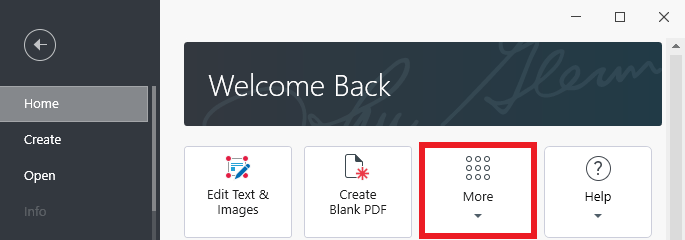
2. Go to “Home → More”.
3. Choose “Organize Pages” from the list of available options.
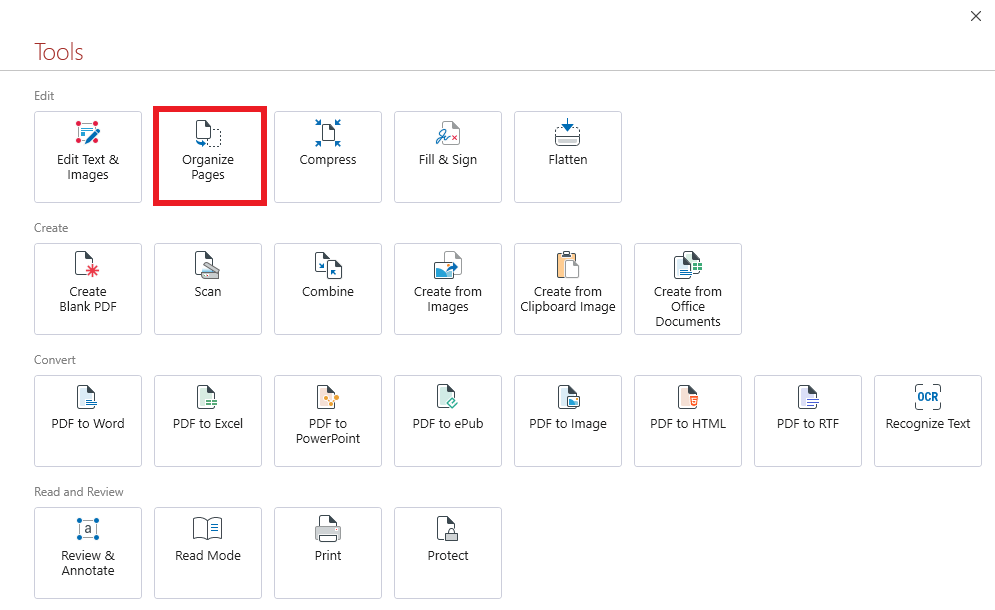
TIP: You can also access the organizer module by opening a PDF and clicking on the “Organize Pages” tab in the tool ribbon above, similarly to how you would access the PDF converter.


