The original, trademark Mobisystems Logo.

Recent articles

separator
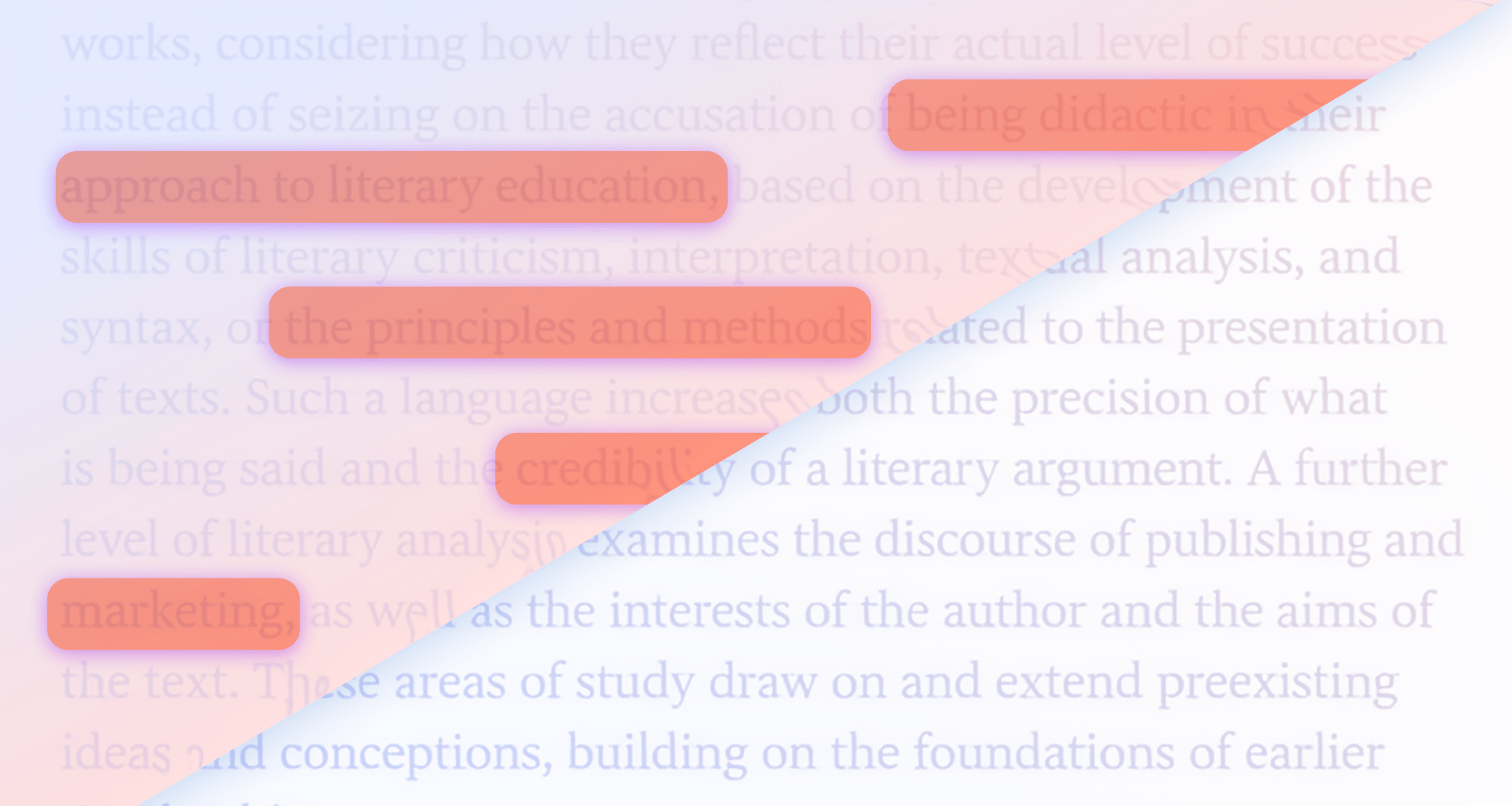
Illustration showing highlighted text being removed from a PDF, with a diagonal before-and-after comparison demonstrating highlight deletion.
7 Jul 2026read time7 min

How to Remove Highlights from a PDF

Digital illustration of a PDF file with a crop icon, representing editing and cropping PDF pages.
19 Jun 2026read time8 min

How to View, Edit, and Remove PDF metadata with MobiPDF | Complete 2026 Guide

Illustration of a PDF file icon with a virus symbol representing potential malware or security risks in PDF documents
1 Jun 2026read time10 min

Can a PDF Have a Virus? What You Need to Know About PDF Safety

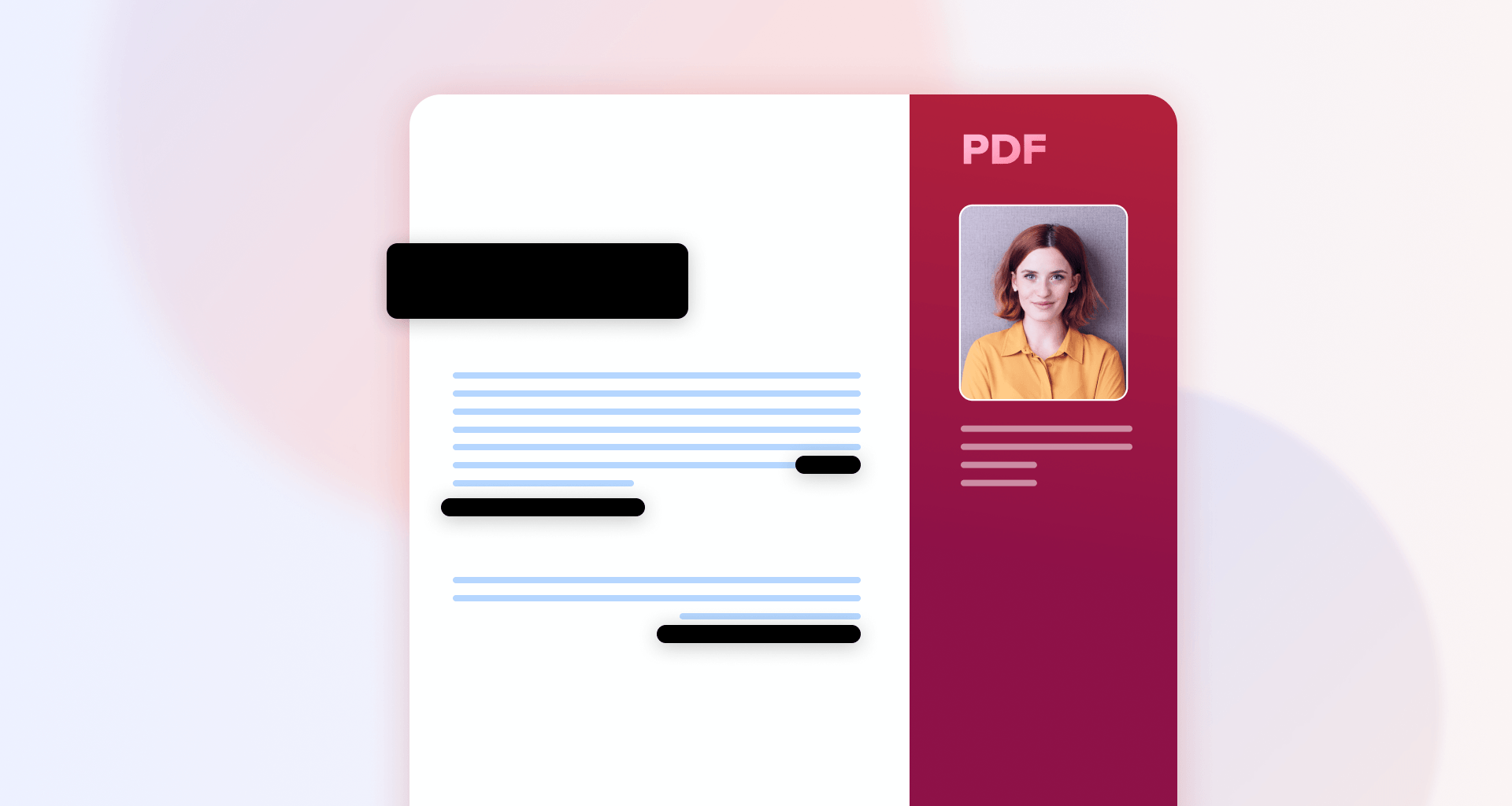
Illustration of a PDF document with blacked-out sections and personal information hidden, representing the process of redacting sensitive content from a PDF file
27 May 2026read time6 min

How to Black Out and Redact Text in a PDF Before Sharing It

Illustration of European-made software products featuring the EU Made in Europe symbol alongside MobiSystems app icons on a blue background
14 May 2026read time5 min

Why Choosing European Software Matters: A Smart Alternative for Office Tools Users

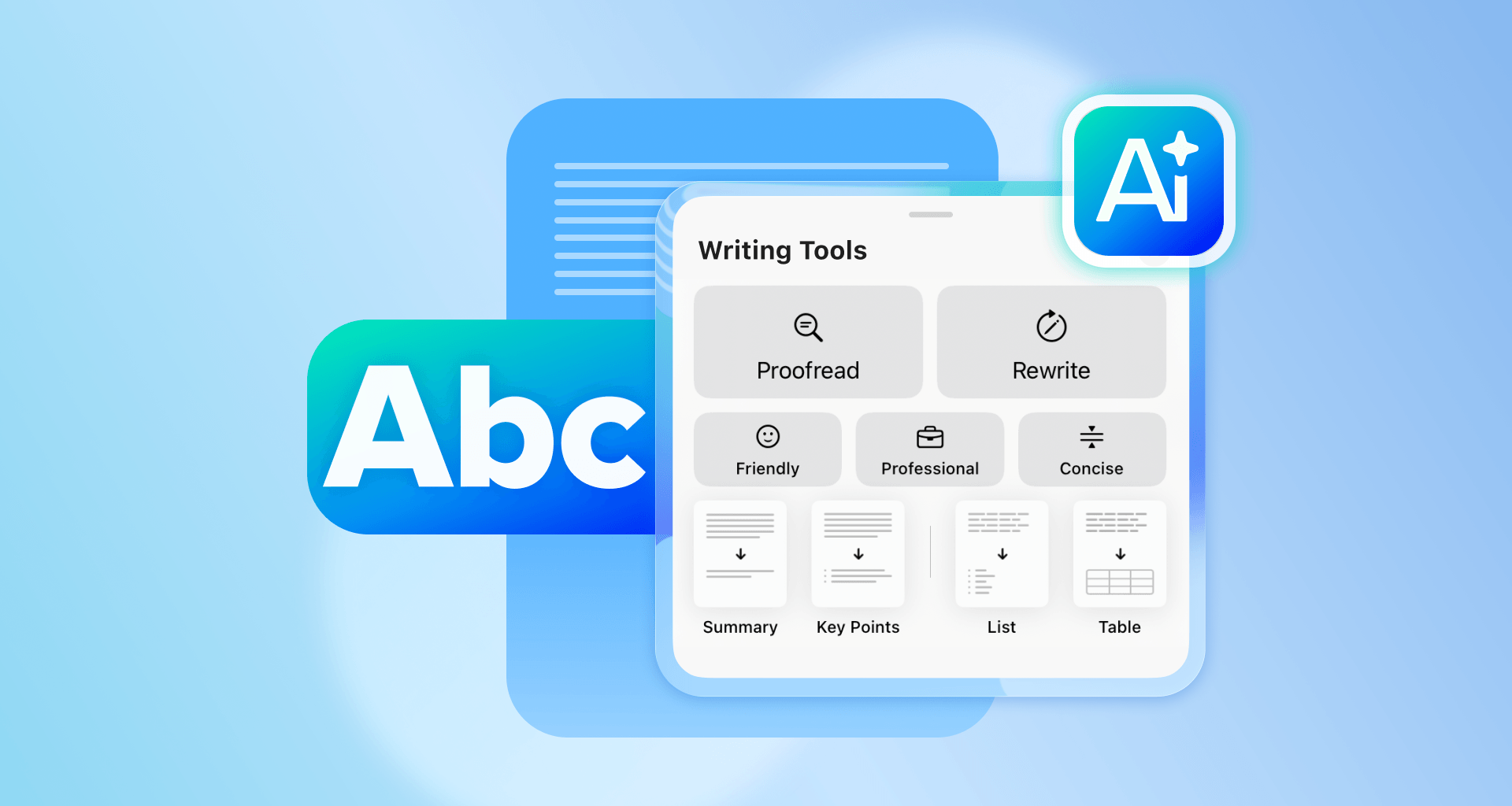
Illustration of AI writing tools with options for proofreading, rewriting, summarizing, and formatting text alongside a document and AI icons
12 May 2026read time6 min

How to enable Apple Intelligence and use AI in MobiOffice on iPhone and iPad

PDF document icon with an arrow pointing to a single page, representing saving one page from a PDF.
17 Apr 2026read time7 min

How to Save Only One Page of a PDF

Crumpled paper balls falling into a trash bin beside the word 'PDF,' representing deleting or cleaning up PDF files with MobiPDF.
15 Apr 2026read time7 min

How to Delete Pages from a PDF

PDF document icon with an eye and padlock symbol, representing read-only or protected PDF access.
15 Apr 2026read time7 min

How to Make a PDF Read Only