Your best solution to combine PDFs
As you work on your tasks, you often produce multiple PDFs. Sometimes, these files may include related content which is more practical to keep in one place. With MobiPDF, you have everything you need to combine and merge multiple PDF files into one.

Drag & drop to combine files
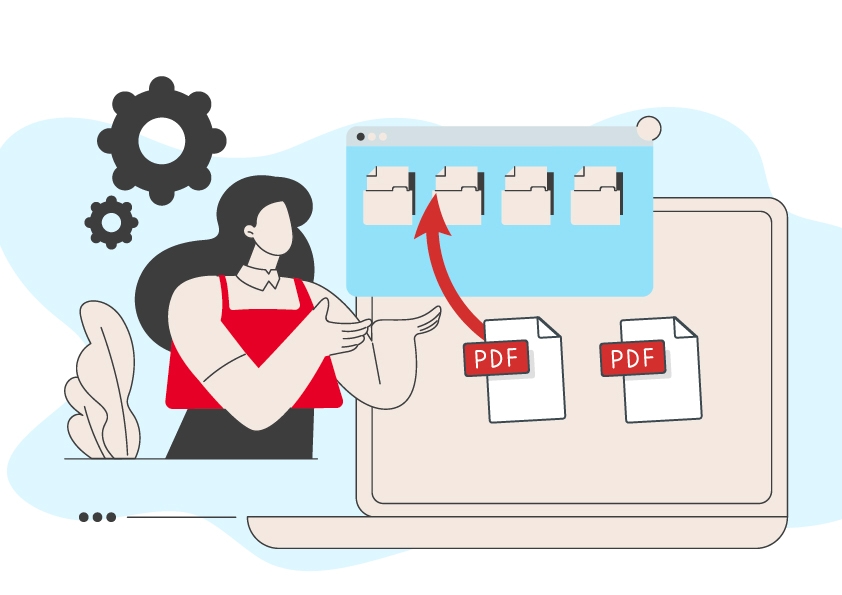
With its simple and accessible user interface, MobiPDF is the easiest tool to combine PDF files. Just drag and drop the files you want into the combine tool area or preview and move entire files to their correct spot in the new PDF.

Reorganize pages
Assemble PDF pages in any order you wish. Add, delete, move, or rotate pages to create easily viewable PDFs that are as complex as you want them to be.

Secure PDF merging
MobiPDF’s PDF combiner works with password-protected files. Once ready, you can protect the new PDF and share it with others for viewing or commenting.

Split documents
Divide your PDF into individual pages or extract specific pages to form a new PDF document. You can also select a range of multiple pages.

Why users prefer our PDF combiner

MobiPDF’s combiner makes file management simple. The software focuses on core PDF editing tools that most people use and has a simple and practical user interface that anyone can understand right away. MobiPDF is flexible to serve any industry and powerful enough to edit any PDF document, allowing you to focus more on your work and less on the tools you use to get it done.
FAQ
The PDF file combiner is a useful tool for everyone who edits and creates content in a PDF format. Whether it's a list of documents shared between team members, specific chapters from a fictional book, scanned pages from multiple sources, or any other type of PDF, you can easily collect and organize this and more into a single document. You could then further optimize your file by rearranging the PDF page order and deleting the unnecessary extras with the PDF combiner.
The combine PDF tool allows you to do much more than just merge two or more PDF files together. Once you've merged the files, you could then continue browsing the pages and delete, add, or move pages around as you go until you are satisfied with the final result. The combiner to PDF is a complete tool for merging multiple PDF files and is also perfect for organizing the pages of the newly combined file.
There are plenty of free PDF combiners that allow you to merge files online. This might seem as a quick and cost-free solution for many users who are not concerned about the safety of their files or who just need to merge files together. The PDF combine tool in MobiPDF works completely offline and so your files are safe on your local device. Another advantage is that you can organize and manage the pages in the newly merged file by either rearranging, deleting, or moving them around however you want.
It does! In fact, that is one of the main reasons why businesses of any size do it in the first place. Your files will also be much easier to read and navigate and you will be able to email them to your friends or colleagues as a single attachment.
Scanned PDFs don’t differ in any way from regular files. With MobiPDF, you can drag and drop any amount of scanned images directly into the PDF combiner window. You can also move around and preview each of the files before combining them.
You can effortlessly merge two or more DOCX files together, provided you convert to PDF first. To ensure the best conversion results for multilingual documents, you will be asked to select up to three languages that are present in your files. Note that to use MobiPDF’s Word to PDF converter, you need to be subscribed to our Ultimate plan.
You can freely merge multiple PDFs and images into a single file, as well as rearrange their order in a way that best matches your intended result.
To combine secure files, you need to know their passwords beforehand. If your files don’t feature any passwords, MobiPDF allows you to add up to two passwords and industry-standard encryption to ensure their safety.
Get more PDF tips straight from our experts