
Get reliable PDF to Word conversions

How to use our free online PDF to Word converter
1. Upload your file.
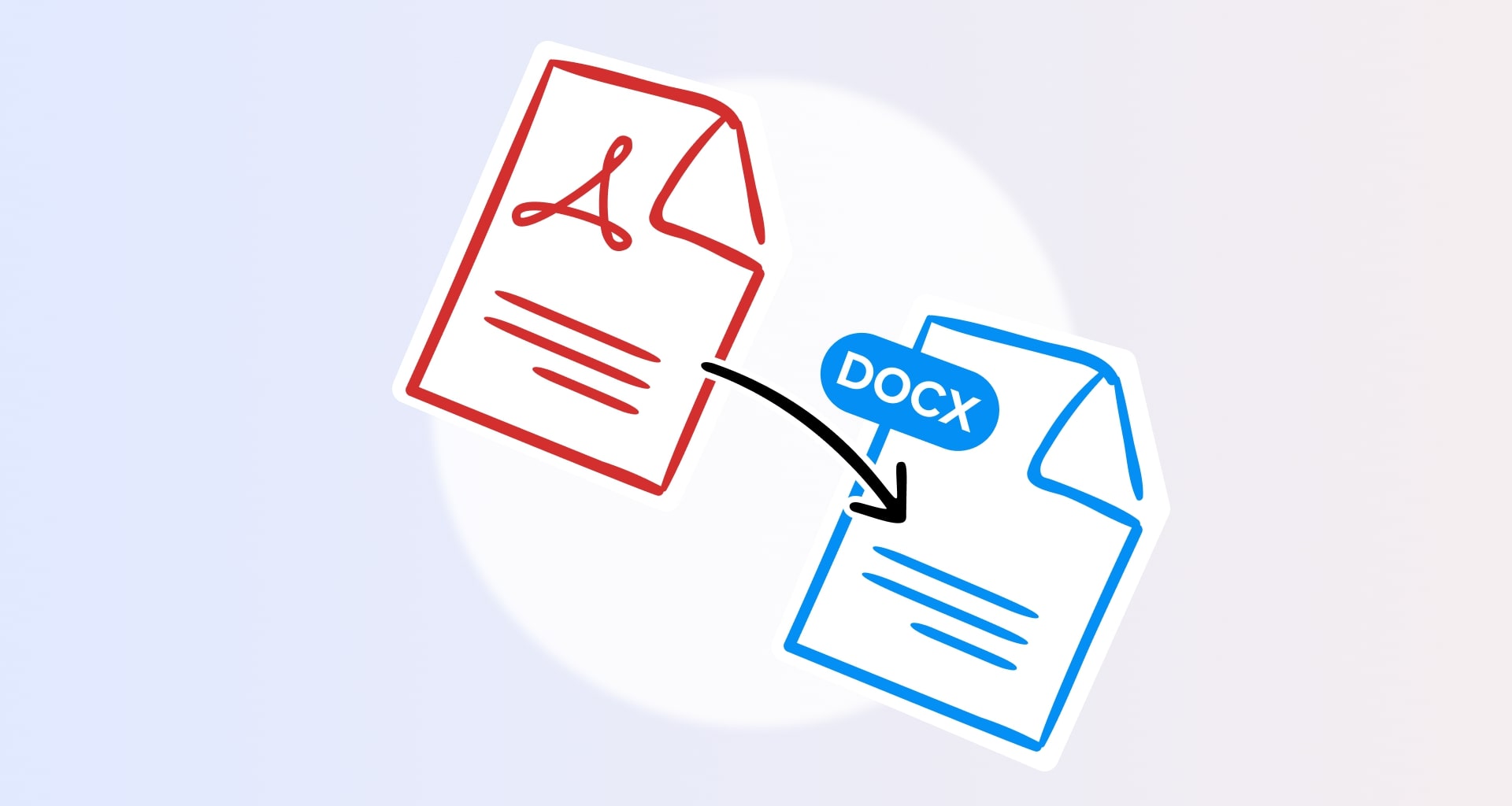
Simply drag and drop your PDF or DOCX file to upload it and begin the conversion process.
2. Download your file.
Once the conversion is completed, click on "Download your file" and choose where you want to save it.
Reasons to convert with us
A converter that works
A converter that works

Nothing gets shared
Nothing gets shared

No software needed
No software needed

Get more with MobiPDF Windows
Your results are only as good as the tools you use. MobiPDF for Windows is an all-in-one PDF tool that gives you unlimited conversions, is compatible with all Windows 10 and 11 devices, and offers features like OCR (optical character recognition).
Scan PDFs to editable Word files
Stop endlessly retyping documents. Easily recognize the texts in your scanned copy and turn them into an editable DOCX file using OCR (optical character recognition) technology. Compress your new PDF for faster and easier sharing via email or the cloud.


Stay safe with DOCX to PDF conversions
Want to share your Office 365 Word files with restricted PDF permissions? Our reverse conversion from a Word file to a PDF is what you need. Convert select pages or the entire DOCX into a PDF and open it as a read-only file on any device and operating system.

FAQ
If you don't want to install any specialized software on your device, you could simply use our secure PDF to Word converter. It's free and available 24/7, as long as you have a reliable internet connection.
Unfortunately, you cannot open or change a PDF file directly in Microsoft’s word processing software. The only way you can make this work is if you first convert your PDF to DOCX with the help of our online converter or MobiPDF Desktop.
By using a quality converter! Unlike most free online tools which often reduce the quality and break the formatting of the converted file, MobiPDF Desktop’s converter ensures that your Word file's formatting and layout will be just like that of the original PDF.
MobiPDF for iOS and Android turns your everyday camera into a professional scanner, allowing you to easily digitize your paperwork into an editable DOCX file on the go.
We’ve taken all measures to make our online converter as safe as possible by deleting your private data the moment you download your converted file. If you’re dealing with especially sensitive files, as an extra precaution you can use MobiPDF Desktop’s advanced security features to ensure that nobody will be able to access your files.
If you’re using our web converter, you may have uploaded a file larger than 10 MB. If that’s the case, try compressing it first before reuploading it. If you want to convert a file from PDF to Word on Windows, check if the file you want to convert ends in .docx or .pdf as you may have accidentally loaded an unsupported file.
Get more PDF tips straight from our experts


See what else is possible with MobiPDF


