The original, trademark Mobisystems Logo.

Tips en aanwijzingen

separator

Krijg alle functies van MobiOffice en MobiPDF onder de knie met onze gedetailleerde handleidingen en tutorials. Of je nu kanteltabellen wilt invoegen of PDF's wilt bewerken, op ons kun je rekenen.


Illustration of a PDF document being converted to RTF (rich text) format, indicating file conversion.
29 apr 2024read time7 min

Hoe PDF converteren naar RTF (Rich Text Format)

art direction image
23 apr 2024read time7 min

Pagina's omzetten naar PDF

Graphic showing a PDF document being transformed into HTML (web) format, indicating file conversion.
11 mrt 2024read time7 min

Hoe PDF omzetten naar HTML-code

Close-up image of computer keyboard keys: Ctrl, C, and V, representing copy and paste functions.
8 mrt 2024read time8 min

Een Word-document kopiëren

Envelope icon pointing to a PDF file, illustrating email to PDF conversion.
26 feb 2024read time4 min

Een e-mail opslaan als PDF onder Windows, macOS, Android en iOS

art direction image
20 feb 2024read time6 min

Zo kies je een gratis tekstverwerker

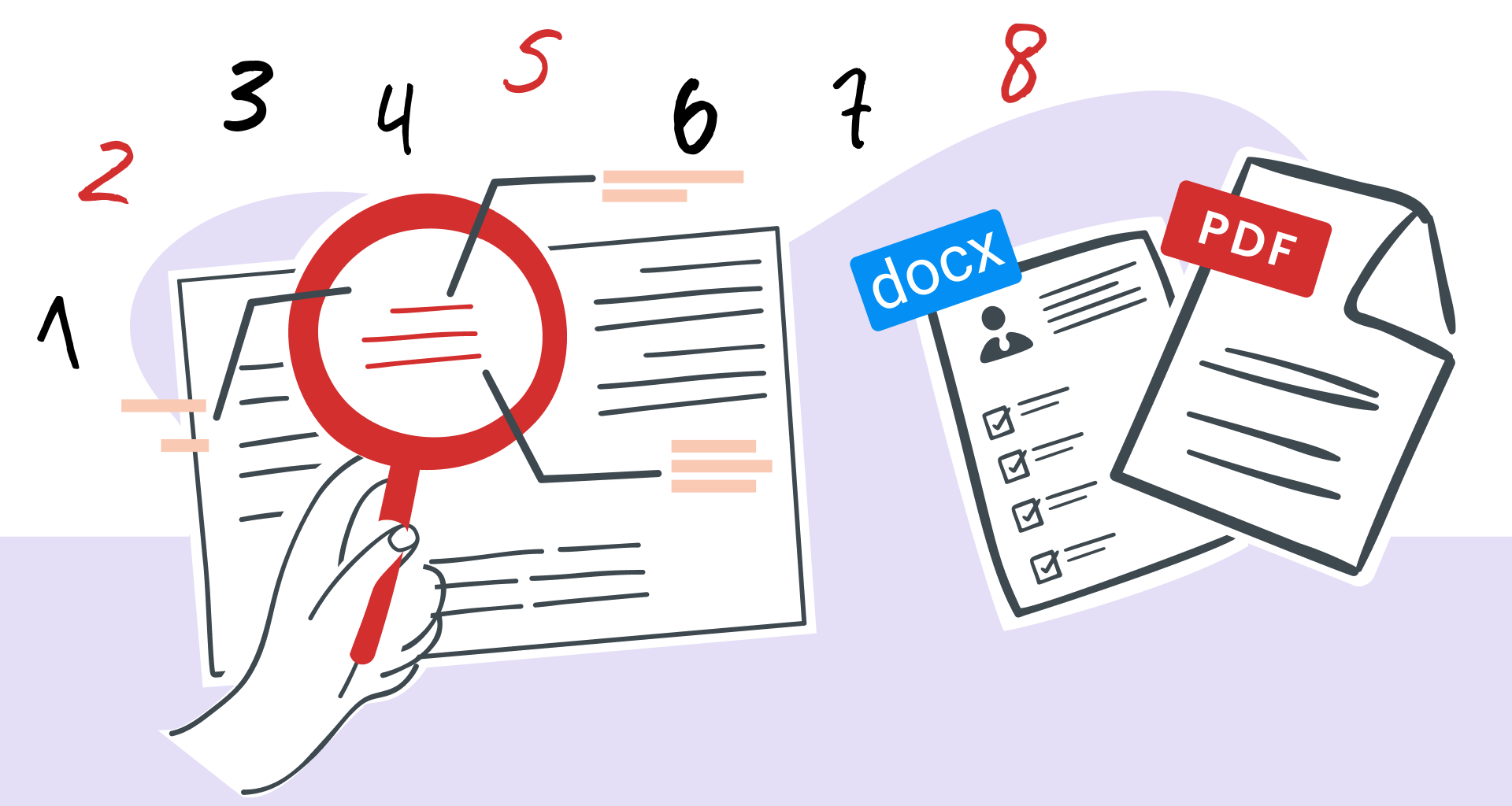
Magnifying glass over PDF text, highlighting easy document search and editing.
29 jan 2024read time7 min

Woorden op een pagina zoeken met MobiPDF: eenvoudige gids voor 2026

Learn the ins and outs of copying PDF text without errors.
8 jan 2024read time8 min

Tekst uit PDF kopiëren als een baas (en veelvoorkomende problemen oplossen)

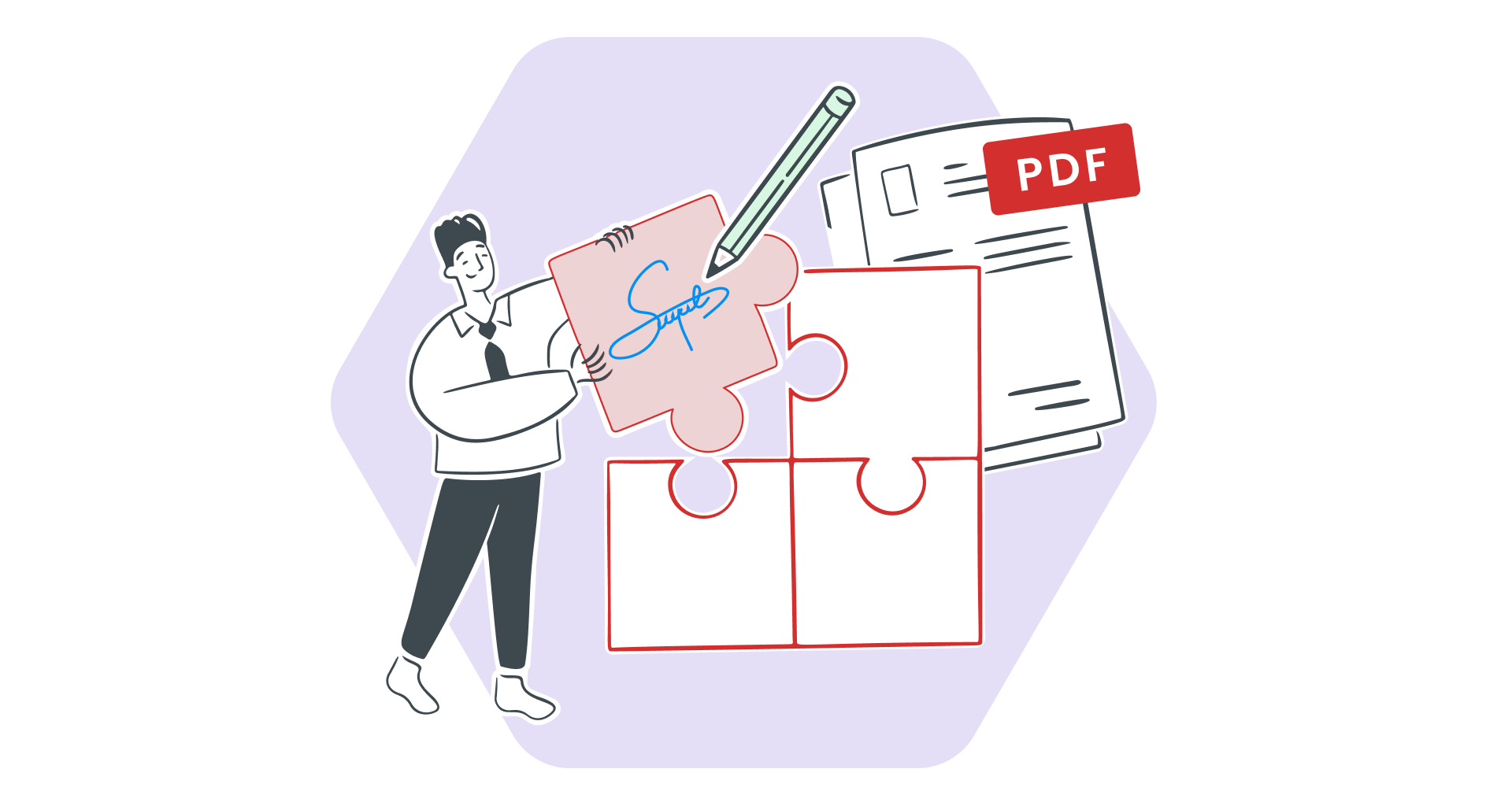
Want the best of both worlds? Learn how to seamlessly edit PDFs on Windows and from your phone.
27 nov 2023read time4 min

Bestemming voor meerdere platforms - PDF's naadloos bewerken onder Windows en onderweg ondertekenen

art direction image
22 nov 2023read time5 min

Een draaitabel verwijderen met MobiSheets | Stapsgewijze instructies

Illustration of a PDF document being converted to PPTX (PowerPoint) format, indicating file conversion.
23 okt 2023read time8 min

Hoe PDF naar PowerPoint converteren

Woman scanning a document on her phone, demonstrating mobile capture technology.
25 sep 2023read time10 min

Een document scannen op de iPhone en verder werken onder Windows