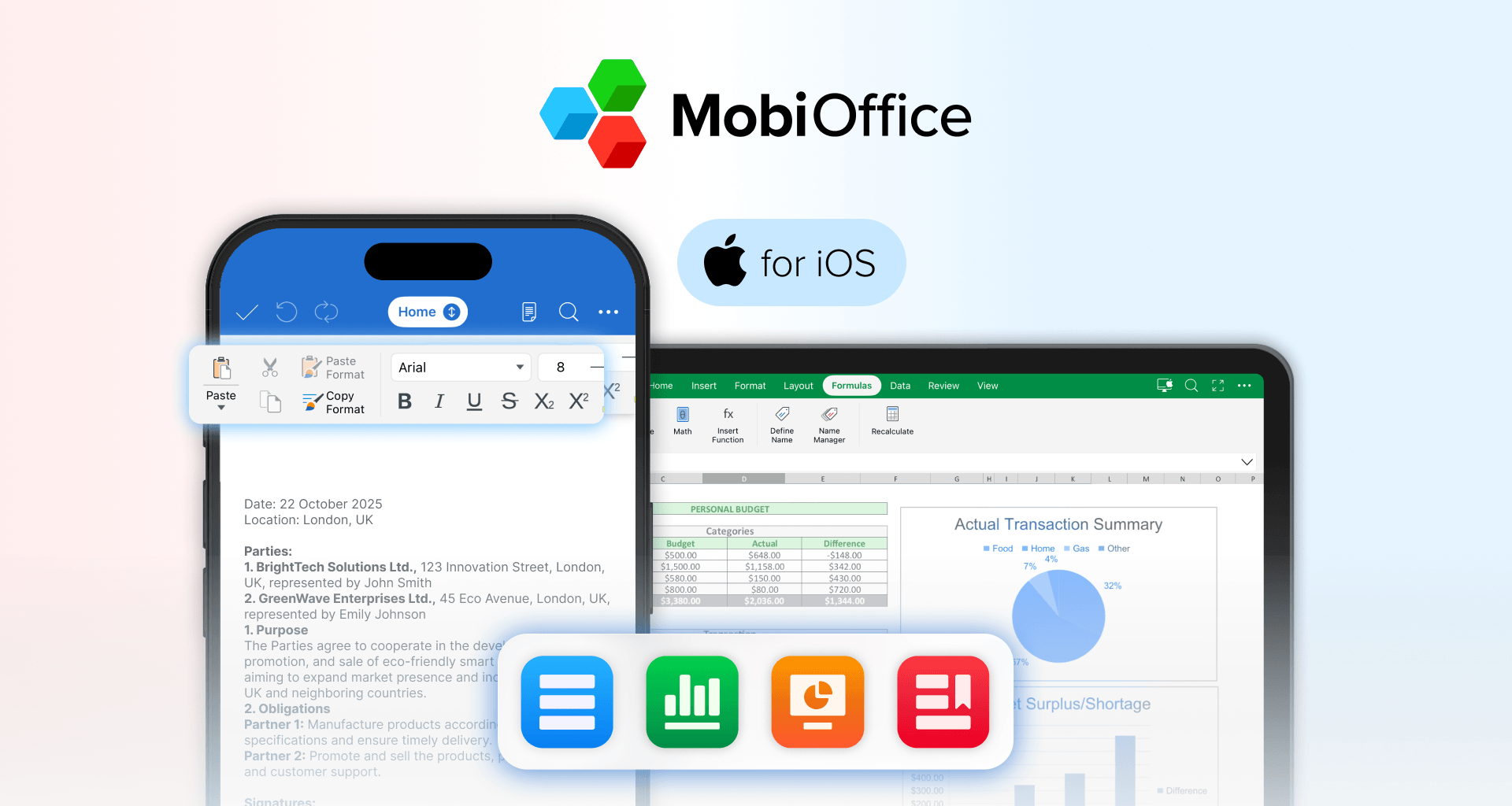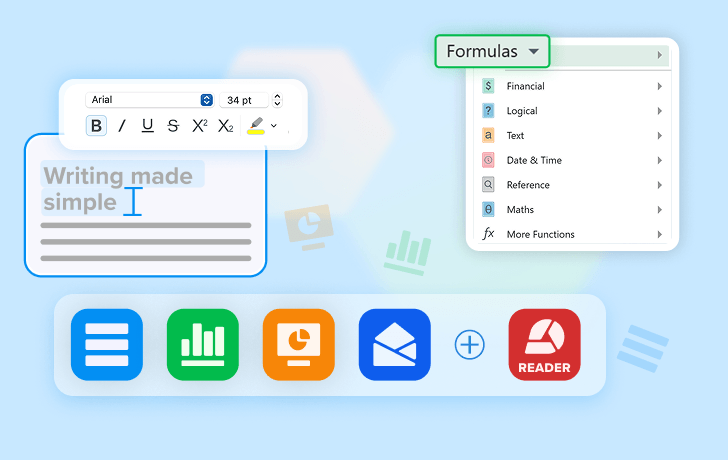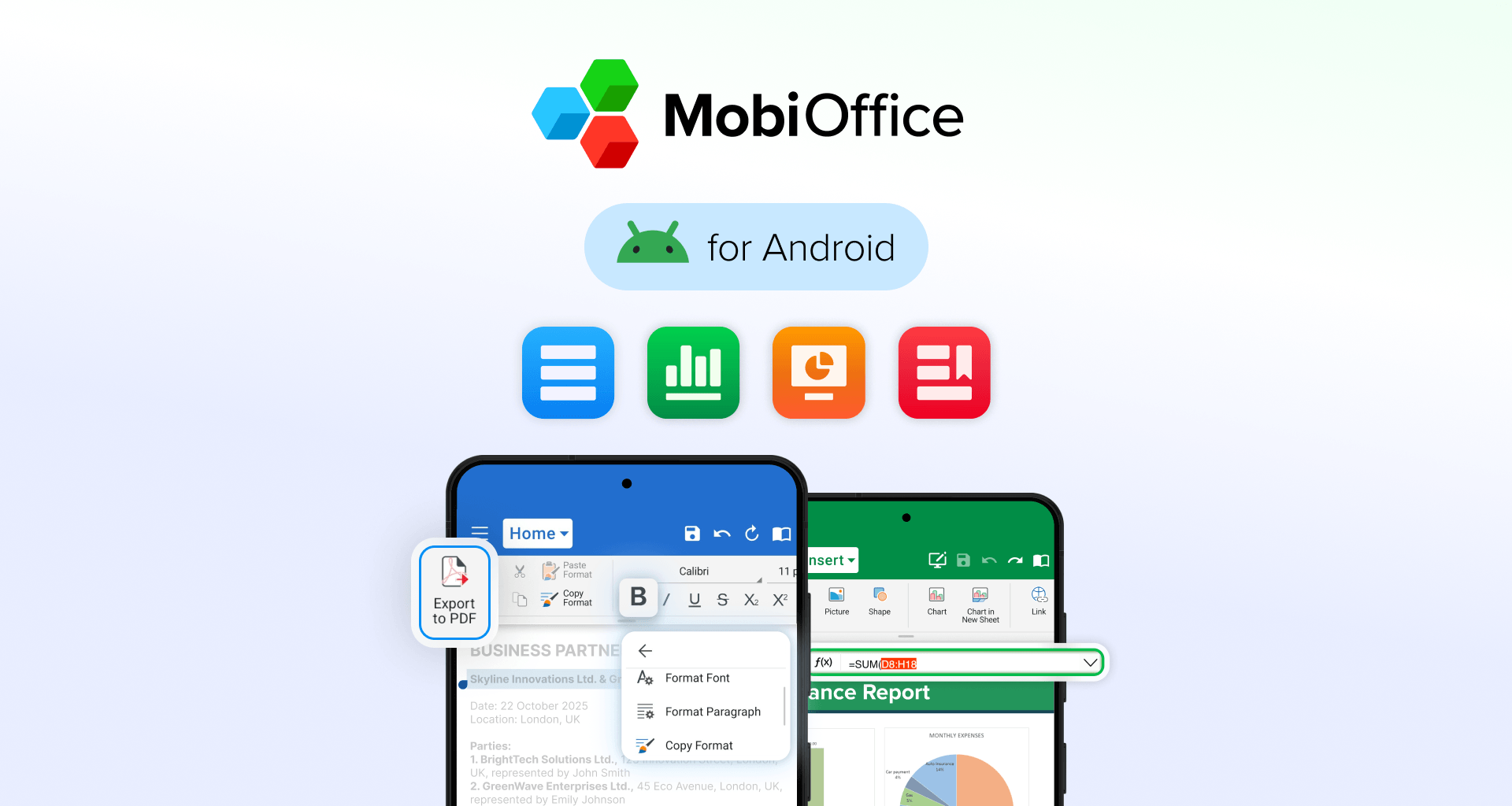
MobiOffice for Android is what any busy person would love to have on-the-go – it gives you the tools to create, edit, and manage documents directly from your phone or tablet. Yes, it’s that easy.
But what about the plans and pricing? The app is free to download, with access to essential features right away. For more advanced functionality, you can upgrade through optional in-app subscriptions, depending on your needs.
App availability
MobiOffice for Android is available on Google Play and can be installed in just a few taps.
Once downloaded, you can start using the app immediately and explore its core features before deciding whether to upgrade.
Pricing model
MobiOffice follows a free download + in-app purchase model on Android.
This means:
You can use the app for free with basic functionality
Premium features are unlocked through paid subscriptions
Because pricing is localized, what you see may vary depending on:
Your country or region
Local currency
Google Play pricing policies and tiers
The most accurate pricing and available offers are always shown directly inside the app.
Subscription plans on Android
However you plan to use MobiOffice, you can choose a subscription that fits your pace and priorities. On Android, premium access is typically available through:
Monthly subscription A flexible option for short-term use or trying out premium features.
Yearly subscription A more cost-effective option for regular users, offering better value over time.
Available plans, pricing, and offers may differ by region, so check your app for the latest options.
How to buy a subscription
Upgrading is quick and handled securely through Google Play:
Install MobiOffice from Google Play
Open the app
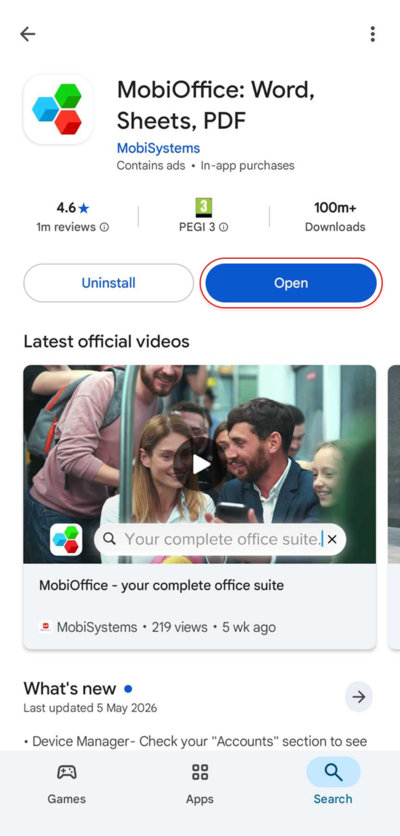
Tap Upgrade or Go Premium
Select a subscription plan
Confirm your purchase via Google Play
Your subscription will be linked to your Google account.
Managing your subscription
You can manage or cancel your subscription at any time through your Google Play account settings.
Changes such as cancellations will take effect at the end of your current billing period, after which your access will return to the free version.
Group and business licenses
For teams that want to stay aligned, reduce software costs, and keep work flowing across devices, MobiOffice offers flexible group and business licensing options.
These plans are designed for organizations that need:
Multiple user access
Centralized license management
Scalable solutions that grow with your team
If you're interested in Android group licenses or business plans, please contact us directly for more information and pricing.
Conclusion
MobiOffice for Android is an easy-to-use mobile app offering a complete set of office tools that is free to download and get started with instantly. When you need more advanced features, you can upgrade anytime through flexible in-app subscriptions, or explore business licensing options if you're working with a team.