The original, trademark Mobisystems Logo.

Procedimiento

separator

Domina todas las funciones de MobiOffice y MobiPDF con nuestras guías y tutoriales especializados. Tanto si quieres insertar tablas dinámicas como editar archivos PDF, nosotros te ayudamos.


Illustration of a PDF document being converted to RTF (rich text) format, indicating file conversion.
29/04/2024read time7 min

Cómo convertir PDF a RTF (formato de texto enriquecido)

art direction image
23/04/2024read time7 min

Cómo convertir páginas a PDF

Graphic showing a PDF document being transformed into HTML (web) format, indicating file conversion.
11/03/2024read time7 min

Cómo convertir PDF a código HTML

Close-up image of computer keyboard keys: Ctrl, C, and V, representing copy and paste functions.
8/03/2024read time8 min

Cómo copiar un documento de Word

Envelope icon pointing to a PDF file, illustrating email to PDF conversion.
26/02/2024read time4 min

Cómo guardar un correo electrónico como PDF en Windows, macOS, Android e iOS

art direction image
20/02/2024read time6 min

Cómo elegir un procesador de texto gratuito

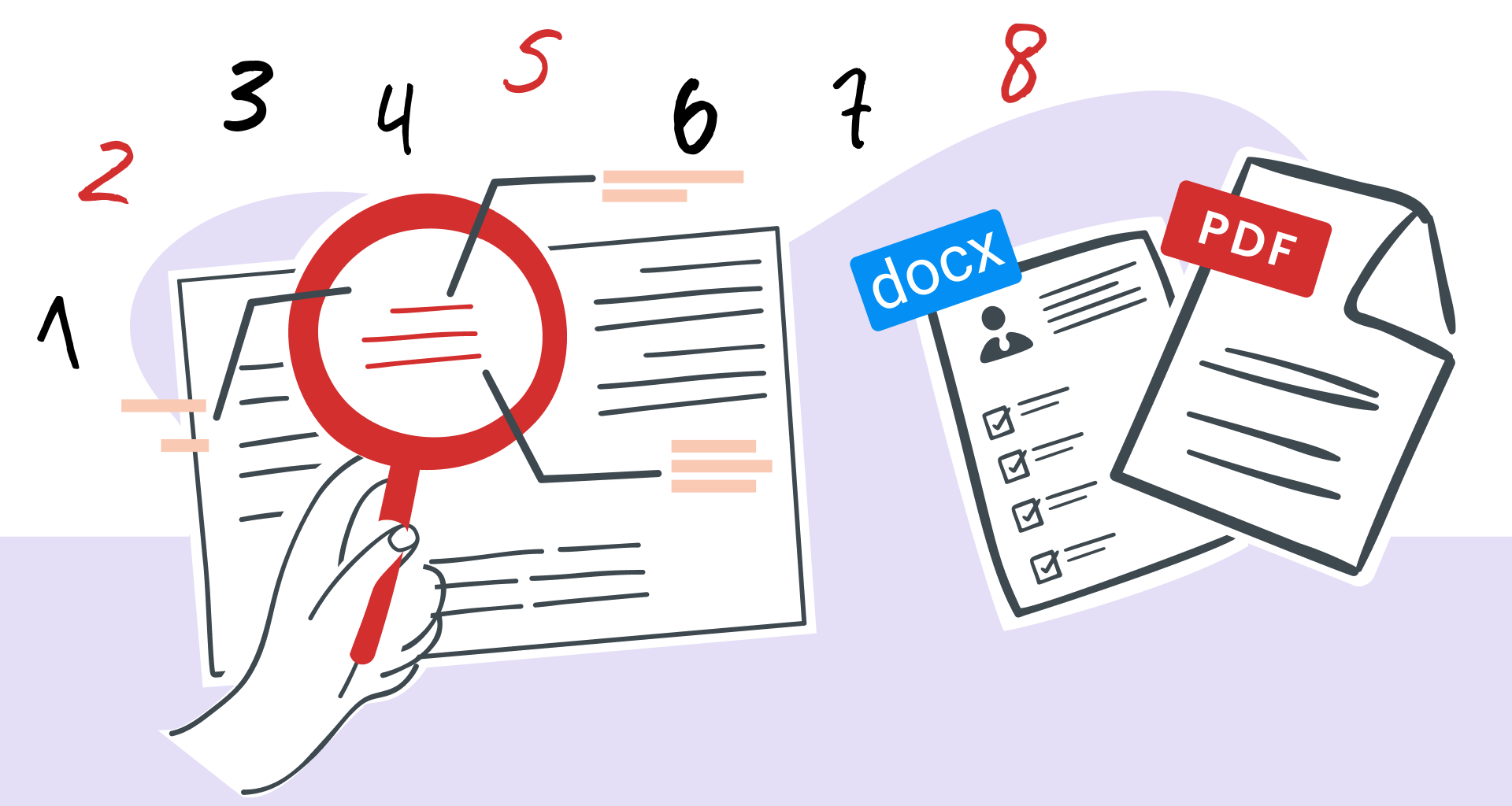
Magnifying glass over PDF text, highlighting easy document search and editing.
29/01/2024read time7 min

Cómo buscar palabras en una página con MobiPDF: guía sencilla 2026

Learn the ins and outs of copying PDF text without errors.
8/01/2024read time8 min

Cómo copiar texto de un PDF como un jefe (y resolver problemas comunes)

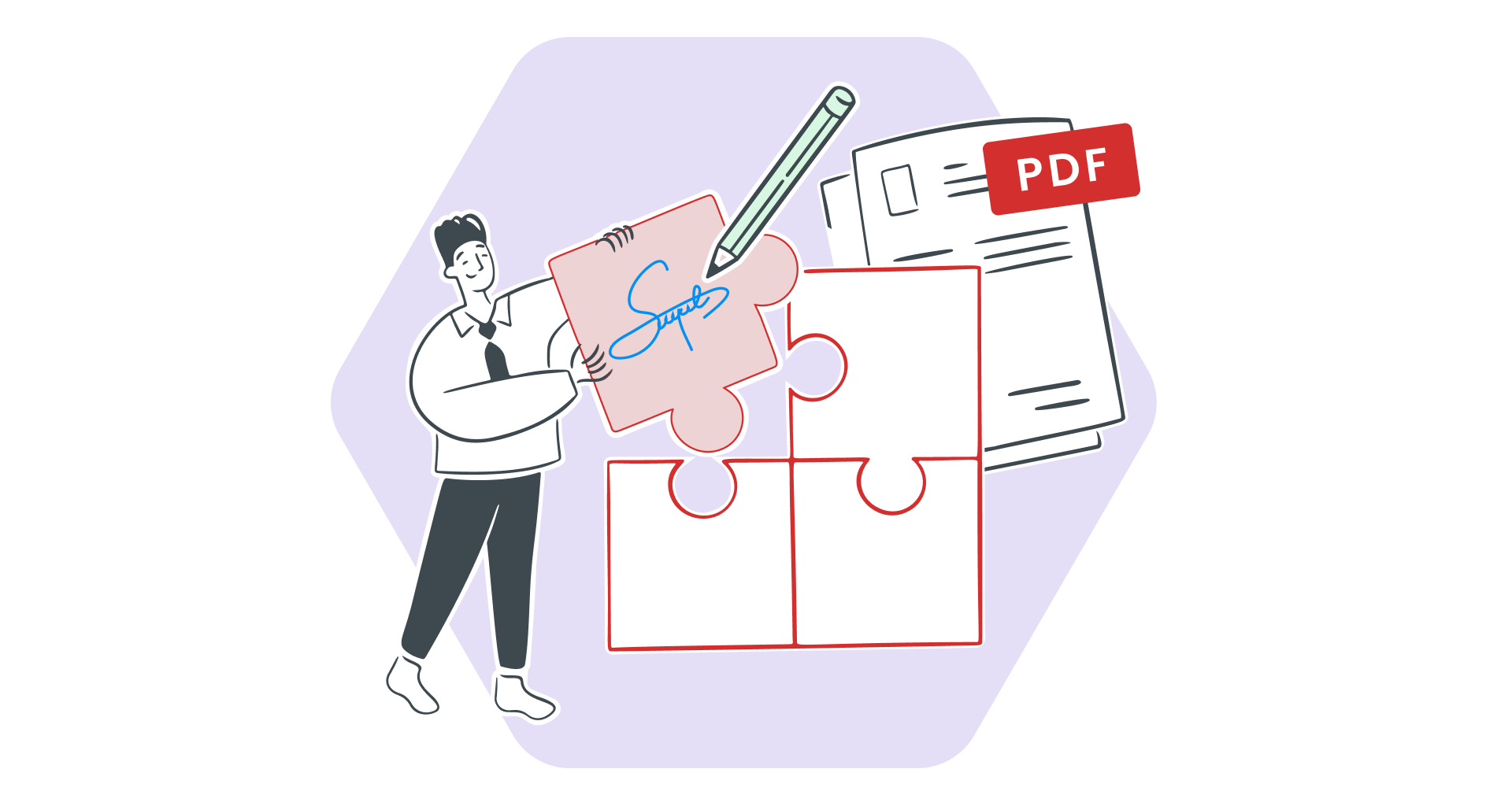
Want the best of both worlds? Learn how to seamlessly edit PDFs on Windows and from your phone.
27/11/2023read time4 min

Destino multiplataforma: cómo editar PDF sin problemas en Windows y firmar sobre la marcha

art direction image
22/11/2023read time5 min

Cómo eliminar una tabla dinámica con MobiSheets | Instrucciones paso a paso

Illustration of a PDF document being converted to PPTX (PowerPoint) format, indicating file conversion.
23/10/2023read time8 min

Cómo convertir PDF a PowerPoint

Woman scanning a document on her phone, demonstrating mobile capture technology.
25/09/2023read time10 min

Cómo escanear un documento en el iPhone y seguir trabajando en Windows