

Introduction to MobiDocs
MobiDocs is the word processor in the MobiOffice suite. Use it to write, edit, format, and share documents on Windows, Mac, Android, iOS, and the web. This article introduces what MobiDocs does, which devices it runs on, and how it fits into MobiOffice. Use it as your starting point before you move on to specific tasks like creating and formatting documents.
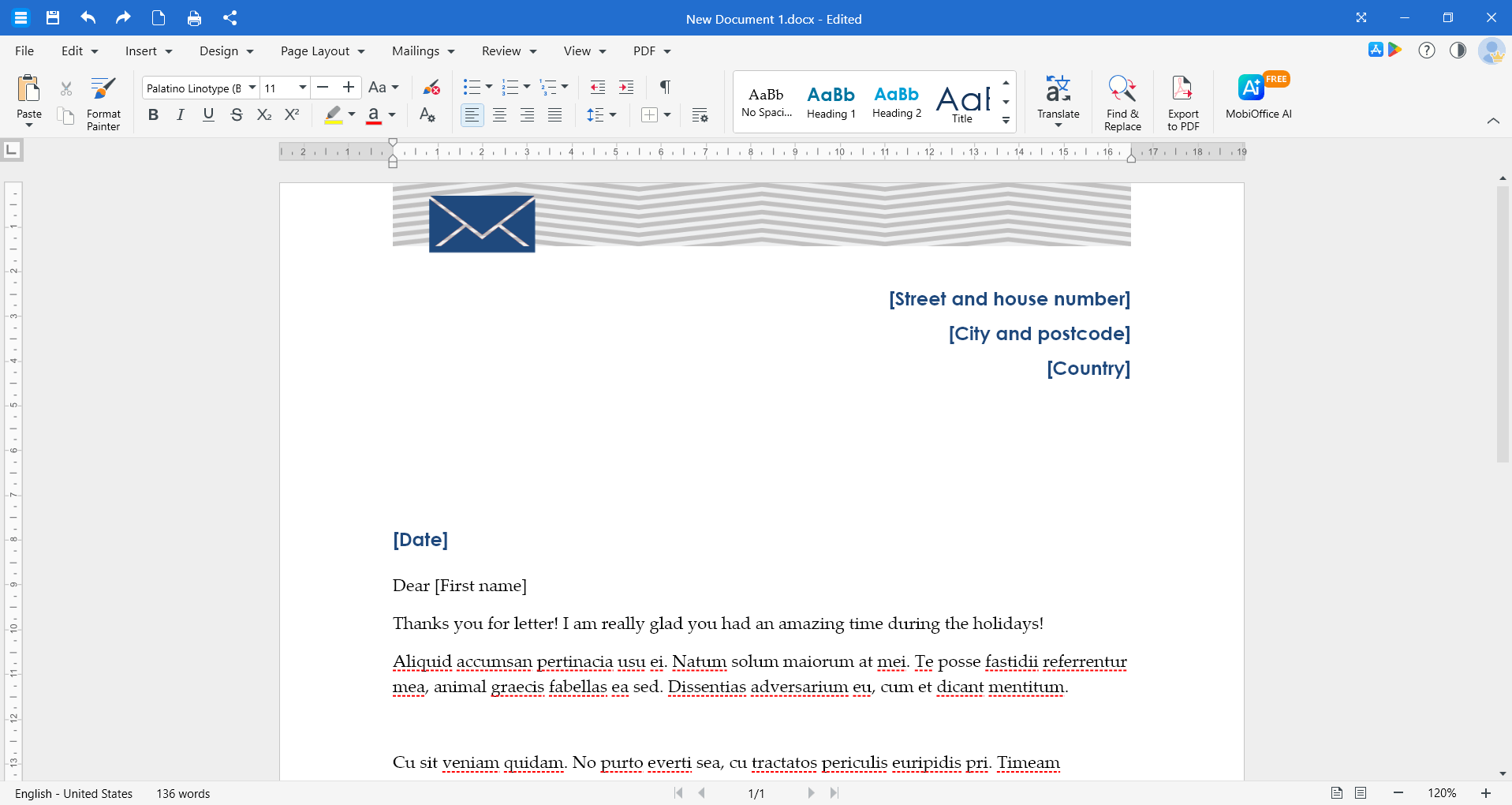
What you can do with MobiDocs
MobiDocs covers the everyday document work you'd expect from a word processor, plus a few extras:
Edit Microsoft Word files. MobiDocs opens and saves DOCX, DOC, RTF, TXT, and ODT files, so you can keep working with documents from Word, Google Docs, and other office tools.
Format documents. Adjust fonts, colors, bullets, headings, images, tables, and objects. Use Format Painter to copy formatting from one section to another.
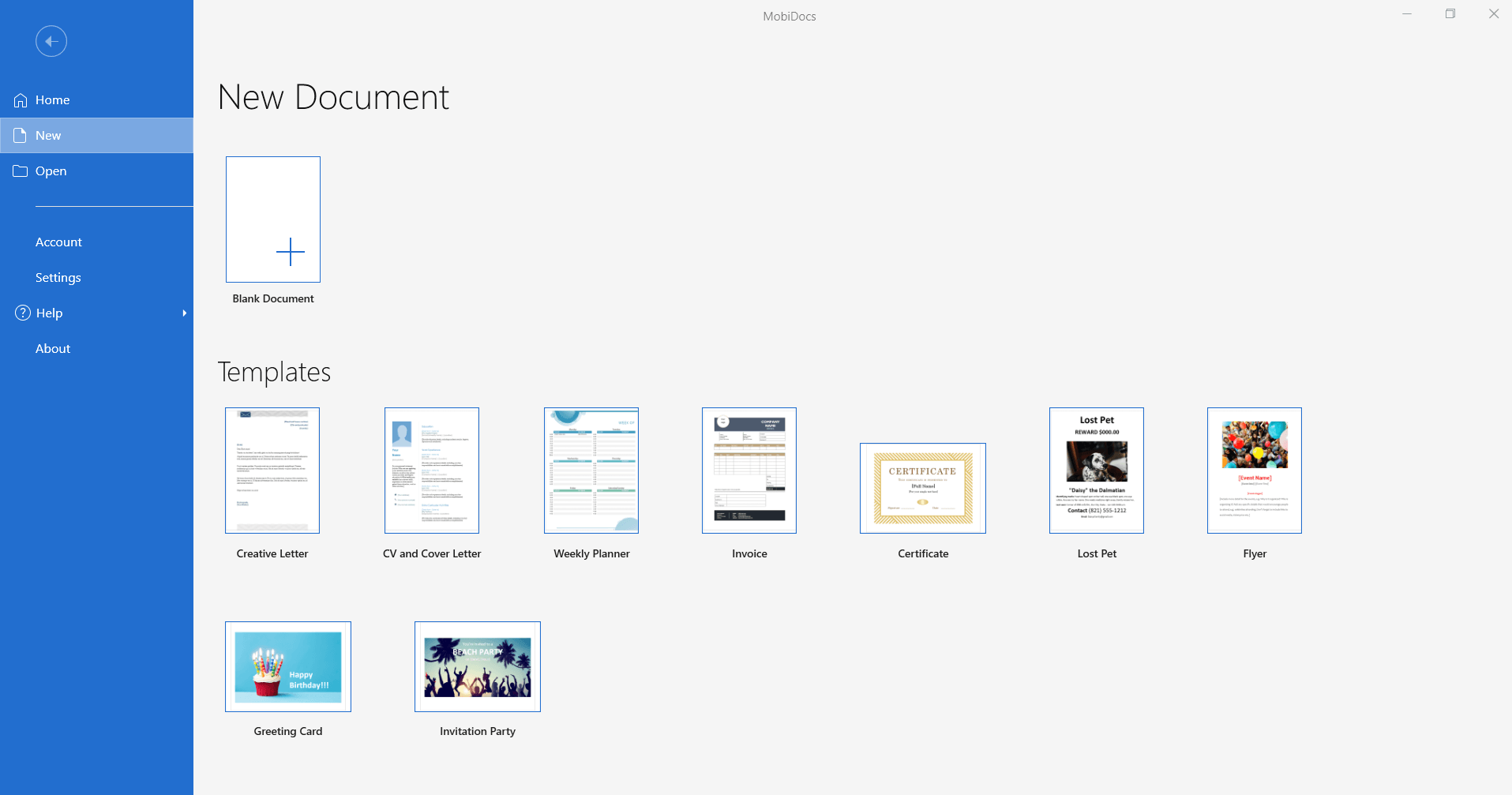
Start from a template. Use ready-made templates for resumes, cover letters, contracts, and other common documents.
Convert documents to PDF. Save a finished document as a PDF when you need a fixed version to share.
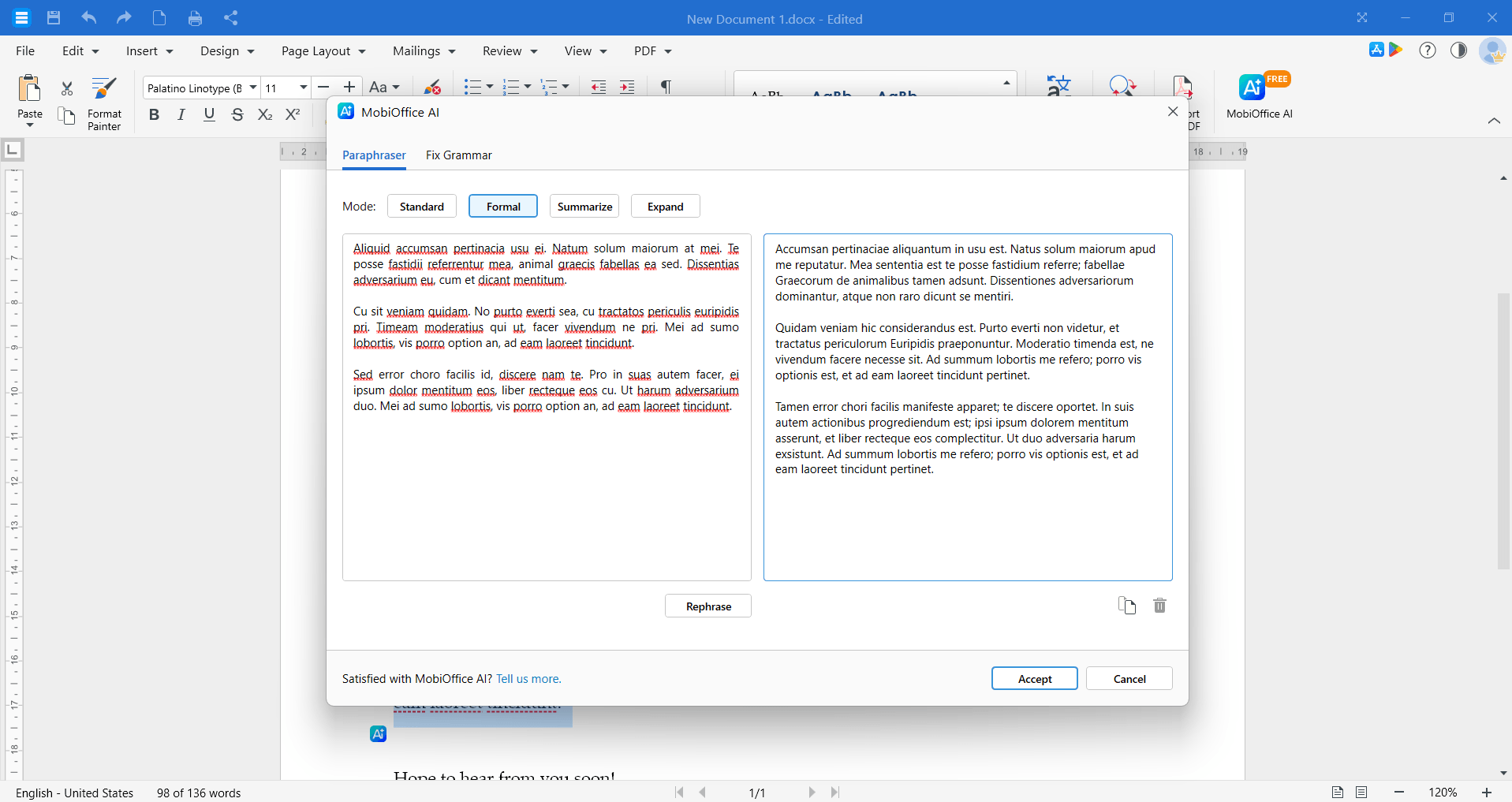
Use the AI writing assistant. Fix grammar, summarize long text, expand short notes, or paraphrase a paragraph.
Review and collaborate. Use Track Changes, add comments, and review suggestions before you accept or reject them.
Structure long documents. Add Themes, Columns, and a Table of Contents to make longer documents easier to read.
Supported platforms
You can use MobiDocs on:
Sign in with the same MobiSystems account on each device to keep your subscription, settings, and files in sync.
How MobiDocs fits into MobiOffice
MobiDocs is one of four apps in MobiOffice:
MobiDocs for documents
MobiSheets for spreadsheets
MobiSlides for presentations
MobiMail for email (Windows only)
MobiOffice also includes the free MobiPDF Reader for viewing PDFs. You can install the full suite and use only the apps you need.
Where your files are saved
MobiDocs saves files to your device by default. You can also save and open files from:
MobiDrive, the MobiSystems cloud (storage depends on your plan)
Google Drive
OneDrive
Dropbox
When you sign in with the same MobiSystems account on another device, your MobiDrive files are available there too.
Where to go next
Pick the guide that matches what you want to do:


