

Creating PDFs - Creating with a PDF combiner
Creating PDFs using a PDF combiner
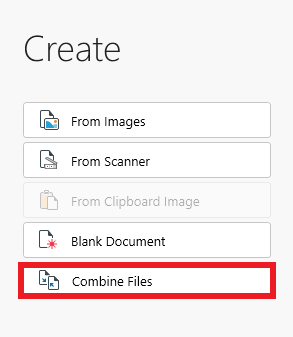
Merging PDF files together is a good way to keep your work organized and also save on storage space. This functionality in MobiPDF is similar to creating a PDF from an image, with the exception that you can use the “Combine Files” feature to merge both PDFs and images.
Here is how this works in practice:
1. Click on “Combine Files”.
2. Choose the files you want to upload or drag and drop them into the user interface, just like you would when creating a PDF from an image. Similarly, you can also rearrange the order of your files before committing to the final result.
3. Click “Combine” to create your new file.


